TikTok Music
TikTok music has to earn the next second. It can start a dance, make a fit check feel cinematic or turn a late-night thought into a small scene. Browse Suno’s library of AI-made tracks for beats, moods and unexpected details that help you choose a direction, then make music around your own clip. For a sharp transition, a cosy voiceover or a full visual story, start with sound that makes the clip worth pausing for.
Showing 12 of 12
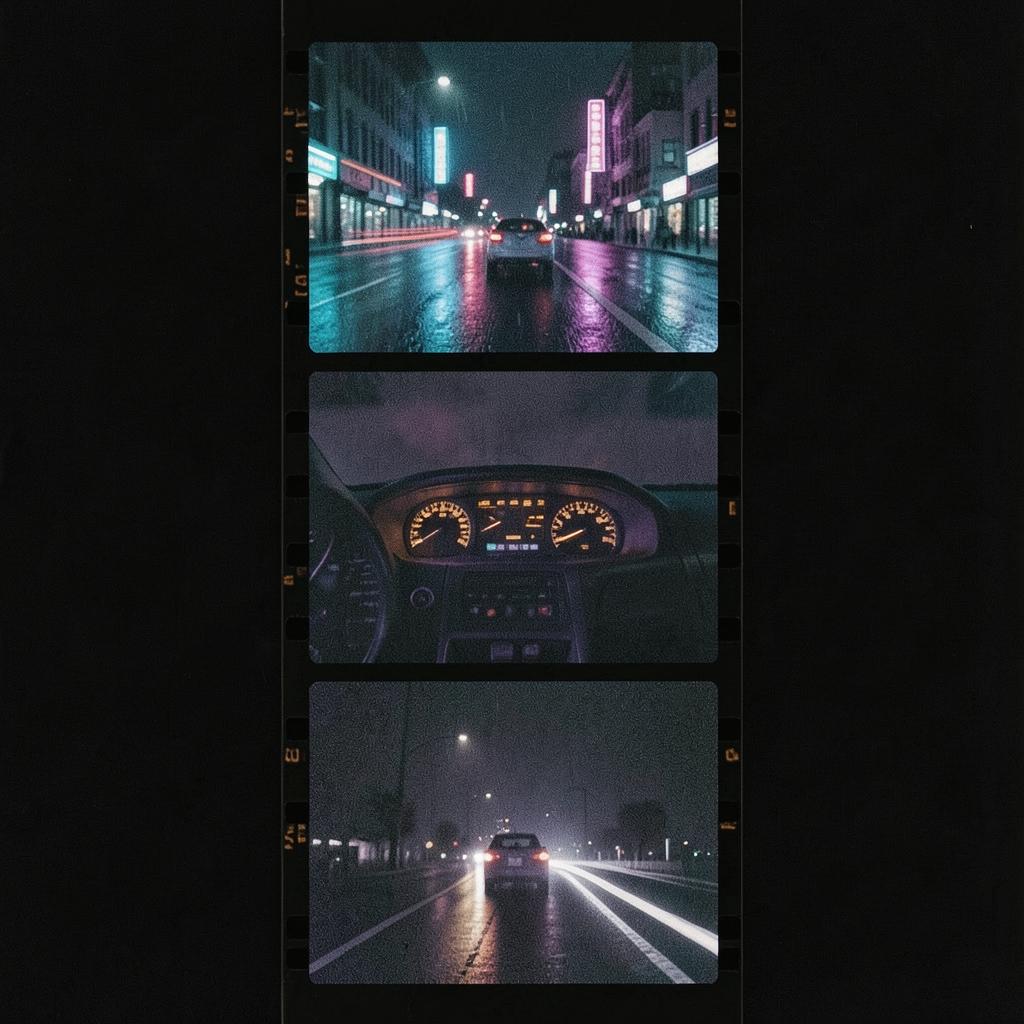
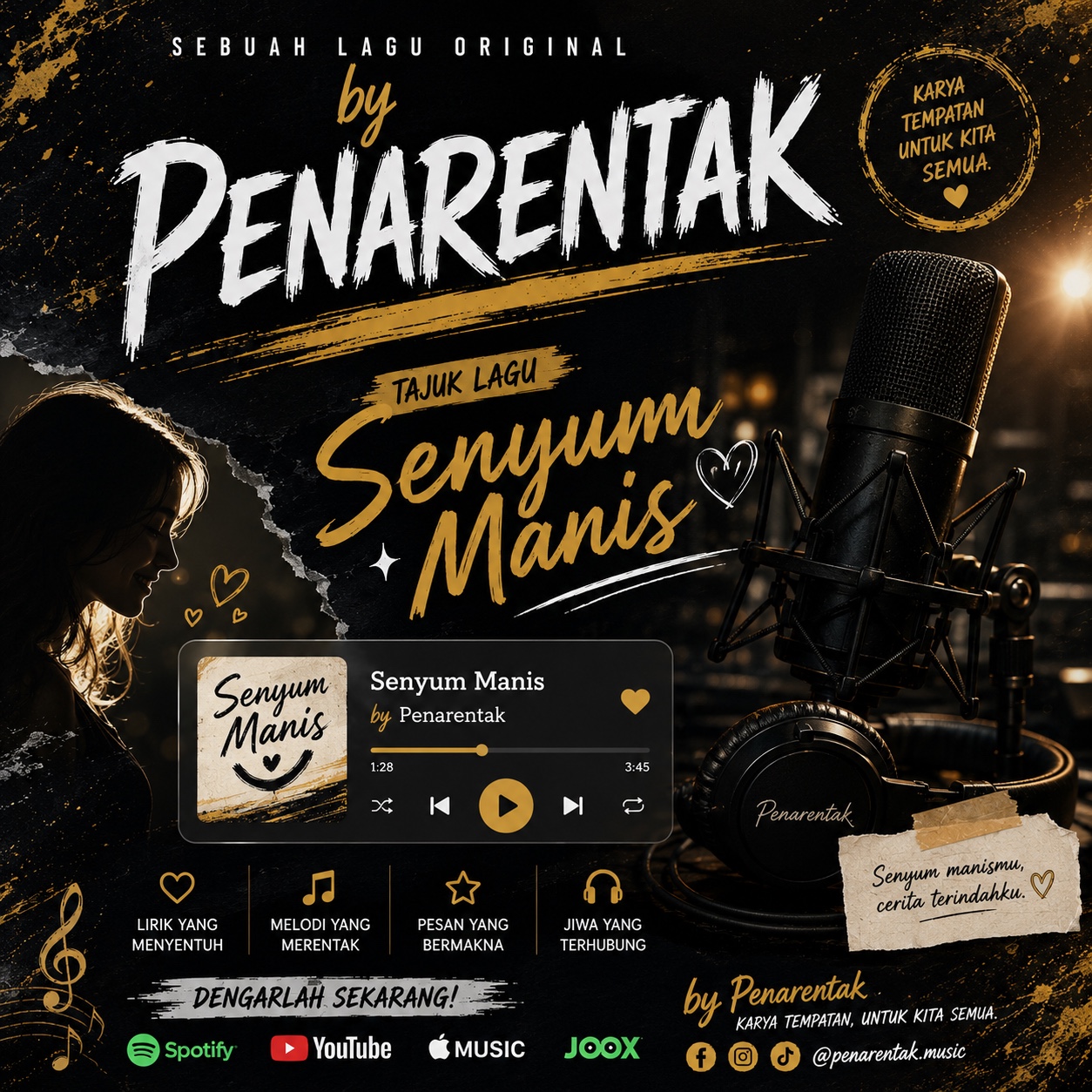





Find TikTok music that fits your video
Great TikTok music often stands out through its character more than its genre. A clipped drum pattern can make a makeup reveal feel precise. A glossy synth line can make a city walk feel vivid. A warm guitar loop can give a recipe, studio tour or morning reset a relaxed feel. When you browse, listen for details that shape the scene. A bass entrance can land with the cut. A vocal texture can make a caption feel more intimate. A strange little flourish can give the edit a distinct character.
Start with the feeling of the video. It might feel playful and chaotic, cool and composed or soft around the edges. As you browse the library, keep your audience in mind. A dance challenge needs a different kind of lift from the sound beneath a storytime. A product teaser can be crisp and kinetic. A day-in-the-life clip may want room for the voice to lead. Use the tracks here for ideas, then make music with the pace, colour and attitude your idea needs.
Build a hook that fits the edit
TikTok rewards movement, and music can give that movement a shape. Think in beats. Use the first hit for the opening image, a lift for the reveal and a pocket that leaves room for the text. You do not need to cram every moment with sound. Contrast can be the hook. A quiet opening followed by a bright chorus can give a simple before-and-after more impact. A tight loop can keep a repeated gesture feeling fresh. A sudden stop can sharpen a punchline.
Match the energy to the edit you actually have. Fast cuts love percussion with clear edges. Slow pans can sit inside a wider atmosphere. Talking clips need space around the words. If your video is built around a trend, let the music bring one unexpected colour so it does not blur into the feed. If it is personal, follow the emotion all the way through. Suno helps unlock a starting point. Browse AI-made tracks, notice what makes one fit the picture and make music that supports the story without crowding it. The right choice supports the picture and keeps its character clear. Loudness is only one part of the decision.
Make the track part of the story
The most useful TikTok music gives you something to cut against. Pair a track with your rough idea and consider how they work together. Look for an opening with enough shape, a clear moment for the reveal and an ending that leaves the final frame clear. This turns browsing into a way to shape the edit.
You can build from a mood, a visual reference or one tiny moment you want to land. It might be the click of a camera, the first look at a finished outfit or the calm after a crowded day. Let that image guide the tempo and texture. Keep refining until the music belongs with the clip. Suno can help you find a sound and make music for the TikTok video you are shaping.
Frequently asked questions
- How do I choose music for a TikTok video?
- Start with the clip’s emotional centre and its edit pattern. For a dance, look for a beat with lift and clear moments to hit. For a talking video, choose texture that leaves space for the voice. For a reveal, listen for an entrance or change you can build towards. Browse Suno’s AI-made tracks for those cues, then make music that fits the pace, tone and visual detail of your idea.
- Can Suno help me make music for TikTok?
- Yes. Suno uses AI to make music. You can browse AI-made tracks for inspiration and make your own music around a video concept, mood or moment. Decide whether the sound should feel bright, strange, tender, punchy or restrained. Before posting, check the rules and terms that apply to your TikTok use case.
- What kind of TikTok content can this music support?
- Think beyond dance clips. AI-made music can help shape transitions, outfit reveals, recipe edits, travel clips, gaming highlights, comedy beats, storytimes and quiet day-in-the-life posts. Match the sound to the visual. Use percussion for quick cuts, atmosphere for a slow montage and a lighter touch when spoken words carry the scene. Browse for a feeling first, then make music that gives your particular idea a clear pulse.