Set your musicin motion.
Turn Suno songs into a video clip, a lyrics video or a whole world for your music that’s ready to share.
Try VisualsThe best of Visuals.
Give your sound a vision.
Start from a photo reference or prompt a visual idea from scratch. Create lip sync videos, lyric videos and more that are perfectly in tune with your song.
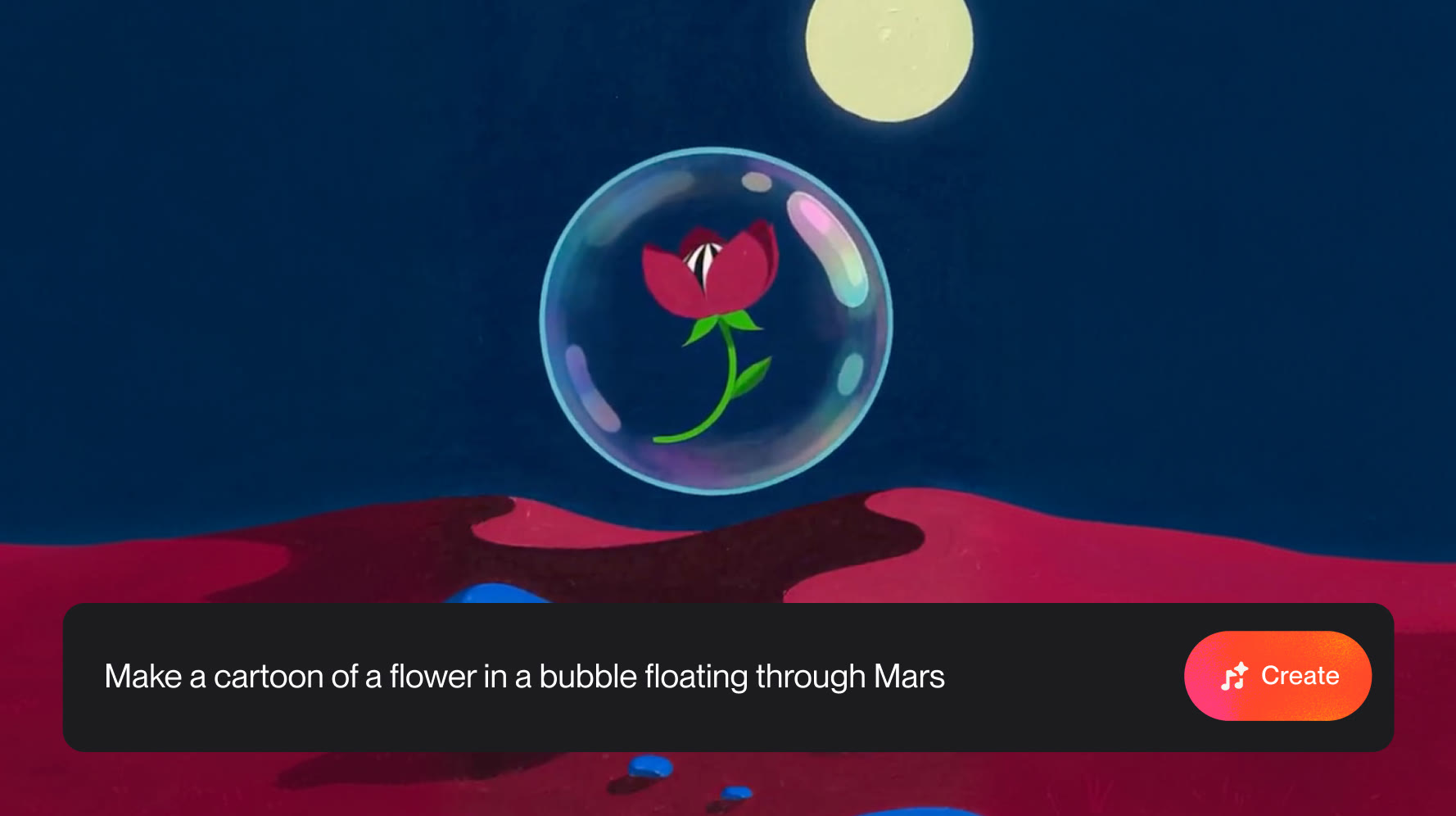
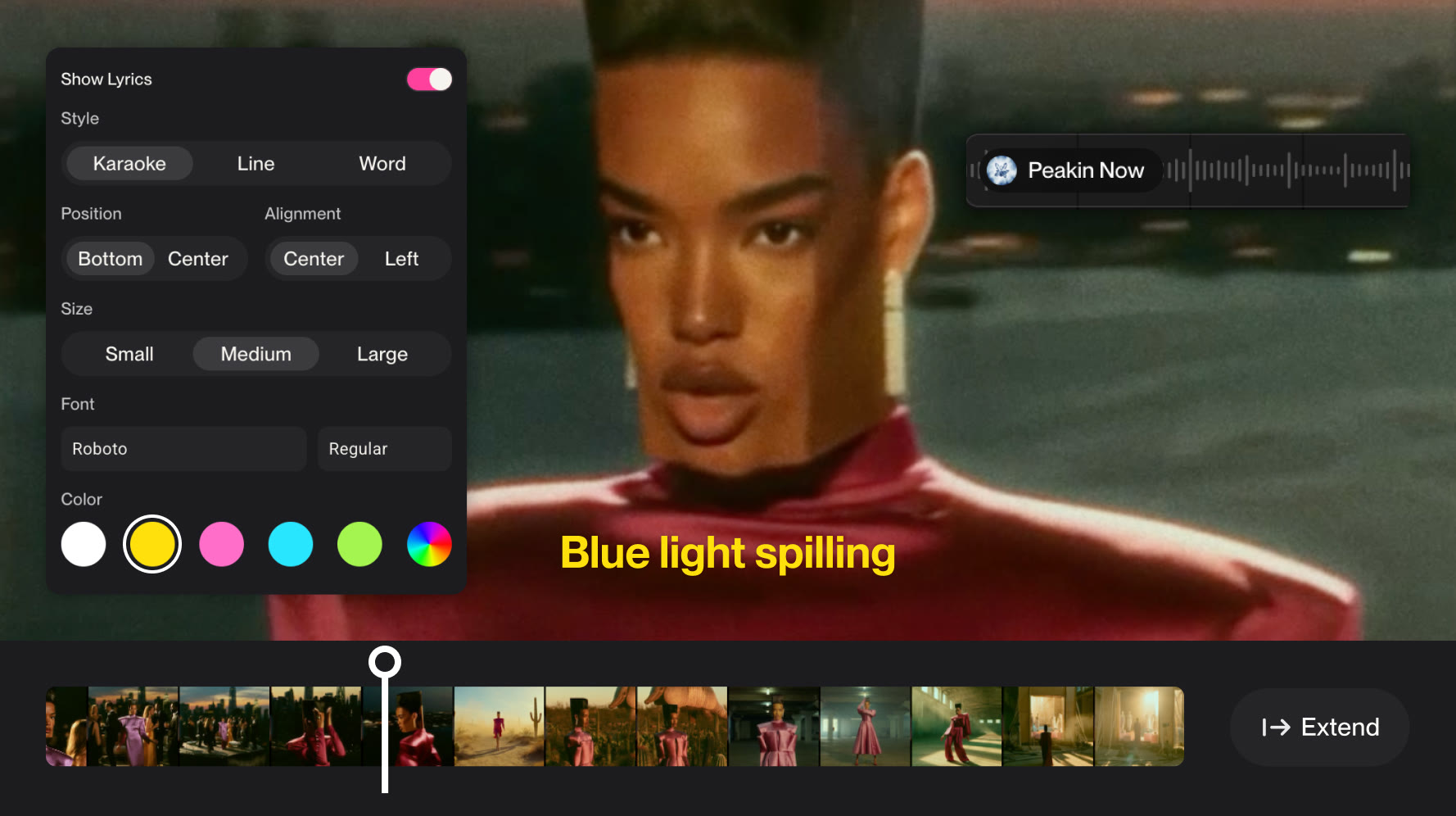
Customize and edit every detail.
Create lyrics videos with custom font, color and more. Extend clips on the timeline to create a consistent vision. Iterate until your music looks exactly like it sounds.
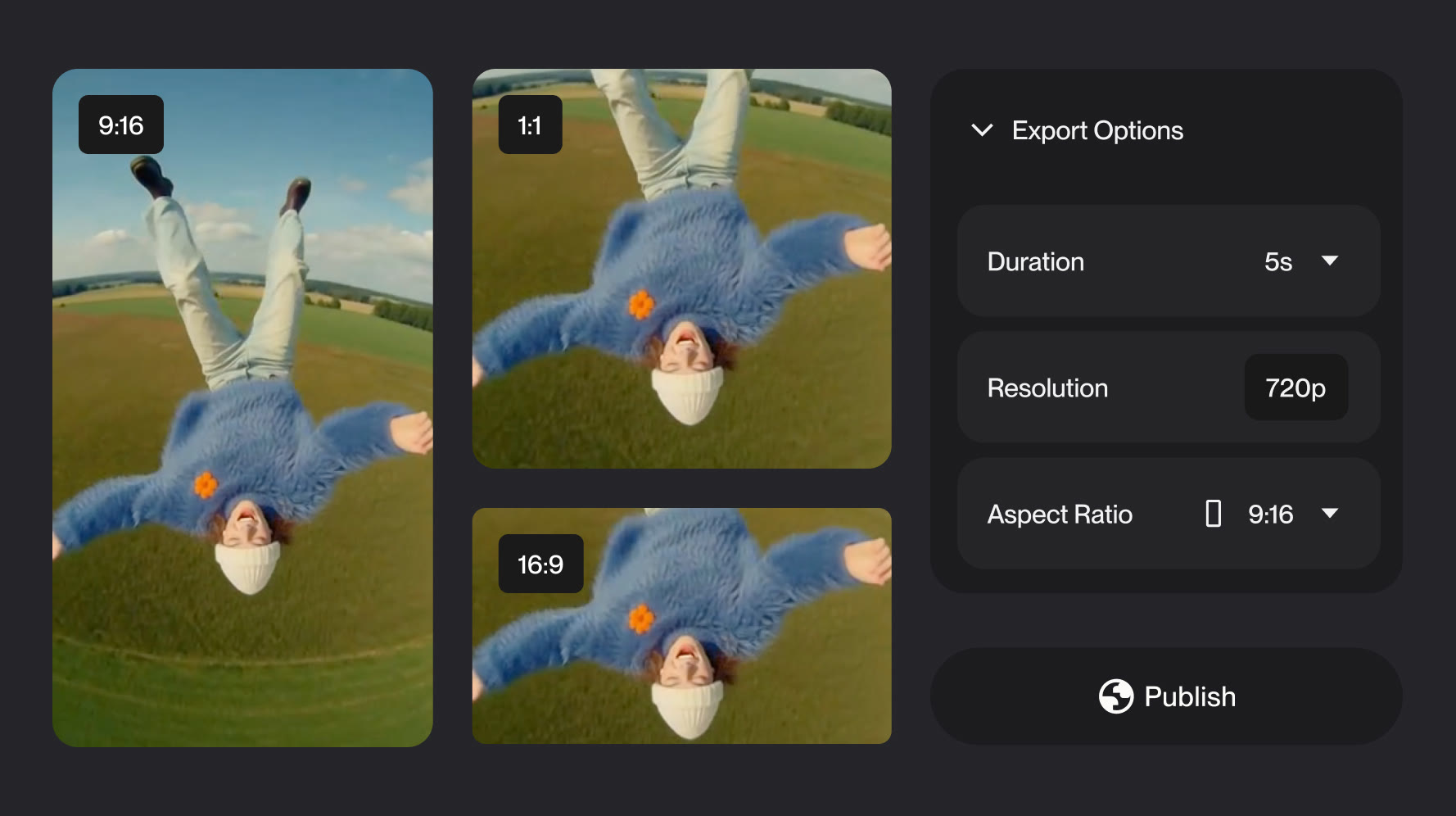
Share seamlessly.
Select your clip’s duration and aspect ratio to get content tailored for anywhere you share your music.
Visuals Inspiration Guide
Learn moreFilm noir
Faces catch hard lamplight in a black-and-white night thick with long shadows and places to hide.
Frequently asked questions
How many credits is a Visual?
Credit cost for a Visual is determined by a few variables like the duration (for videos) and quality you select. To check your Visual credit balance, check out your account page.
Are Visuals credits different from song credits?
Yes. Song credits are used to generate songs, and Visual credits are used to generate videos and images. To view both your Visual and song credit balance, check out your account page. If you’d like to purchase more, Visuals credit packs are available at suno.com/pricing/visuals.
How do I get access to Visuals? What’s a credit pack?
For a limited time, Pro and Premier subscribers will have a limited number of Visual credits to try out the product. Any user can purchase packs of Visual credits by going to suno.com/pricing/visuals. Any Visual credits you purchase don’t expire and can be used at any time.
What’s the difference between fast and standard for Visuals?
When creating a Visual, you’ll have two options for quality: fast or standard. Fast is great for quick ideas and brainstorms. Standard is for more complex ideas. Fast costs fewer Visual credits than Standard.
What models do you use for Visuals?
The model is called H3 Move, based on H3 from MiniMax, which we optimized for our community including adding additional protections and safeguards.