Split music like a pro.
Separate vocals and instruments and choose exactly what you want to pull from your songs.
Try it now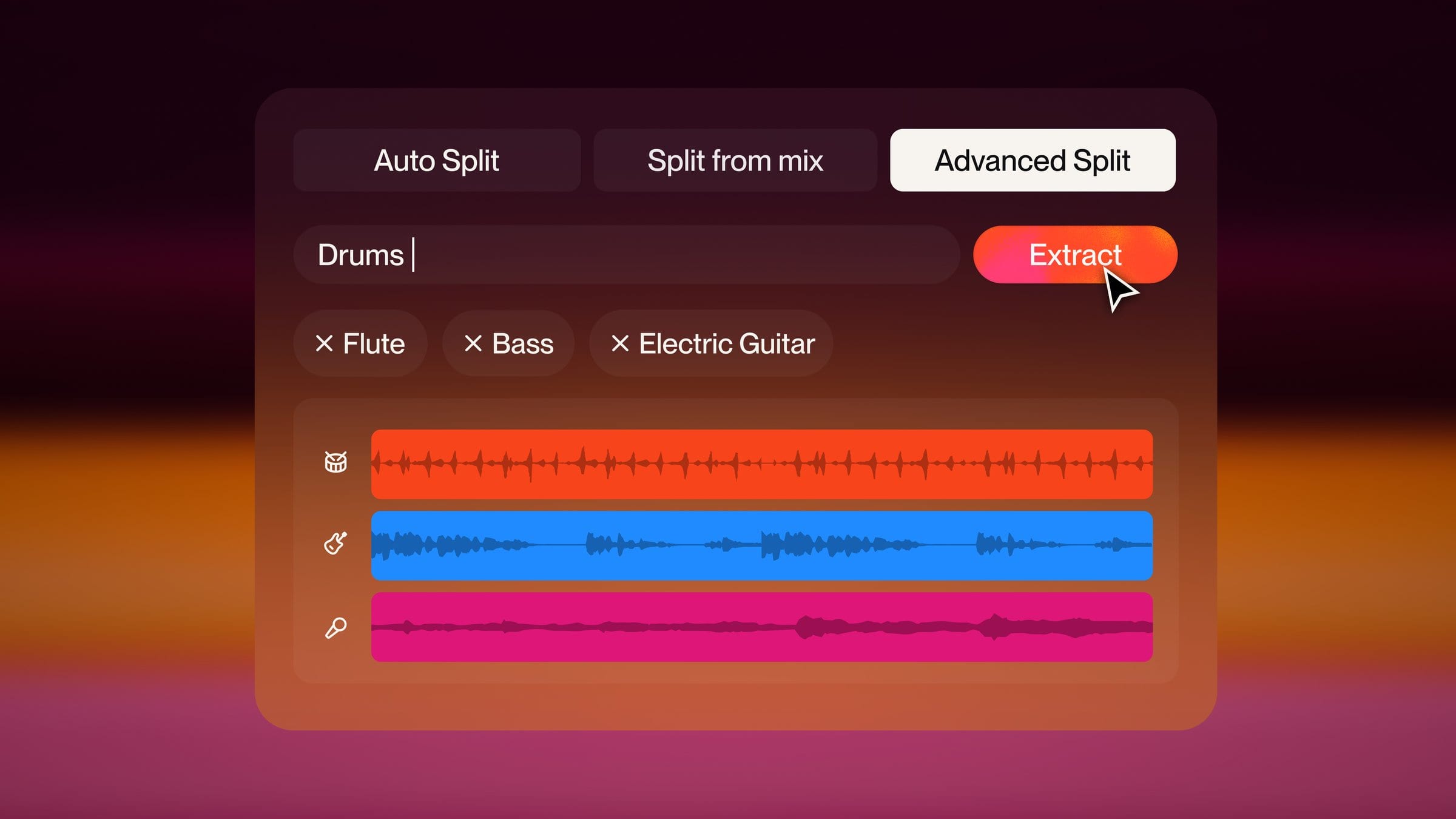
Split three different ways.
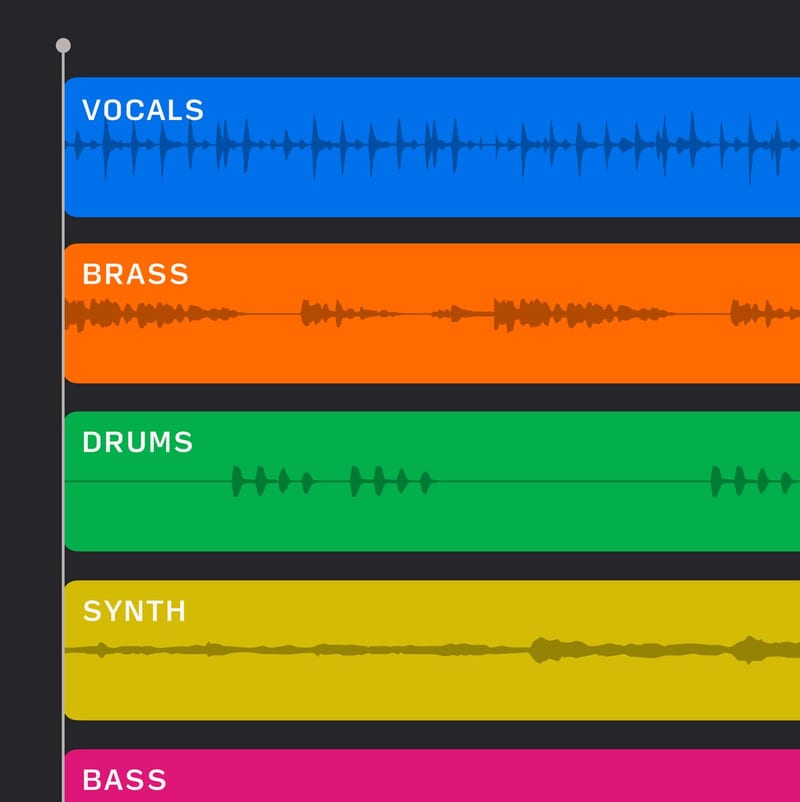
Auto
Our original separation model. Automatically split your songs into 12 stems: lead vocals, backing vocals, drums, bass, percussion, guitar, keyboards, strings, synth, brass, woodwinds and other.
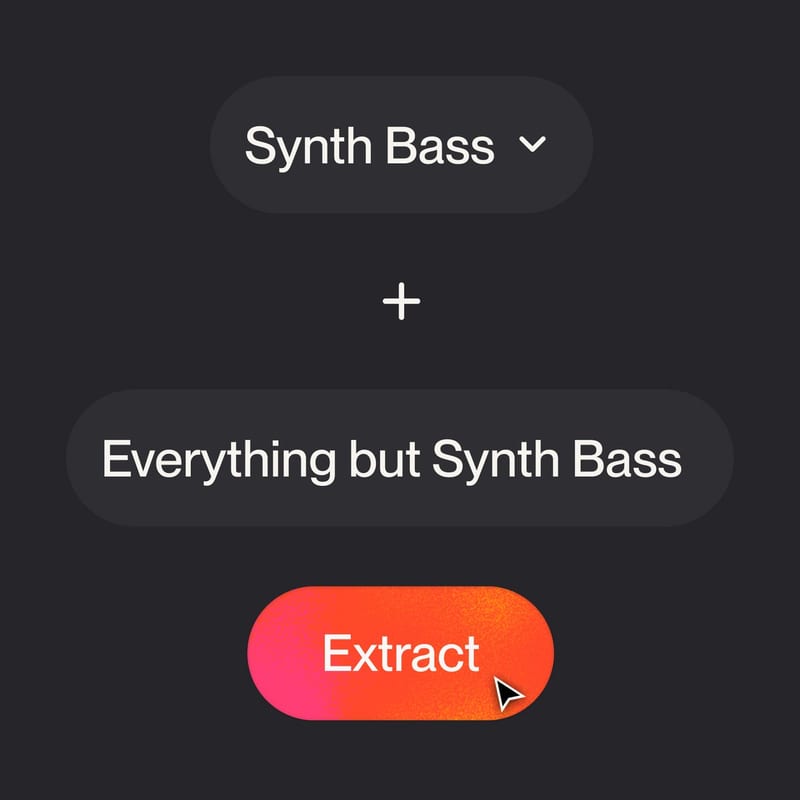
Split from mix
Split your song into two stems. Choose a specific instrument or vocal, and get the backing track containing everything except the selected instrument.

Advanced
Advanced Split lets you select the instruments you want to export and choose how your tracks are separated, from bass, to electric guitar, to lead vocals and even didgeridoo.
Learn how toseparate stems.
Watch this tutorial to quickly learn how to separate stems from your songs.
Frequently asked questions
Can anyone use stem separation?
Stem separation is included with Pro and Premier subscriptions. Pro includes Auto Split and Split from Mix. Premier adds Advanced Split, which lets you choose from nearly 100 instruments.
Can I separate stems on mobile?
Yes. In the Suno app for iOS and Android, open a song, choose Get Stems from its Edit menu, and the stems land in your Library as individual tracks. To mix them, open the song in Studio on the web for a full multitrack view.
How do stems vary between Pro and Premier?
Pro splits a song into up to 12 stems with Auto Split, or pulls out one voice or instrument with Split from Mix. Premier adds Advanced Split, where you pick exactly which instruments to separate and how the rest of the mix is grouped.
How many credits does stem separation cost?
Auto Split is 50 credits for the full 12-stem set. Split from Mix and Advanced Split are 10 credits per stem, so 20 credits for an instrument and its complementary mix. Splitting out an instrument that isn’t in the song still uses credits but may not produce a usable stem.
More in the stem separation guide.