Bridge (beta):Add Suno to your Session.
Suno Bridge connects to your DAW and lets you create instrument and vocal stems with Suno right on the timeline, in perfect sync and key.
Download BridgeCurrently Mac-only and compatible with Ableton Live 12. Requires a Premier subscription.
Stay locked in.
Suno Bridge keeps your work flowing. Create stems that match the key, tempo and feel of your music, then drop them right on your timeline in perfect sync.
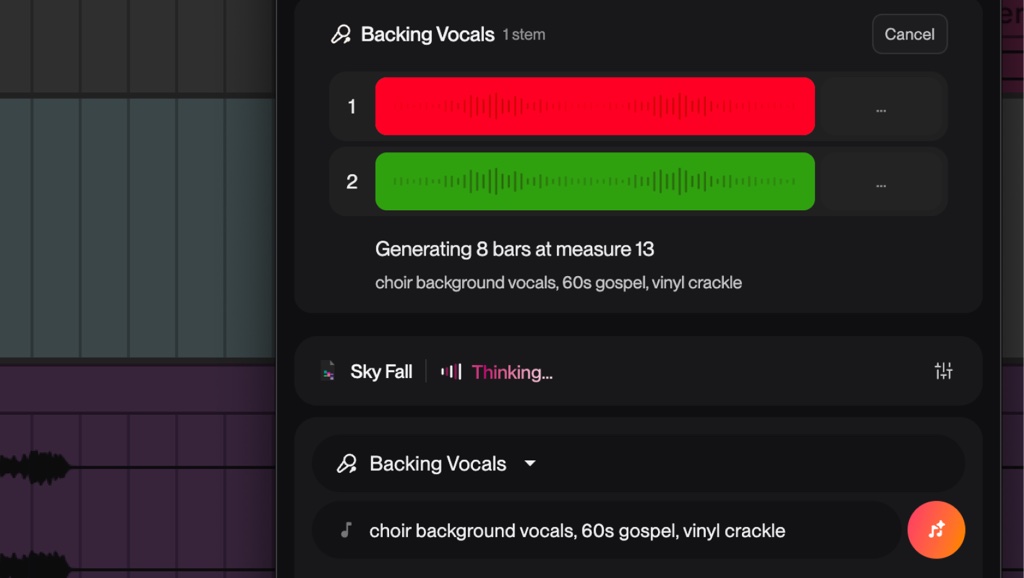
Turn old sessions into finished music.
Complete your old ideas with new instrumentation. Suno Bridge understands the musical context of your projects so your new parts fit right in.
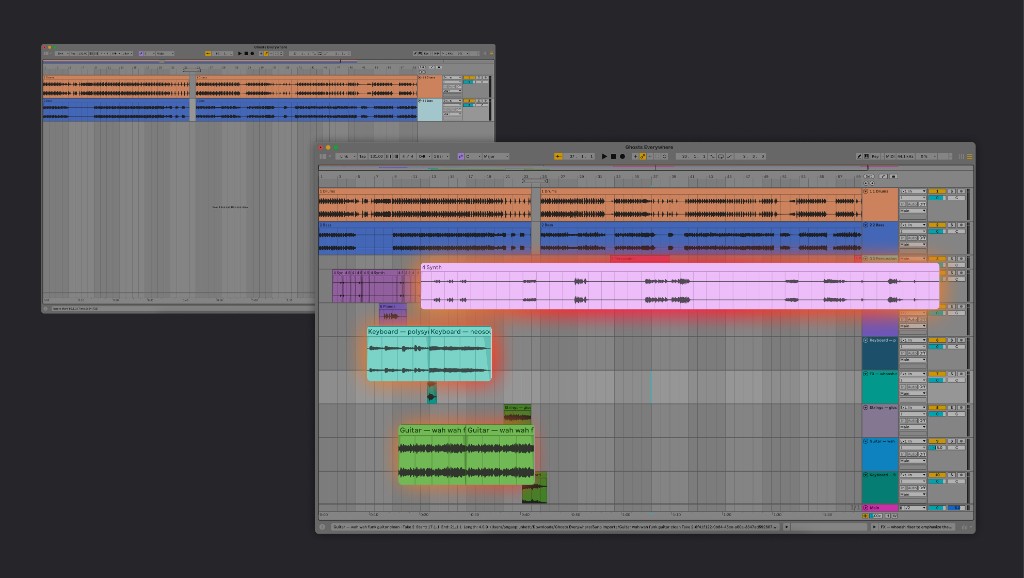
Expand your creative range.
Try new genres, sounds and directions without starting from scratch. Suno Bridge gives you room to experiment, so you can make more music.
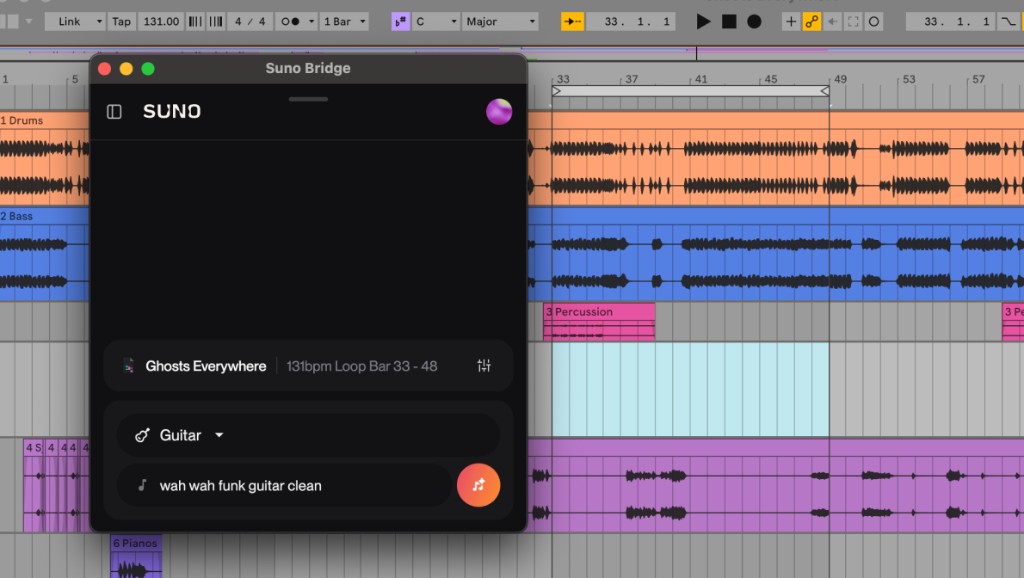
Watch the tutorial.
Set up Bridge in minutes.
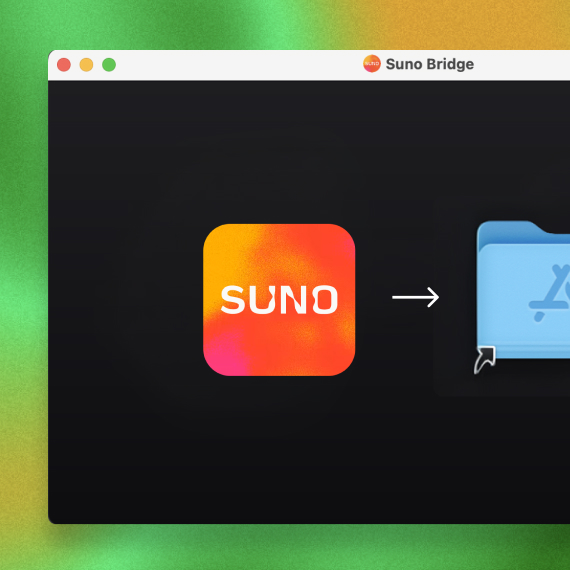
Install Suno Bridge.
Run the installer and drag Suno Bridge into your Applications folder.
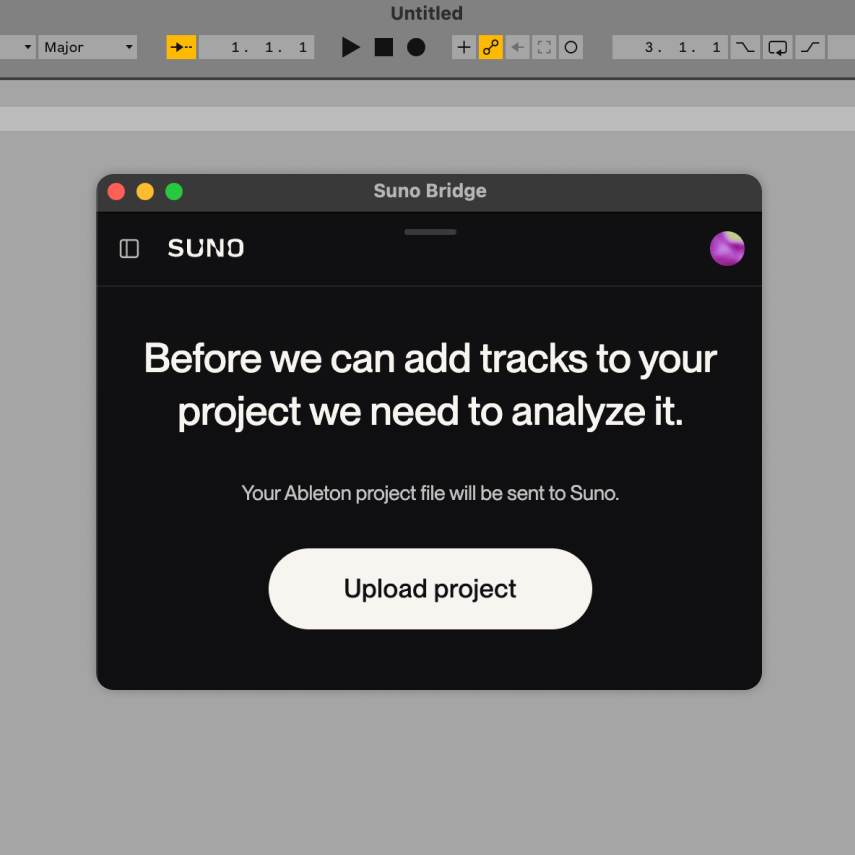
Open Live, then Bridge.
Open your Live session, then open Bridge and upload your project when it asks.
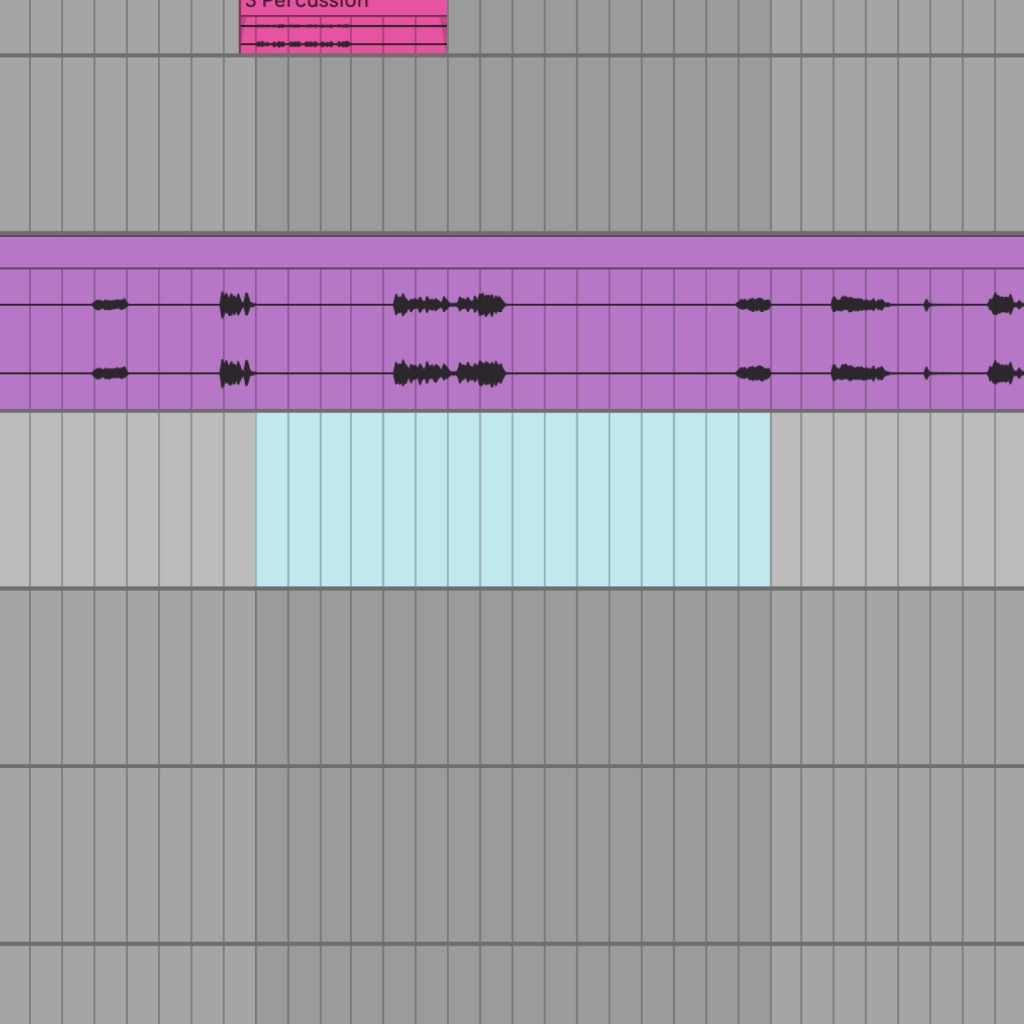
Select your loop range.
First, set a loop range in Live (cmd+L). Then in Bridge, select an instrument type and describe the sound you want.
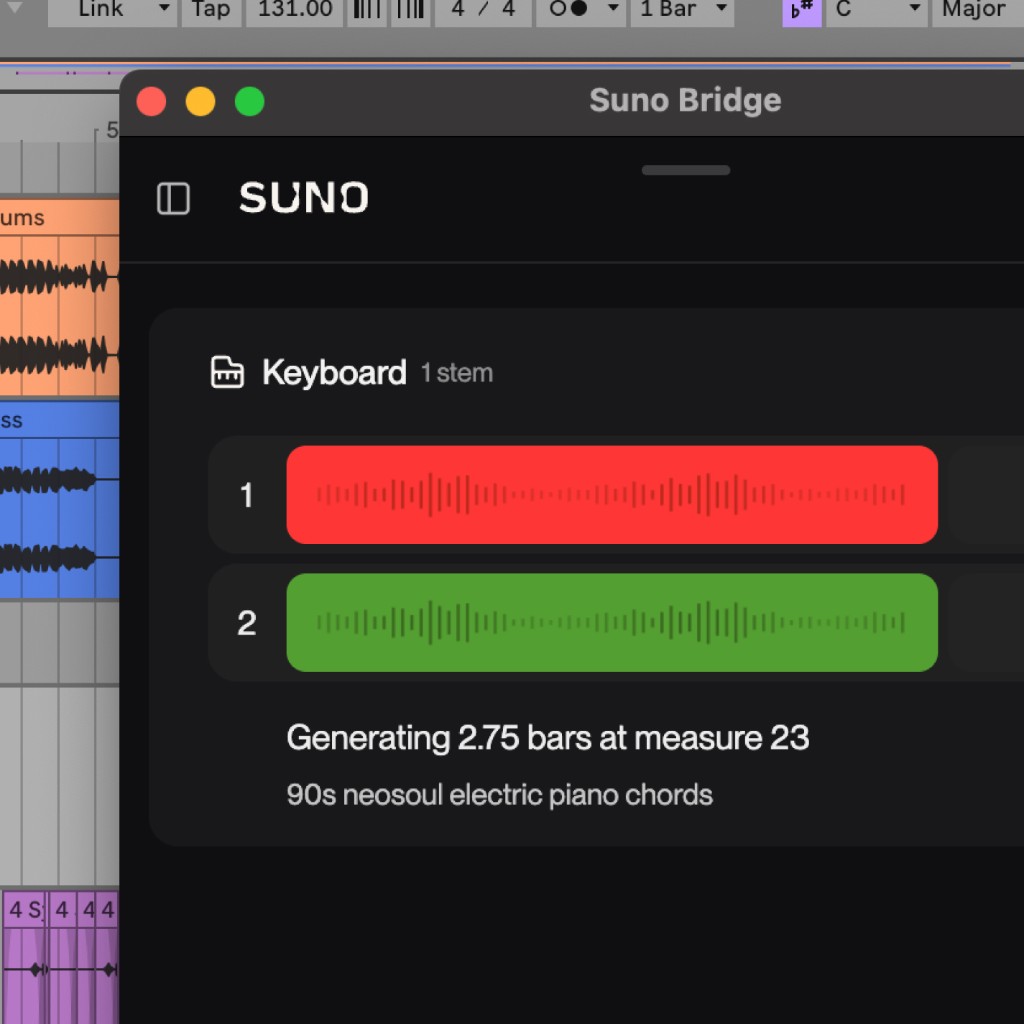
Add new clips to the timeline.
Clips from Suno drop directly on the timeline in perfect sync with your track.
Suno Bridge has been developed independently of Ableton.
Frequently asked questions
Which DAWs does Suno Bridge work with?
At beta launch, Suno Bridge is compatible with Ableton Live 12 or later. We plan to expand to more DAWs soon!
Does Suno Bridge work on a Windows PC?
At beta launch, Suno Bridge only works on Mac. In the future, we plan to expand to other platforms.
What does Suno do with the files I connect using Bridge?
When you open a session in Bridge, it uploads your Ableton Live project and its audio files to your Suno account. From there, you can generate new takes on them that fit your session using Suno’s tools. Bridge only uploads the project you choose. If it can’t access some audio files, it asks for your permission before including them.
For more information on how your data is stored and processed, see our Terms of Service and Privacy Notice.
What if my DAW session contains content I don’t own?
Audio files uploaded to Suno via Bridge go through our filters to detect copyrighted materials. Files flagged by the system will not be ingested into Suno. If your project contains original material and rightsholder material, only the rightsholder material will be blocked.
How do I uninstall Suno Bridge?
To uninstall Bridge, select Uninstall from the Help menu under the profile icon in the main Bridge window.
Do my Bridge generations show up in my Suno library?
No, we keep Bridge generations separate. You can find all the audio you have created with Bridge by opening your profile icon and selecting Downloads.
How much does Bridge cost?
The app is a free download. Bridge requires a Suno Premier subscription to operate. Generating audio in Bridge uses your Suno credits just as creating in Studio does.