The music layerfor your AI stack
Access Suno MCP from your AI tool and start creating, right inside the chat.
Get early accessAdd Suno to Claude in three steps.
- Open Customize → Connectors → + → Add custom connector
- Name it Suno and paste the URL
- Click Connect, sign in to Suno and approve the connection
No API key · Uses your Suno credits · Songs save to your library
Claude → Customize → Connectors
Add custom connector
- Name
- Suno
- URL
- https://api.suno.com/mcp
Add Suno to ChatGPT in three steps.
- Go to Plugins → Add → Add custom MCP server
- Name it Suno and set Connection (Server URL) to the URL
- Click Create as a plugin, then Connect Suno and authorize it
No API key · Uses your Suno credits · Songs save to your library
ChatGPT → Plugins → Add
Add custom MCP server
- Name
- Suno
- Connection (Server URL)
- https://api.suno.com/mcp
Add Suno to Gemini in three steps.
- Go to Customize → Connectors and click + to add a custom MCP server
- Paste the URL and click Create
- Start a chat and mention @Suno to use the connector
No API key · Uses your Suno credits · Songs save to your library
Gemini → Customize → Connectors
Add custom MCP server
- URL
- https://api.suno.com/mcp
Add Suno to Claude Code in two steps.
- Run this command in your terminal
- In a Claude Code session, run /mcp to sign in to Suno
No API key · Uses your Suno credits · Songs save to your library
Terminal
Add Suno to Claude Code
- Command
- claude mcp add --transport http suno https://api.suno.com/mcp
Add Suno to Cursor in two steps.
- Go to Customize → MCPs → New MCP Server (User). A settings file called mcp.json will open.
- Paste this into the file and save
No API key · Uses your Suno credits · Songs save to your library
Cursor → Customize → MCPs
New MCP Server (User)
- mcp.json
- { "mcpServers": { "suno": { "url": "https://api.suno.com/mcp" } } }
Add Suno to your AI in two steps.
- Find the setting in your AI tool for adding a custom connector or custom MCP server
- Add the URL
No API key · Uses your Suno credits · Songs save to your library
Your AI tool → Settings
Add custom connector
- URL
- https://api.suno.com/mcp
Everything you love about Suno,right where you work
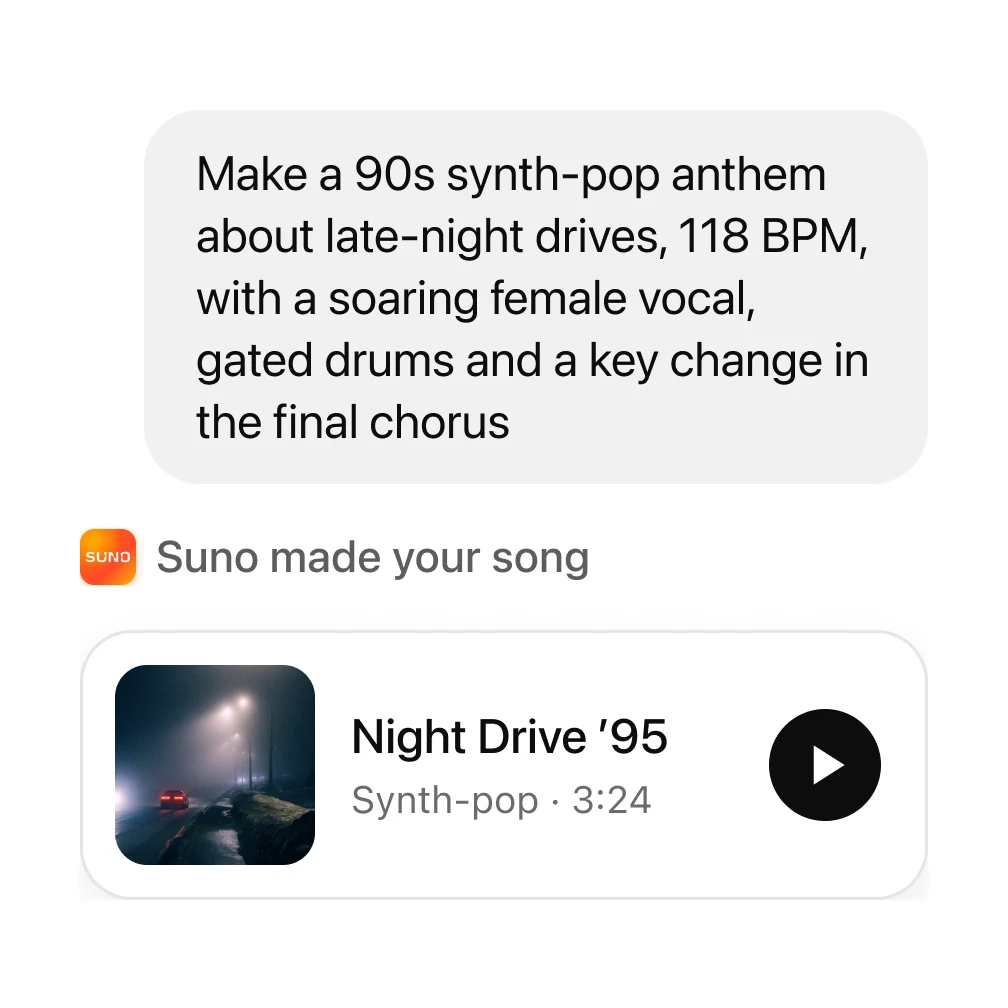
Create songs conversationally
Describe it in plain words. Your AI writes the lyrics and style, Suno makes the song.
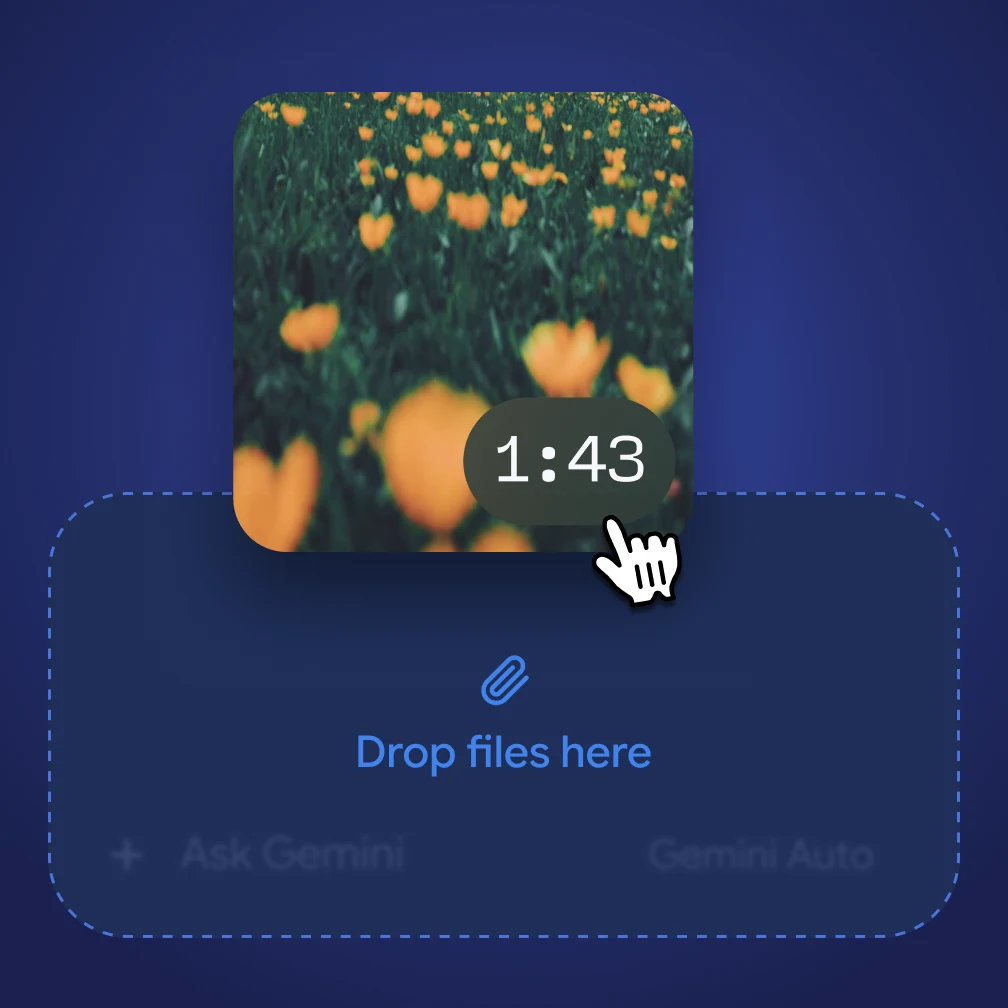
Start from your audio
Upload a voice memo or a loop and turn it into a full song.
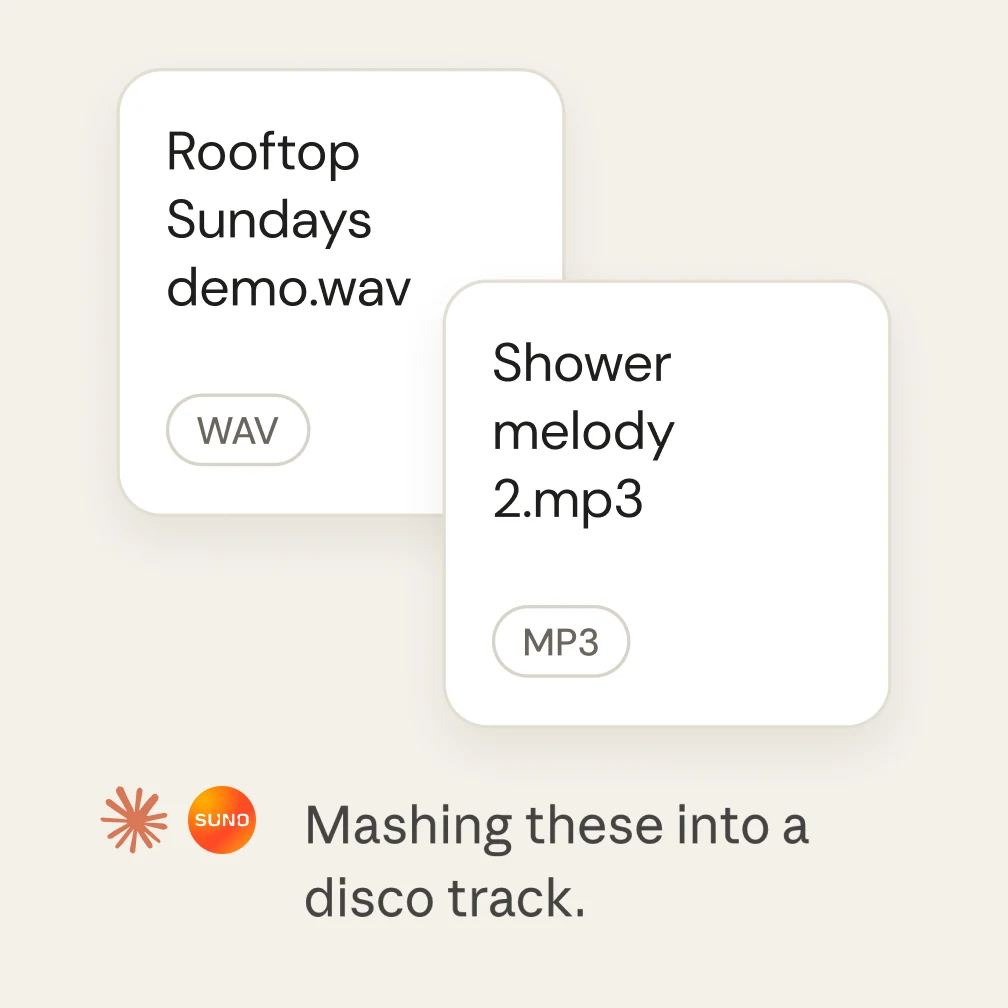
Remix anything
Covers, extensions and mashups of songs in your library — without leaving the chat.
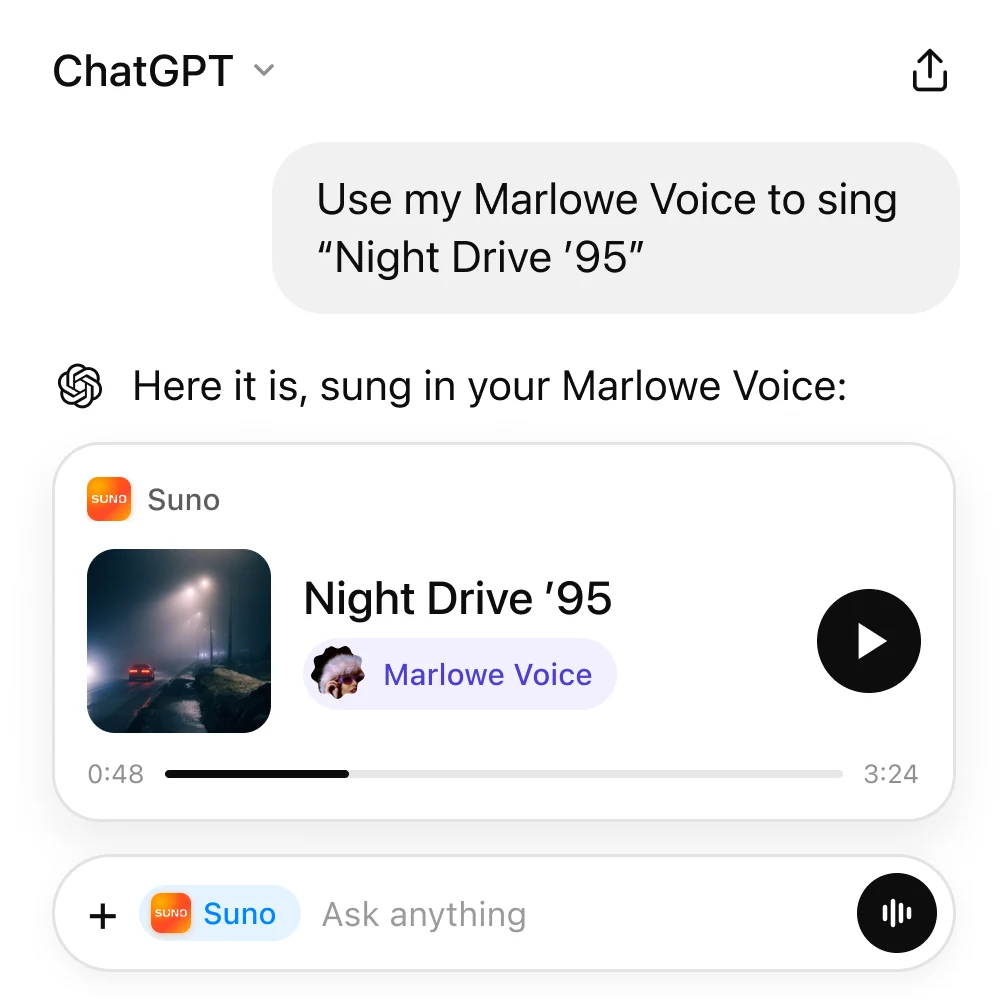
Sing with your Voice
Use your own Suno Voice on any track you create from your AI.
Try these prompts.
Copy one into your AI after connecting. Iterate with follow-ups like you normally would.
Remix
Take my last song in Suno and make a slowed-down acoustic cover.
Voice memo → song
Turn this voice memo into a full indie-folk track. Keep my melody.
Variations
Make a lo-fi beat for studying, then give me three variations with different moods.
Frequently asked questions
What is the Suno MCP?
MCP stands for Model Context Protocol, an open standard that lets AI assistants work with other apps. The Suno MCP connects your Suno account to the AI assistants you already use, like ChatGPT and Claude. Once it’s connected, you can ask your assistant to make a song, extend it, cover it, and more, right in the conversation you’re already having! Your assistant can use everything you’ve already discussed (lyrics, a project, a video plan) so you don’t have to re-explain your idea.
Which AI apps and coding tools does it work with?
Suno works with AI apps and coding tools that support MCP connectors, including ChatGPT, Claude, Claude Code, Cursor, and Gemini. Setup is a little different in each app, and some apps only let you add connectors on certain paid plans.
Do I need an API key?
No. You connect by signing in to your Suno account and approving access. It’s a one-time setup with no key and no code.
Does it use my Suno credits?
Yes. Songs you make through the MCP use the credits on your current Suno plan, just like songs you make on suno.com. You can also ask your AI tool how many credits you have left.
Where do my songs go?
Every song you make is saved to your Suno library, the same as if you’d made it on suno.com.
More in the guide