Create songs with your own voice.
Record or upload your voice to Suno then add it to any song, in any style.
Try it nowAdd your voiceto the mix.
Record or upload your voice singing in the style or language you want to make music in. For example, record yourself rapping to get the best rap output.
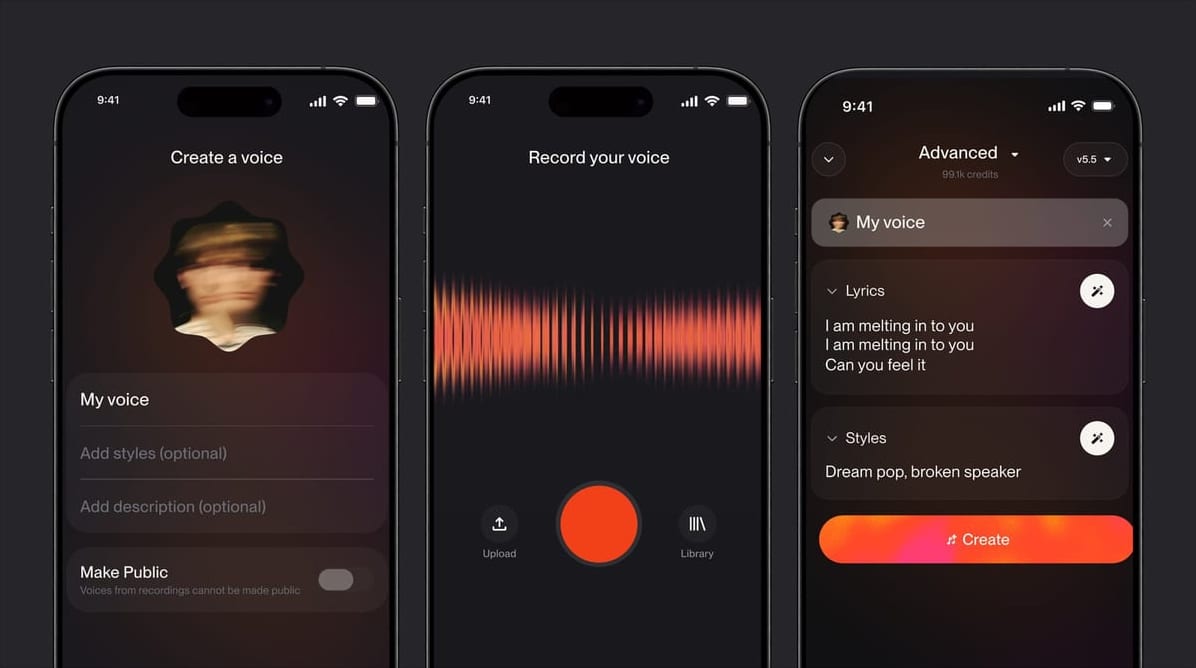
Hear yourself shine in any style.
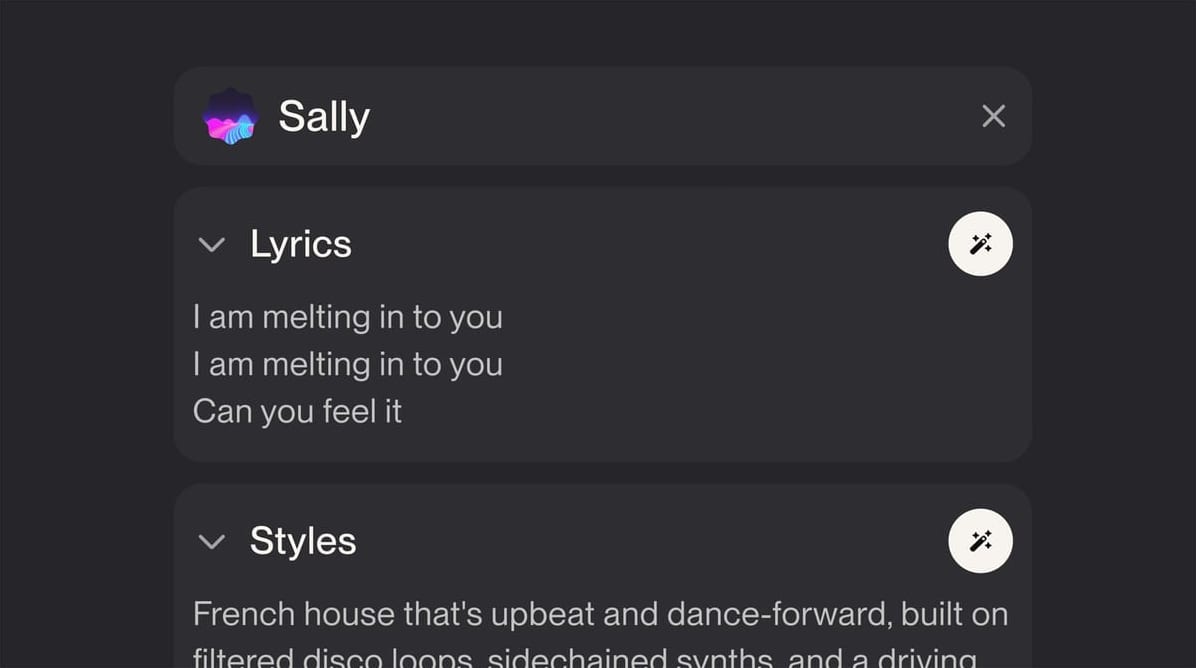
Select your voice in the create form, then apply lyrics and styles like you would any other song. It’s the same process, now featuring you.
For your use only.
With Suno’s voice verification, we protect your voice upload so that only you can use it to create.
Dive deeper.
View all tutorialsTurn your voiceinto music.
Watch this tutorial to quickly learn how to clone your voice, preserving your accent, tone and vocal identity, to create studio quality songs anywhere.
For Pro, Premier and limited access on the Free tier.
Try Voices now
Frequently asked questions
Can someone cover or remix my songs that feature my Voice?
No one else can select your Voice. It is private to your account. If you allow remixes on a song, other creators can cover or extend that song, but any new vocals are generated with Suno’s own voices, never yours. To rule out covers entirely, turn off Allow Remixes in the song’s Visibility & Permissions.
Does Voices replace Personas?
No. A Persona captures the style and feel of a song so you can reuse it across new tracks. A Voice captures your own singing so new songs are sung by you. They work together: pick a Persona for the sound and your Voice for the vocal.
Why can’t I find the option to record/ upload my Voice?
Voices is included with Pro and Premier, with limited access on the Free tier, and is available to creators 18 and older in supported regions. Update to the latest Suno app or use suno.com, then look for Voices in the Create form.
My Voice verification failed?
Verification compares a short phrase you read aloud with your singing recording to confirm they come from the same person. Record both in a quiet room with the same microphone, read the phrase exactly as shown and try again. A clean acapella recording with no backing music verifies most reliably.
Can I report a Voice?
Yes. If you believe a Voice imitates you or someone else without permission, use Report from the song’s More Actions menu or contact us through help.suno.com. Our trust and safety team reviews every report.
Can I import existing audio files or stems?
Yes. Upload a recording between 15 seconds and 4 minutes long, or choose a Suno song that features your voice, then select the best 2-minute section. Files with backing music work too, since Suno isolates the vocal automatically, but a clean acapella gives the best results.
Why isn’t Voices available in my location?
Voice technology is regulated differently around the world, so Voices launches region by region and is limited to creators 18 and older. If it isn’t available where you are yet, everything else in Suno works as usual, and we add regions as we can.
More in the Voices guide.