Whatever you want,get it done with v6.
The all-in-one creative toolkit is powered by our best models yet, putting more power than ever in your hands.
Try it nowThe best of v6
Hear what creators are already making with the new models.
Water (Agua)
 manlike_Alinda
An angel to me - MISS.MS
 MISS.MS by weart2studio
ANTIDOTE
 Cardinal Son
Qué Hartura, Madre Mía
 asiswell3
exgänger
 JimyPuppyFish
Fading
 koninho
Planetes
 TOMEKICHI MUSIC Lab.
Night to Night
 changing_ colors
Donde Voy
 Ayalius
Where the Light Goes Thin
 moneqin
Remember Who You Really Are
 Music Flow ©
Sunday Still
 jyojorian


See what v6 can do.
v6 unlocks brand new ways to express yourself.
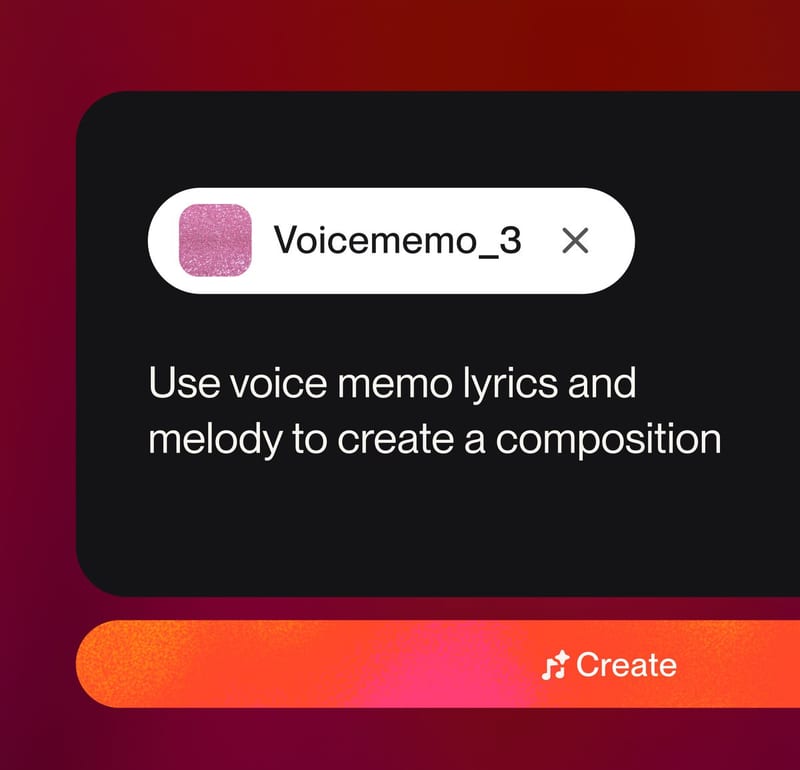
Start from one sonic element.
Hum a melody, record a riff or sing a verse, then create a full composition around it with v6.
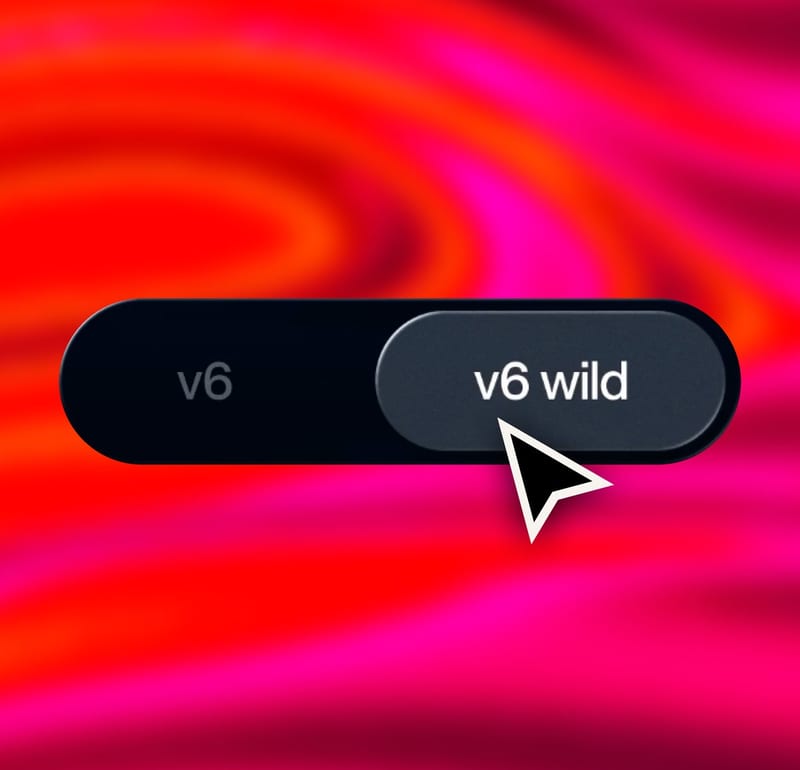
Experiment with two models.
v6 is best for refined compositions. v6 wild is best for experimentation. Go back and forth.
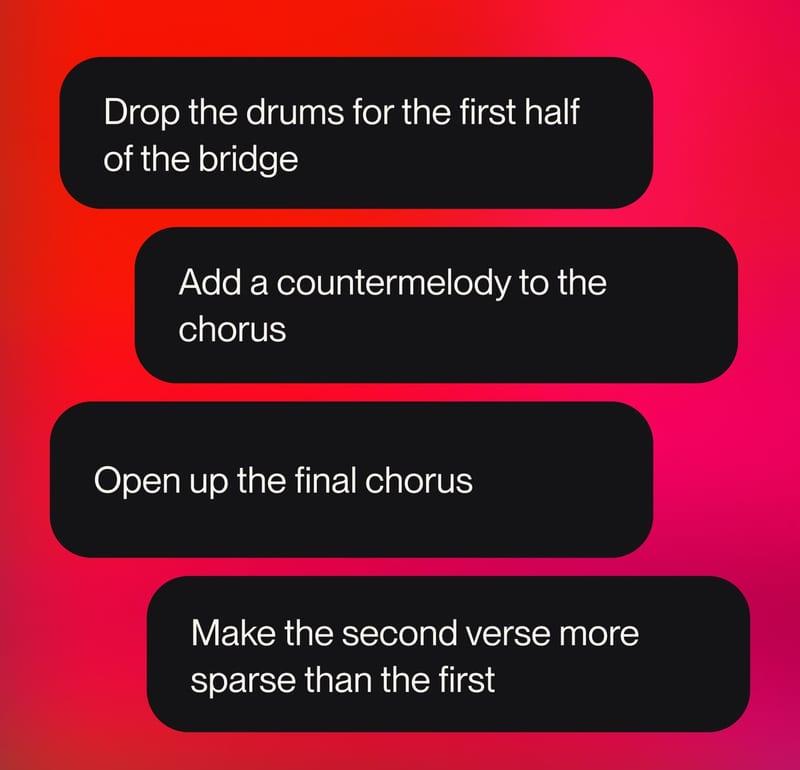
Hear your most complex ideas.
Edit your music in plain text and stack inputs. More direction creates better songs.
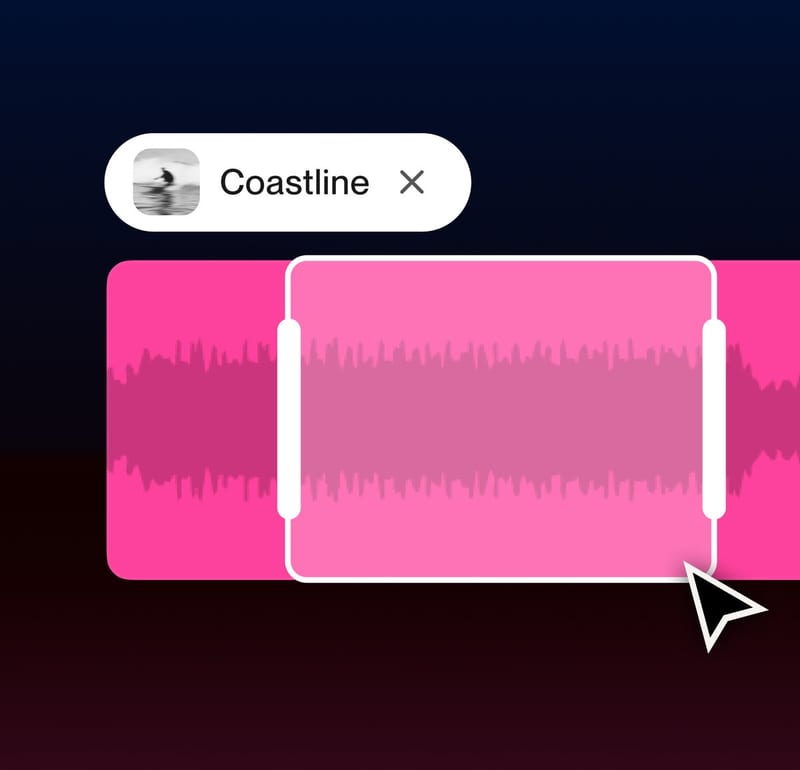
Sample, remove or edit specific sections.
Select any section of your song to refine while keeping the rest of the song consistent.
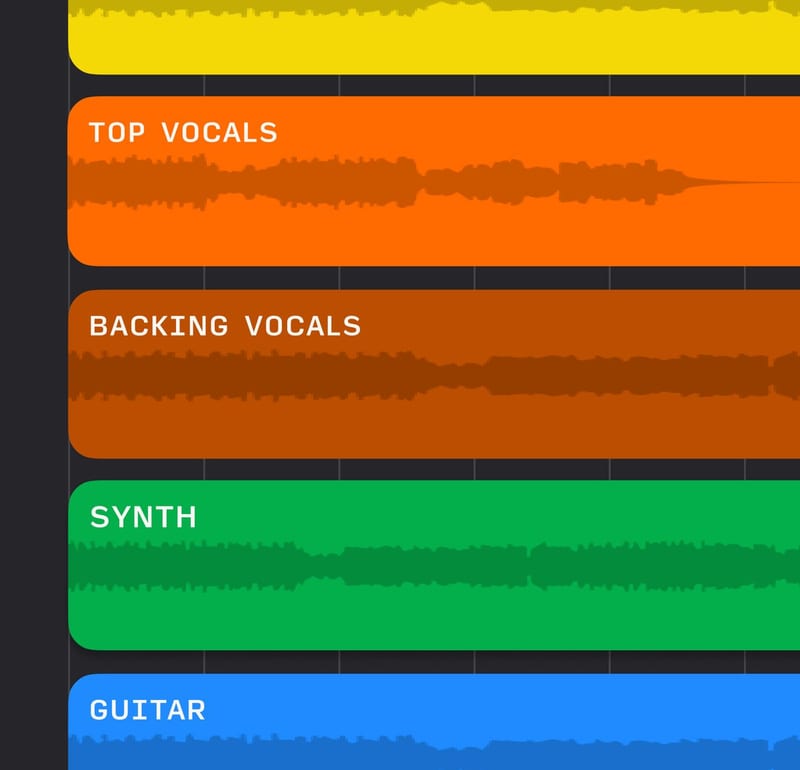
Work with Studio.
Take v6 creations into Studio 2.0. Separate stems then mix, arrange and polish every detail.
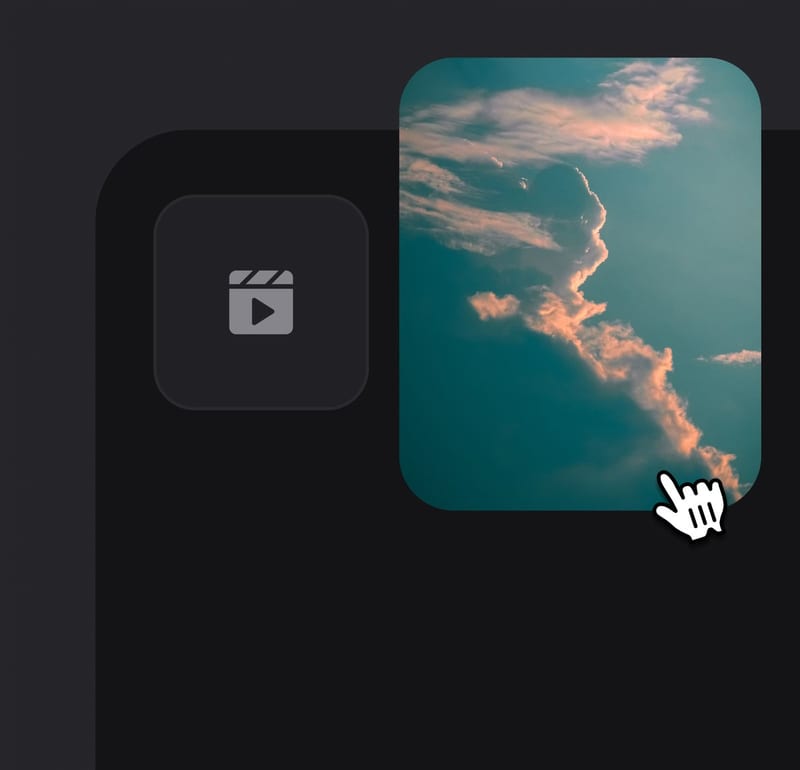
Create a song from a vibe.
Add text, photos, video or audio to the Create form and ask v6 to match the vibe of them.
Learn how tobest use v6.
Watch this tutorial to see how you can use v6 to create music in brand new ways that give you more power and control than ever.
Frequently asked questions
What is the v6 family?
v6 is our flagship model for Pro and Premier subscribers: precise, reliable and polished. v6-wild, also for Pro and Premier, trades predictability for range and surprise. v6-mini is fast, efficient and available to everyone.
Do v6 songs cost more credits?
No. A v6 generation costs the same as before: 10 credits for two songs. Adding images or video as inspiration costs more, and the optional Max Mode uses more credits for longer songs, covers, style transfers and steadier vocals.
What can I edit after a song is made?
Describe the change in plain language and v6 edits just that part: rework a section, swap a single lyric or change the genre of the chorus, without regenerating the rest of the song.
Can I combine songs?
Yes. Take the vocals from one song and the drums from another, sample or isolate an element and build on it, or ask for a mashup and describe how the pieces should fit together.
What can I start from besides text?
Text, audio, images and video. Drop a photo, a clip or a rough recording into Create, describe the vibe, and v6 matches it.
What happened to my songs from older models?
They stay in your Library, playable and editable. Earlier models are retired for new generations, and Custom Models moved to the v6 backend automatically.
What are Variety and Max Mode?
Variety controls how far v6 roams from your style prompt: set it to 0 for full control or raise it to explore. Max Mode is an optional higher-credit setting for longer songs, covers, style transfers and more consistent vocals.
More in the v6 FAQ.