iMessage Keyboard Integration
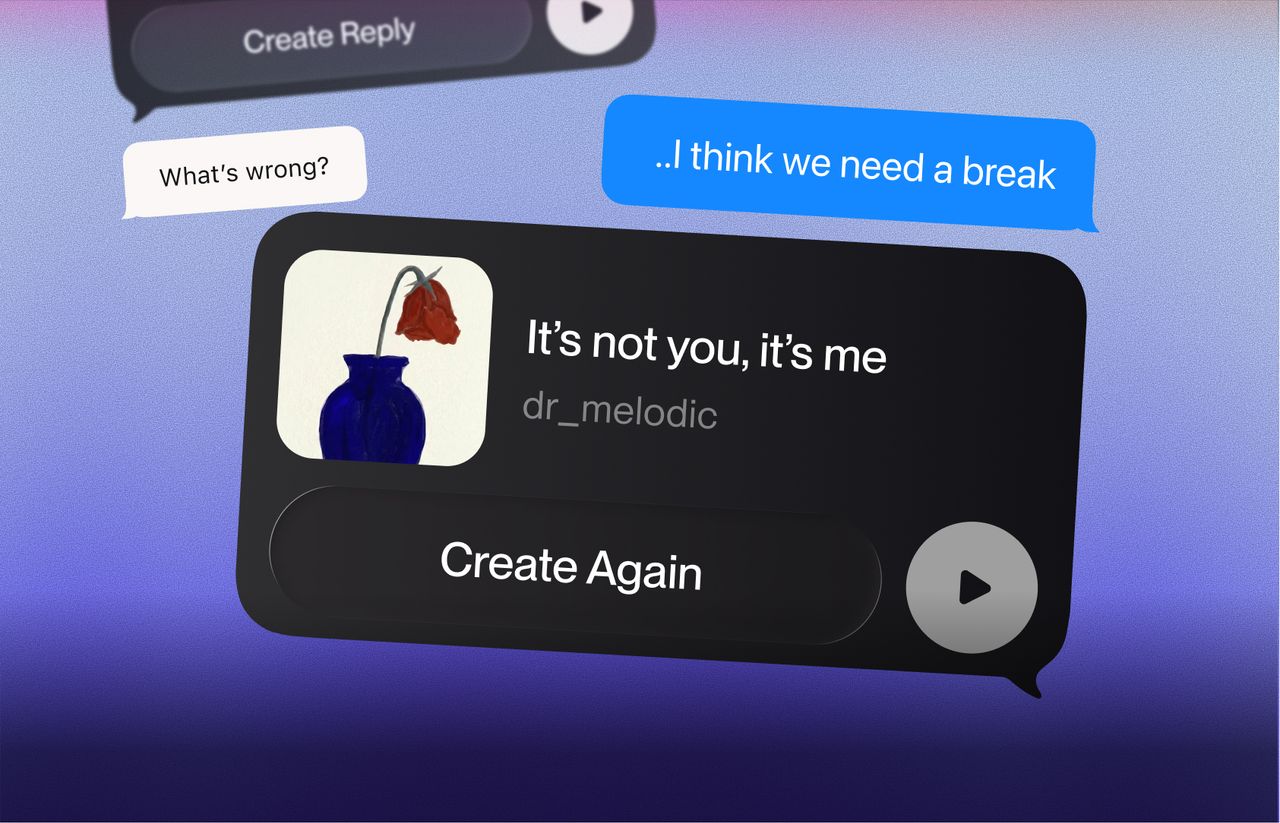
Suno now lives in your iMessage keyboard.
iOS users can create and send songs and recipients can listen to your song directly in iMessage. They can also reply back with their own song.
Here's how it works:
- Make sure you’re on the latest Suno app version
- Tap the + icon and find Suno in your iMessage app extensions
- Record using your voice or type in your song lyrics using your keyboard
- Select your styles to create a song
- Send your message.