Every song startswith you

Bounce ideas off Suno from the first take to the final mix. All while you stay in control of each section, down to the stems.

  • Produce like a Pro

    Add MIDI, custom plugins and automation.

  • Own commercial use rights

    Release your music in your own videos and even ads.

  • Edit every part

    Rework specific sections, lyrics and stems.

  • Made for tight deadlines

    Make the track, edit it and ship it on time.

*Only available in Pro and Premier plans.

Get inspired by artists you know and love

See how they use Suno to try new ideas and build tracks. Then create your own.

Let’s take things from the top

Here’s how a song goes from your head to your headphones.

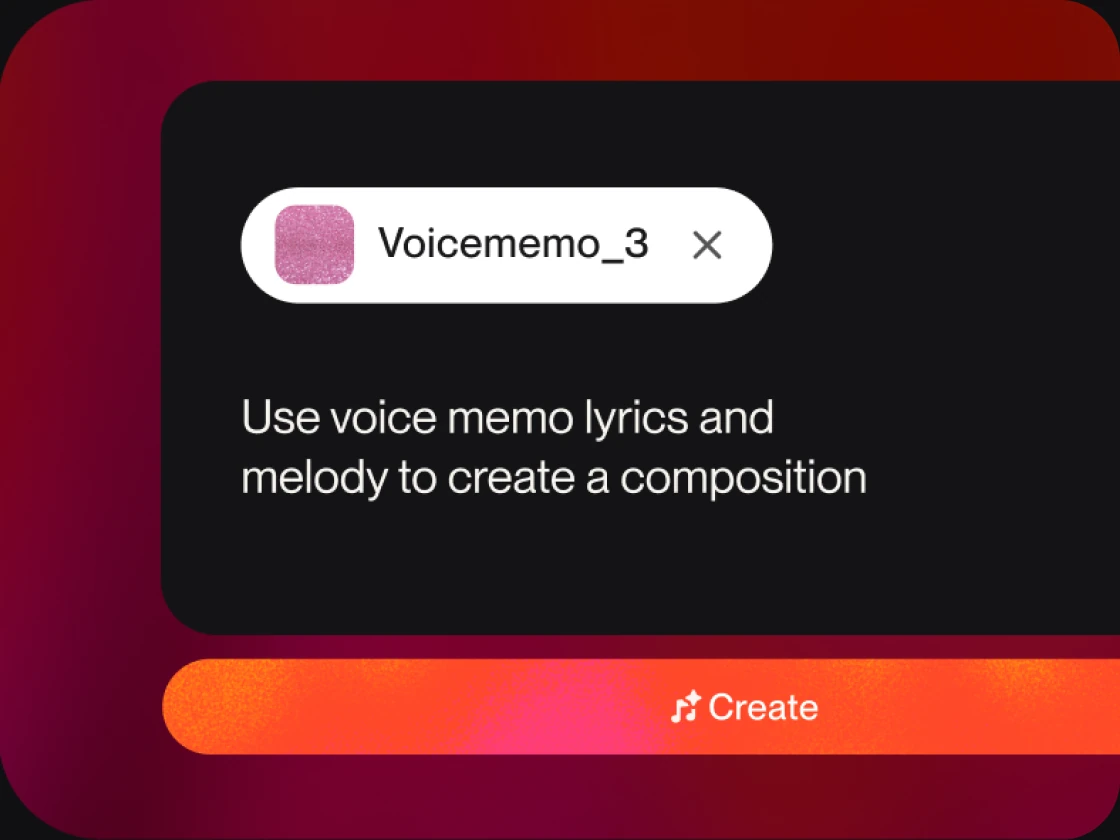
  • Voice memo attached in Suno with the prompt “Use voice memo lyrics and melody to create a composition” and a Create button

    Got an idea? Bring it.

    Start with a voice note, an image or even a rough demo.

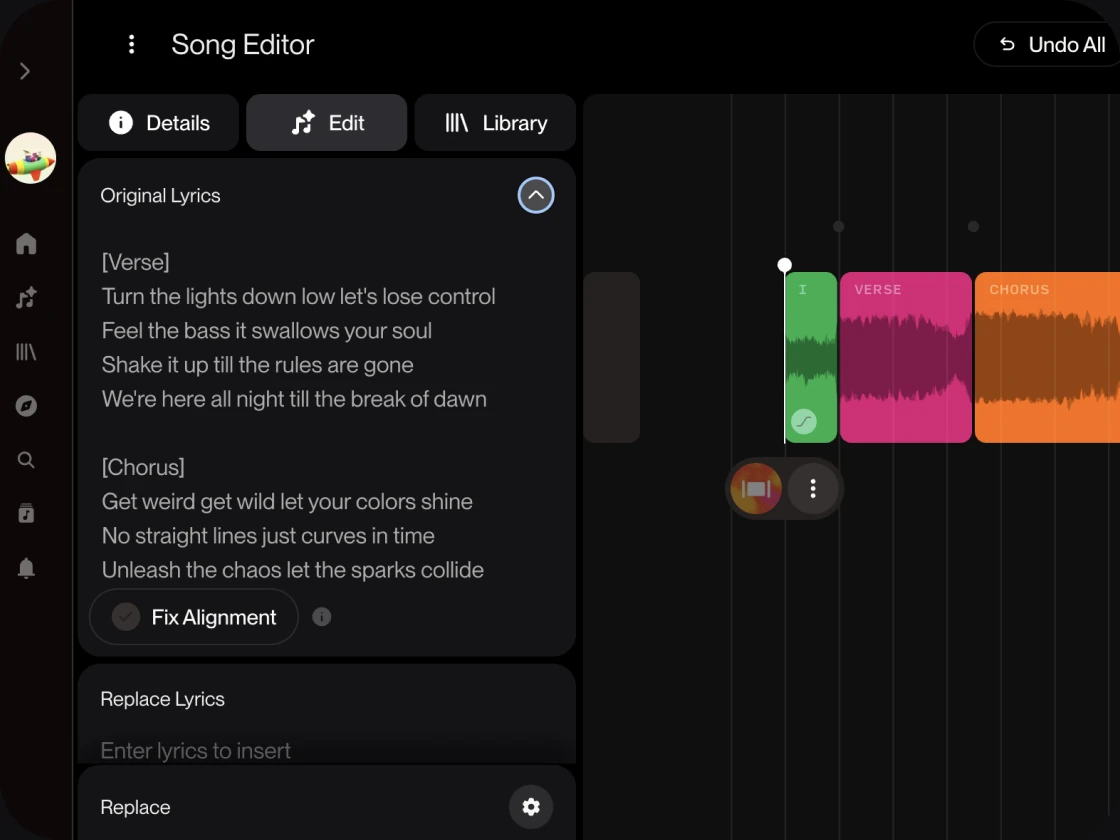
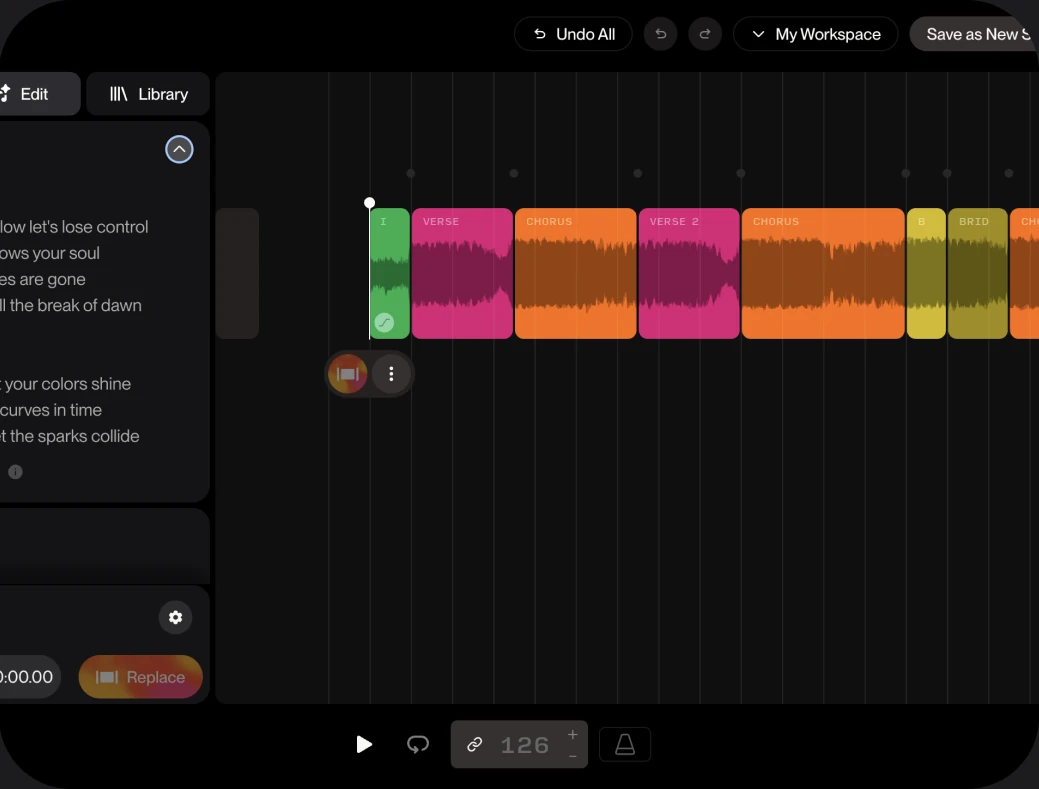
  • Suno Song Editor with lyrics and song sections on a timeline

    Not quite there? Shape it.

    Change any section, lyric or stem.

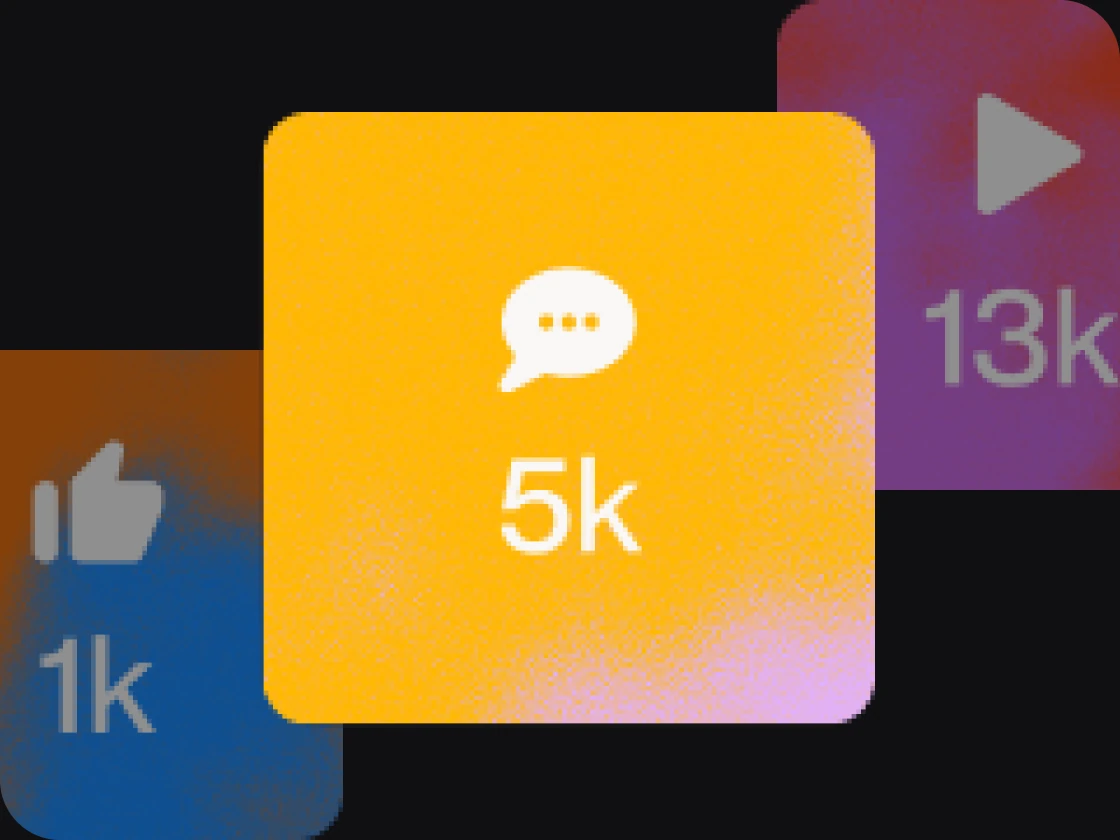
  • Song stats tiles: 1k likes, 5k comments, 13k plays

    Happy with it? Release it.

    You get commercial use rights on Pro or Premier.

Start with your idea.Then shape it on Suno.

You can sing it, type it or just describe a feeling.

  • Voice memo

    That melody you hummed is enough to start a song.

  • Riff or loop

    Got a riff you keep playing? Build your next track from it.

  • Your lyrics

    If you have words in your notes app, they’re ready to be heard.

  • Your own voice

    Record or upload your voice. Then add it to any song, in any style.

  • Your sound

    Start every track in your style with a custom model.

  • Just a vibe

    No idea yet? A mood or a genre is all you need to start.

Then edit until it sounds exactly right

Redo a section, rewrite a lyric or split it into stems.

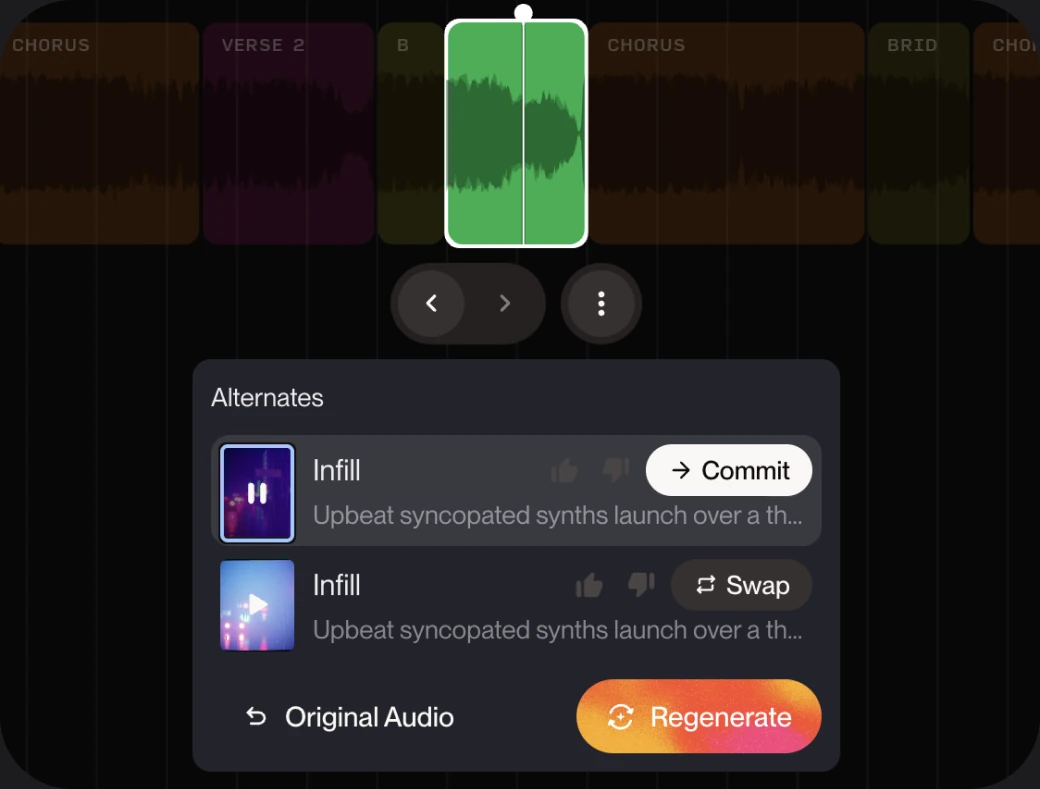
  • Replace Section panel showing alternate takes for a selected section

    Replace Section

    Get every section just right

    Use Replace Section to redo the intro, chorus or bridge and keep everything else as is.

  • Song Editor with lyrics panel and arranged sections

    Edit Lyrics

    Write it the way you hear it

    Rewrite a word or edit a whole verse. Then hear it sung right back.

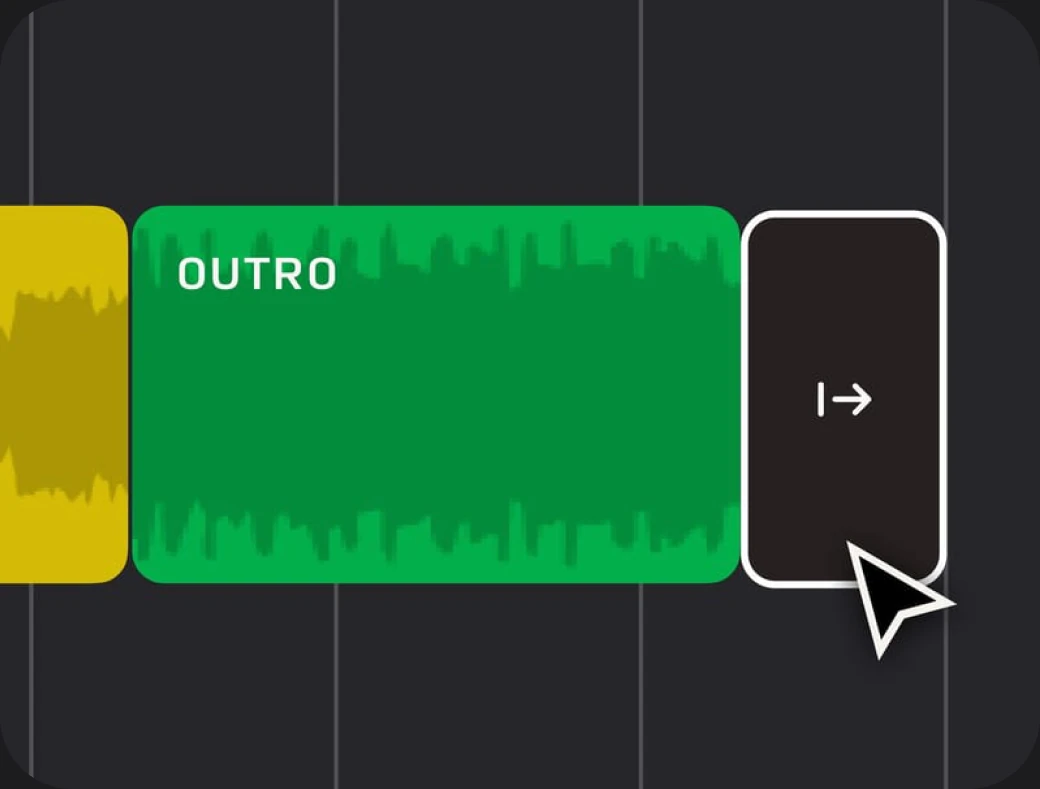
  • Outro section being extended on the timeline

    Extend

    Match the length of any edit

    Stretch your track to fit your video, from a short clip to a full edit.

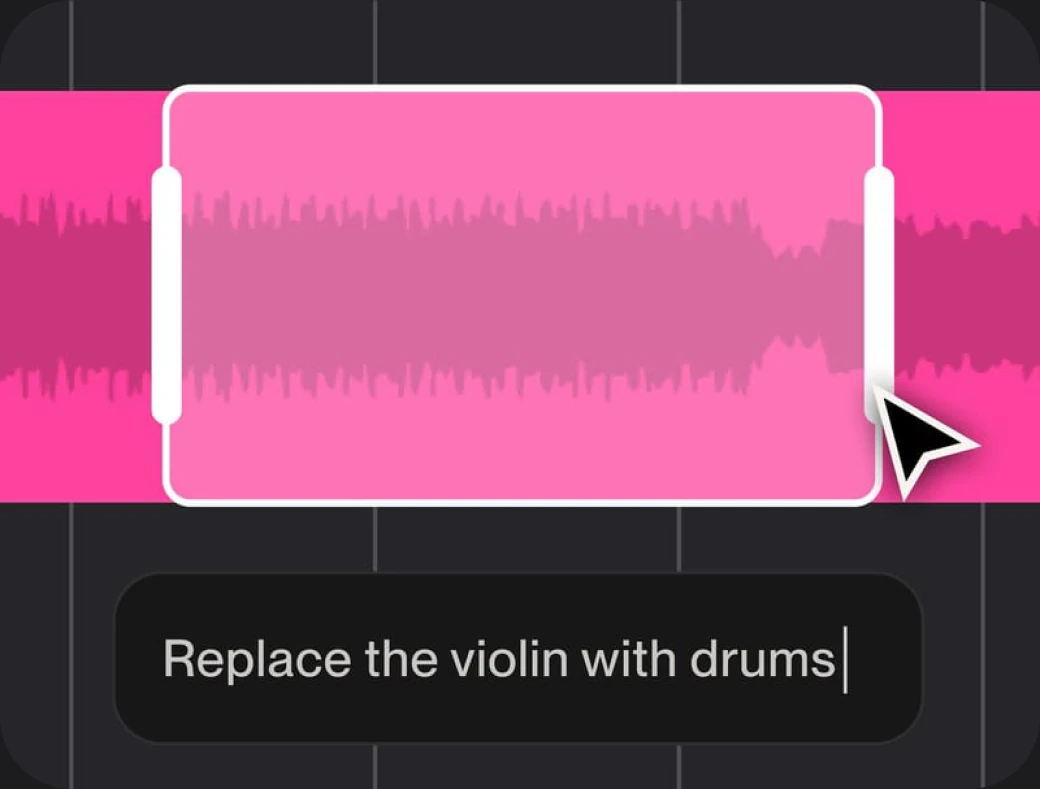
  • Selected section with the prompt “Replace the violin with drums”

    Rearrange

    Build the song around the story

    Add, move or reorder sections in Song Editor until the structure hits.

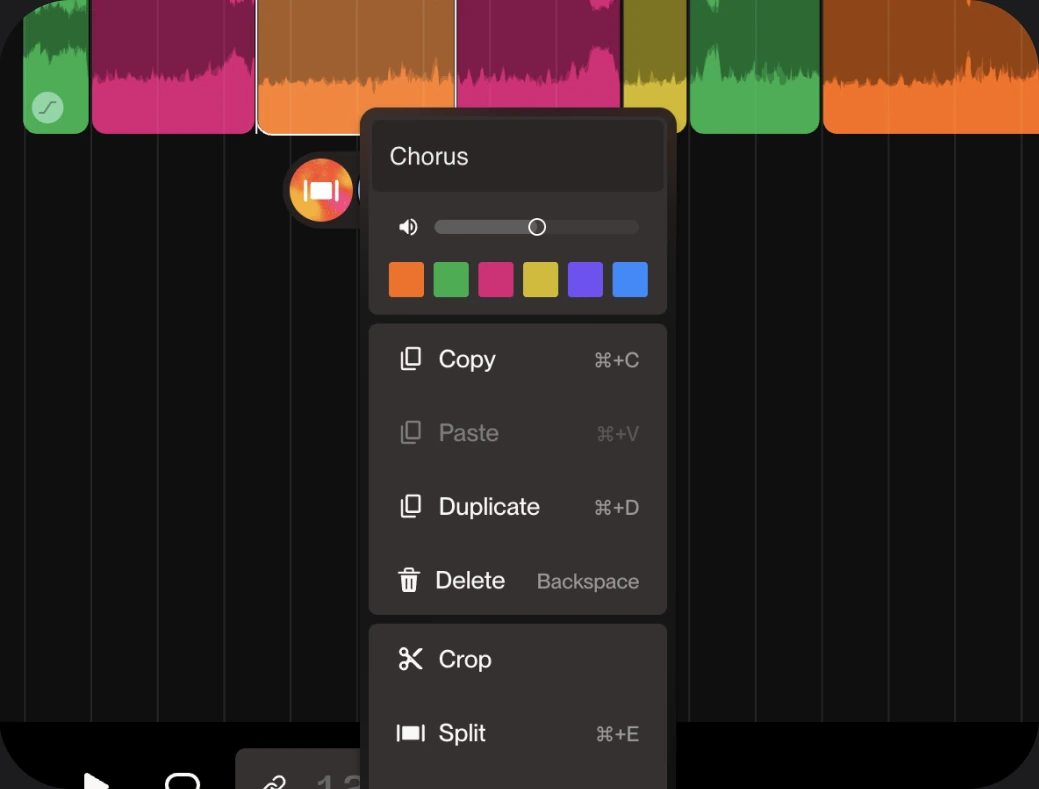
  • Section context menu with Crop and Split options

    Crop and Fade

    Cut to fit any post or reel

    Trim to the exact length your video or ad needs, then fade it out clean.

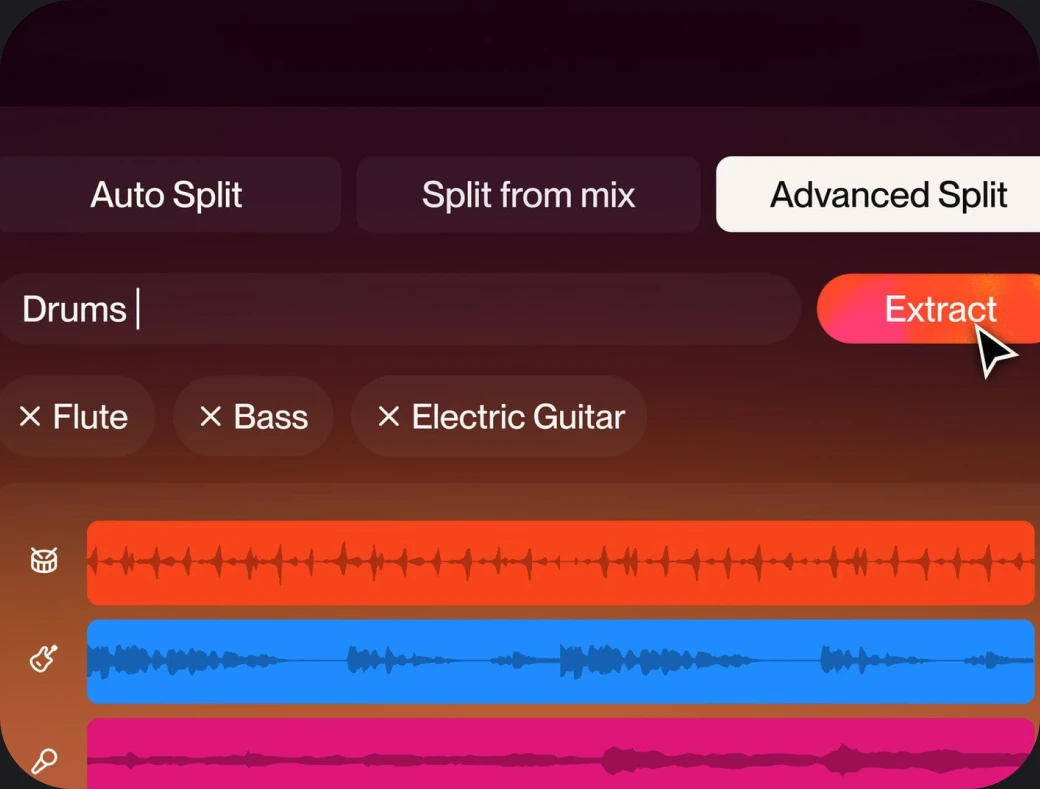
  • Advanced Split extracting drums, flute, bass and electric guitar stems

    Split into Stems

    Take the stems into your DAW

    Pull out an instrument for remixing, mastering or a voiceover bed.

Now hear the difference

First take

Just lyrics

[Verse]

Midnight on the overpass,

headlights humming in a minor key,

I keep the window down

Hummed melody, recorded on a phone

0:000:18

Guitar riff, looped

Loop × 492 BPM

Prompt

A moody synth-pop track for a late-night drive, warm and a little nostalgic
Final mix

Full song · 4 stems

  1. Intro
  2. Verse
  3. Chorus
  4. Verse
  5. Chorus
  6. Outro
  • Vocals
  • Drums
  • Bass
  • Synth

Put your track to work

With Pro and Premier, you get commercial use rights for tracks you make.

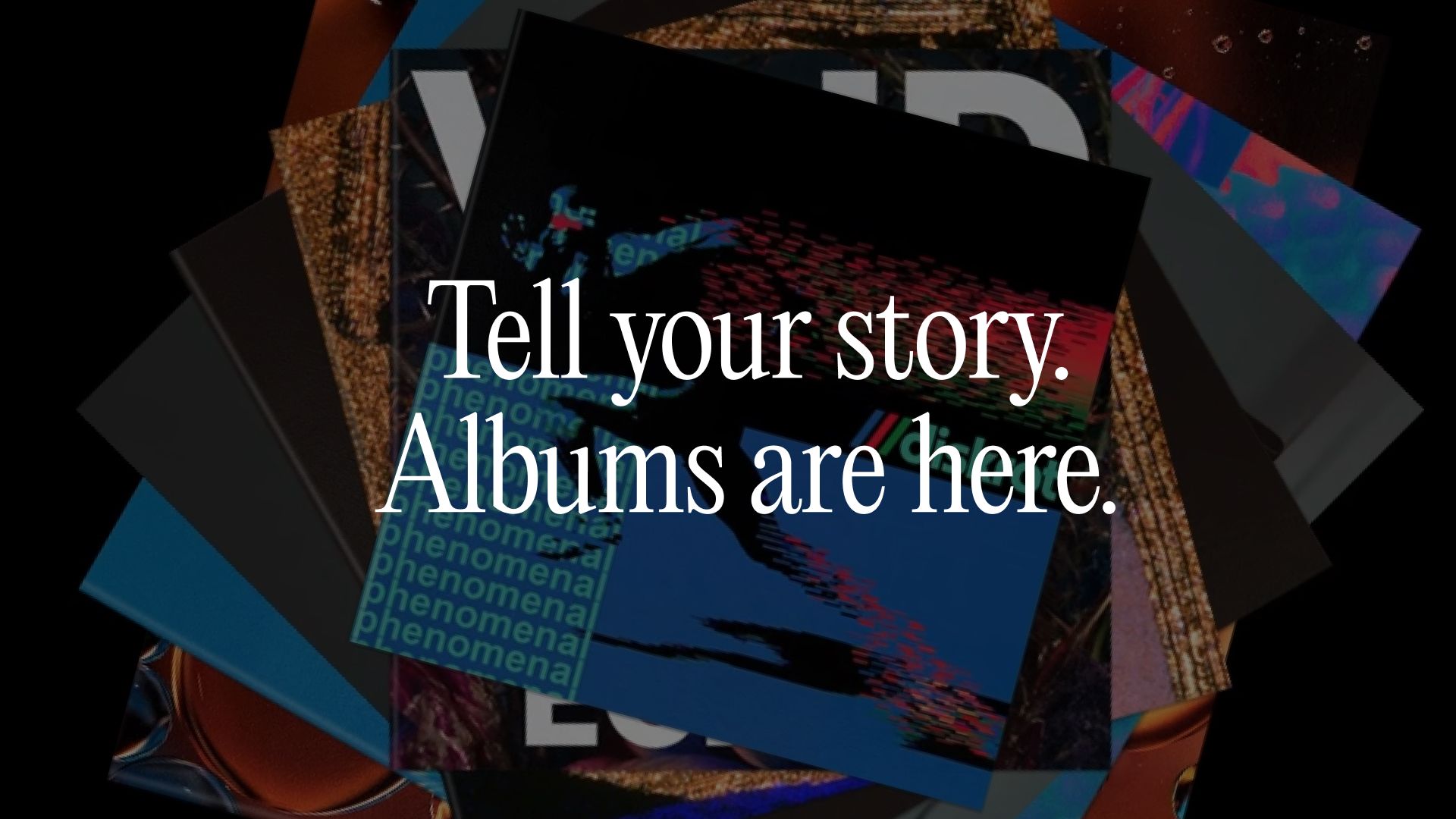
  • Collage of album covers with the words “Tell your story. Albums are here.”

    Release your music

    Get your songs on streaming and in front of listeners.

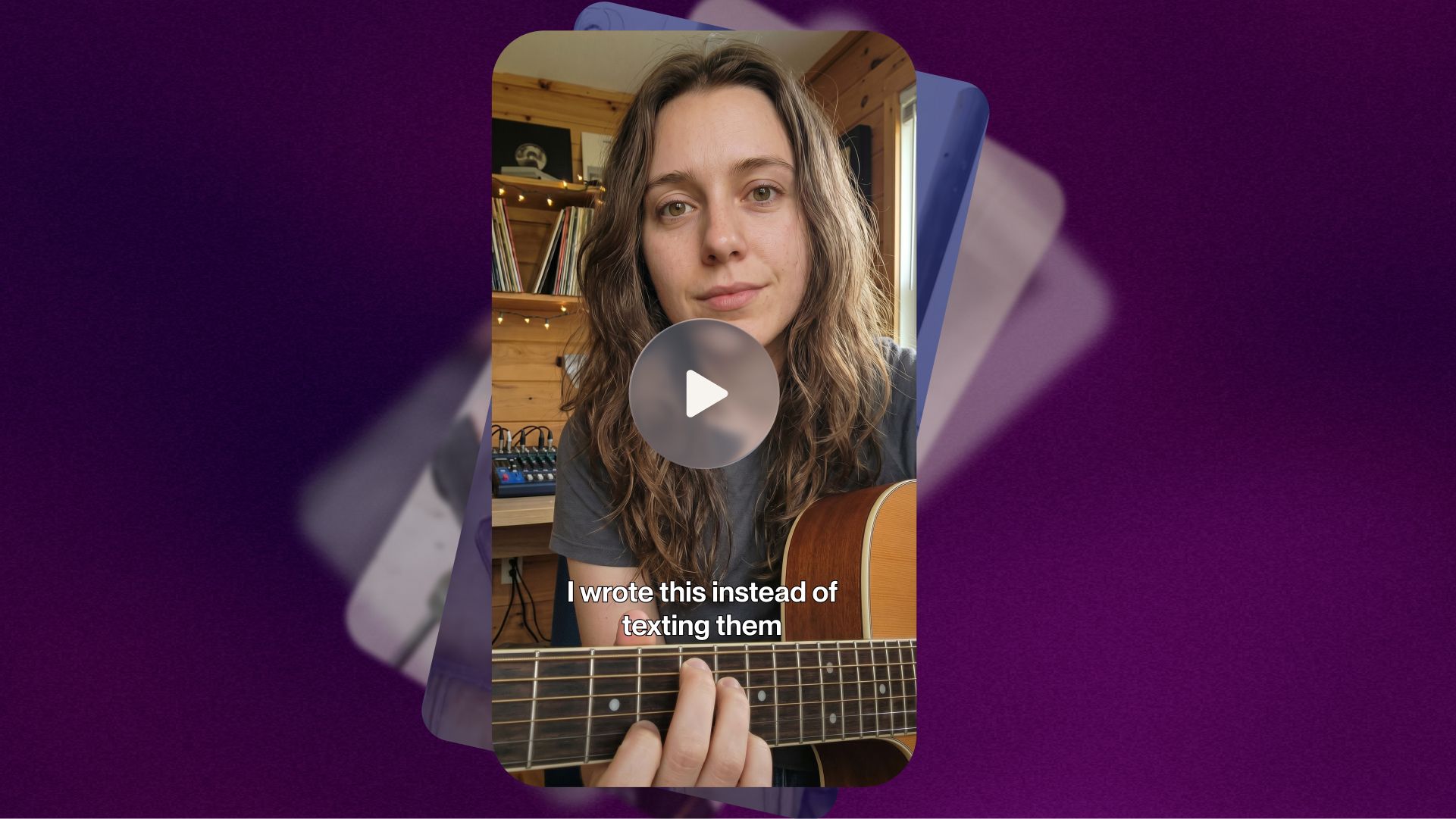
  • Vertical social video of a musician playing guitar

    Stand out in the feed

    Share your signature sound in videos, reels and social posts.

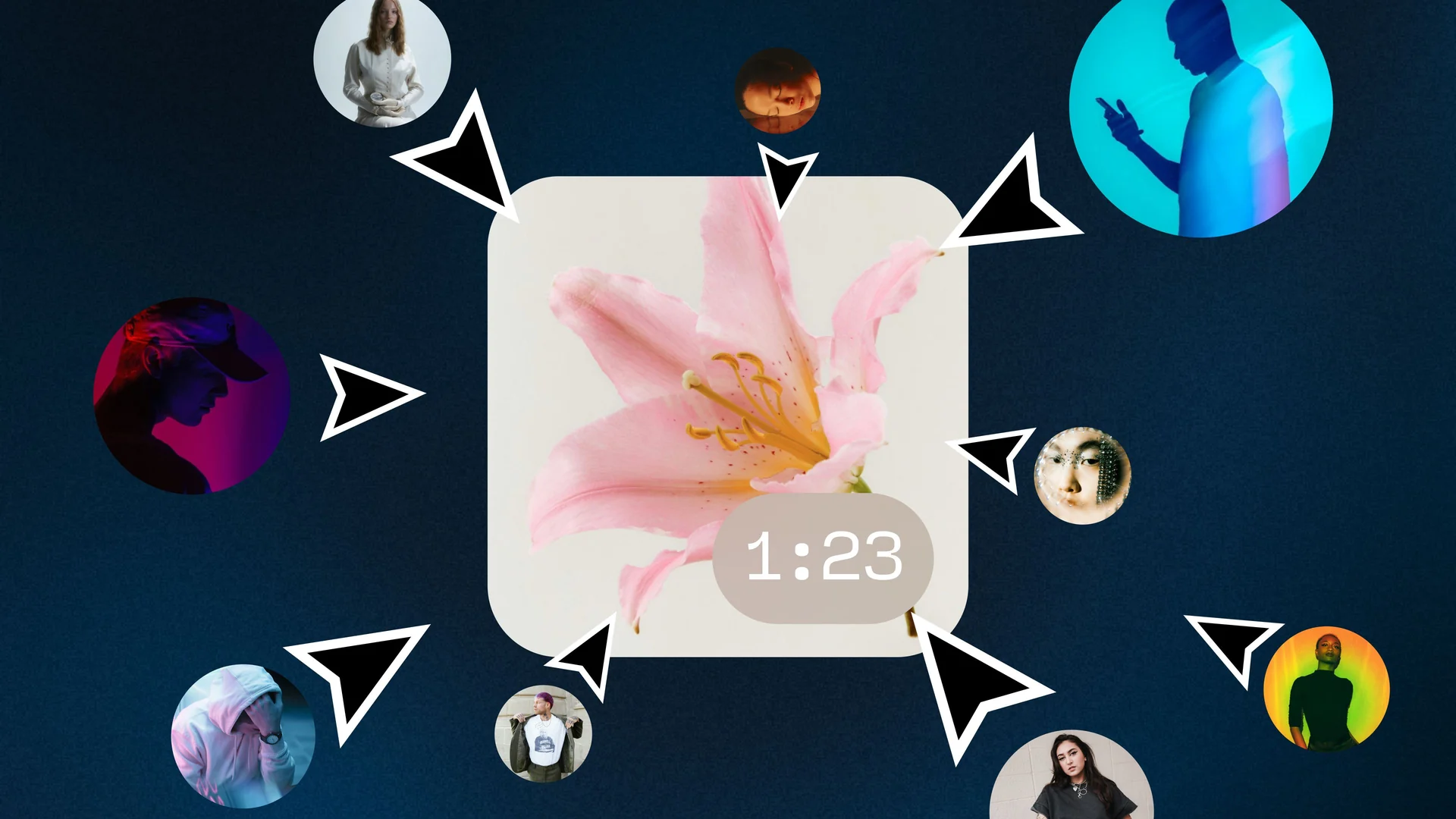
  • A track tile surrounded by collaborators’ cursors and avatars

    Deliver for your clients

    Make custom tracks for ads, campaigns and any project.

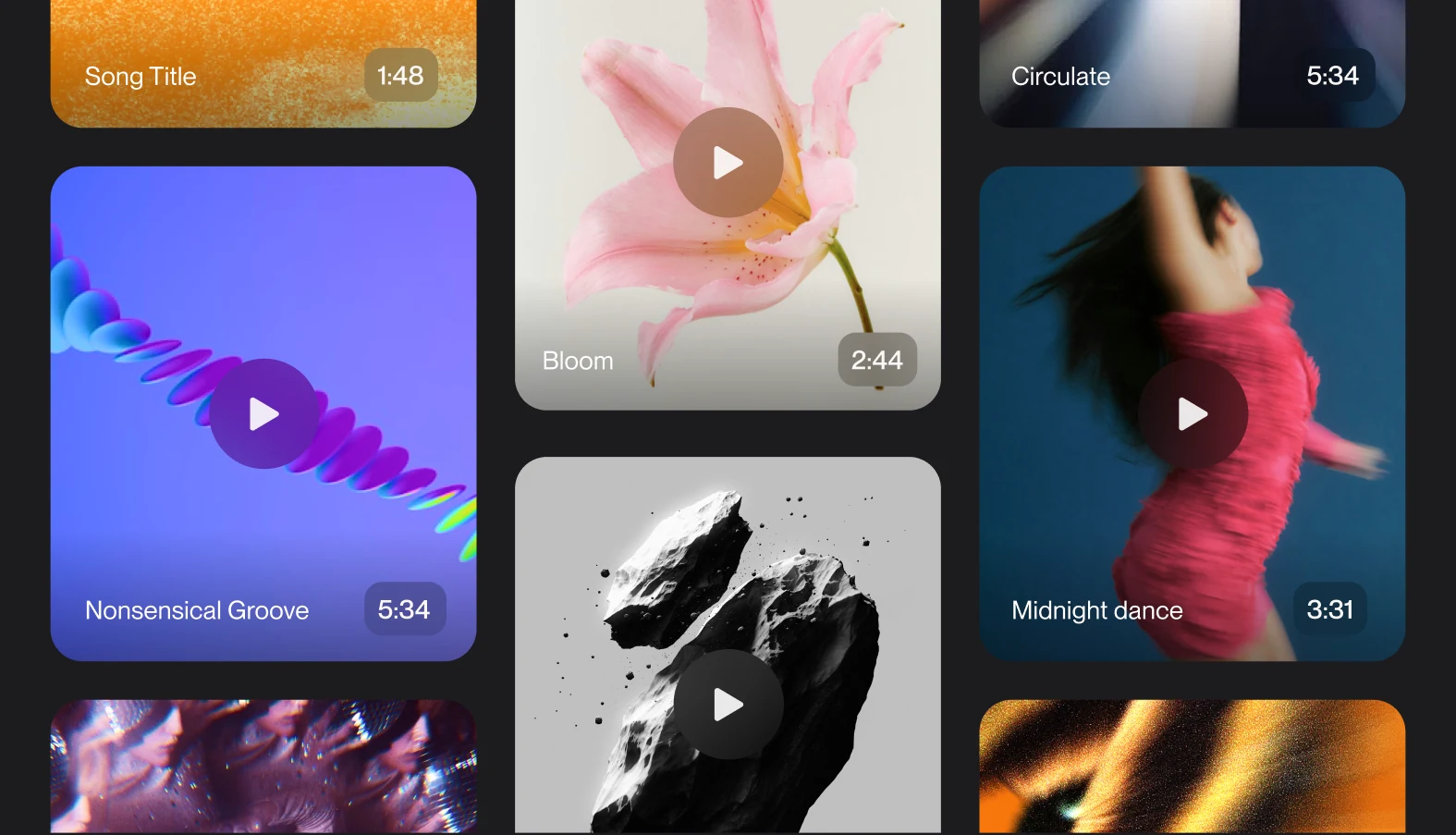
  • Collage of songs, album art and video clips ready to publish

    Get commercial use rights

    Download up to 20 songs a month on Pro or 60 on Premier. Ready for YouTube, ads and more.

Start making music for free

Select the plan that best fits your needs

So, ready to make your first track?

Just tell us what you want to hear.

How producers, creators and creative teams use Suno

  • “It’s helping you take your voice and take it to the next level.”

    French MontanaGrammy Nominated Rapper/Producer
  • “Suno is my muse. I’m like a kid, falling back in love with the purity of creativity”

    Timbaland4 Time Grammy Winning Producer
  • “You can still be original using Suno. I might just got a sound that I can’t find, and Suno’s got the sound.”

    ATL JacobGrammy Nominated Rapper/Producer

Frequently asked questions

What rights do I have with a paid subscription?

Songs downloaded while subscribed are granted commercial use rights, in addition to your right to use them for personal, non-commercial purposes. Commercial use rights allow you to monetize the songs however you wish, without Suno claiming a stake in the earnings.

With a paid subscription, you can: • Use any amount of your monthly allotment of credits (annual plans also top up on a monthly basis) • Download your tracks for use outside of Suno • Monetize your songs • Distribute them to streaming platforms • Use them in film, tv, or video games • Sell them independently (such as selling an album via BandCamp, etc)

Keep in mind, granting commercial use rights does not guarantee copyright protection! Copyright qualification and protection is determined by your region/country's copyright office, not by Suno.

Read the full answer in the Help Center

How do I download songs?

You can download your songs from your Library or Workspace.

Download a single song 1. Find the song you want to download 2. Select the More Actions (...) menu 3. Hover over or select Download 4. Choose your preferred download option

Download multiple songs 1. Hold Command on Mac or Ctrl on Windows while selecting individual songs 2. Hold Shift to select a range of songs 3. Right-click one of the selected songs 4. Select Download All 5. Choose your file type and select Download

Your selected songs will be downloaded together as a ZIP file.

Read the full answer in the Help Center

What types of files can I download?

Available download options depend on your plan and where you're using Suno. • MP3: Available for song downloads on all plans. Available on web and mobile. • WAV: Available to Pro and Premier subscribers. Available on suno.com (mobile downloads default to MP3). • Video: Songs can be downloaded as video files from Suno. • Stems: Individual stem files available when stems exist for a song. Does not count as additional downloads beyond the song itself. • MIDI: Available for songs created in Suno Studio. Available to Premier subscribers.

Available options may vary depending on the song, feature, plan, or device you're using.

Read the full answer in the Help Center

How many credits do I get?

When you create an account, you get 50 credits that renew each day! If you need more credits, we have two paid subscription options, each with a monthly or annual billing option: • The Pro plan includes 2,500 credits that are replenished monthly. • The Premier plan includes 10,000 credits that are replenished monthly.

Both tiers can be purchased with monthly or annual billing. Annual subscriptions are discounted 20% vs the monthly plan.

Read the full answer in the Help Center

When do my downloads reset?

If you're subscribed to Pro or Premier, your download allotment resets each month on your billing date.

Unused downloads do not roll over to the next month.

Free-plan trial downloads are lifetime downloads and do not reset.

Read the full answer in the Help Center

Does Suno own the music I make?

If you were subscribed with a Pro or Premier plan when the song was created, you are considered the owner of the song. You also retain the rights to commercial use for the song, even if you end your subscription.

If you are using the free version of Suno (our Basic tier), we retain ownership of the songs you generate, but you are allowed to use those songs for non-commercial purposes, subject to your compliance with Suno’s Terms of Service.

Read the full answer in the Help Center