
Get Unlimited Stock Music With Suno
Author
Luis Minvielle
Date Updated

The best way to get unlimited stock music is with Suno. Creators rely on stock music for videos, ads, podcasts, brand storytelling, and everything in between. Every project needs a sound that amplifies the message, sets the pace, and holds the audience’s attention. Traditional libraries can feel limiting, especially when several creators pick the same tracks or when the perfect mood doesn't exist in the catalog.
Suno, the AI-assisted music creation platform, gives you a different kind of access. Instead of sorting through the same old playlists, you can create original music that speaks to a specific moment, scene, or emotion. Let’s get into how Suno works and how it can meet all your stock music standards and give you the commercial rights to it.
Why Creators Need Reliable Stock Music
Great audio is one of the most underrated advantages in content creation. A good soundtrack might help people remember your content, keep things moving, and set the right emotional tone. Creators often rely on stock music download pages because they are accessible and faster than traditional routes. It removes the hurdles of hiring composers, tracking down rights, or digging through outdated music download sites. The right track can amplify a message instantly, and that’s why dependable access matters so much. But all of this only works as long as creators have the commercial rights.
Recommended Read: AI Rap Generator
The Limitations of Traditional Stock Music Libraries
Most creators have felt the friction of classic libraries at some point:
- Tracks overlap across countless projects.
- Licensing rules feel confusing or inconsistent.
- Overused songs appear across competitor content.
- Searching through endless playlists takes more time than expected.
- Quality varies depending on the provider.
Even the best libraries eventually start to feel predictable. Many creators bounce from platform to platform looking for something fresh, or they turn to paid stock music download tools hoping to stumble across a better option.
How Suno Addresses the Stock Music Challenge
Suno gives you the freedom to create audio from scratch so you no longer chase the “least overused” option. You can shape any style, mood, or rhythm you imagine. With this much freedom, you can pursue many ideas that regular libraries don't provide.
Inside Suno, every track feels intentional. You set the mood, style, tempo, structure, and transitions. The results stay consistent in output and download quality, and usage rights depend on your plan, which keeps the process clear. With Suno, you’re no longer patiently waiting for someone to have uploaded exactly what you need today five years ago.
Creators turn to Suno for stock music because it gives them maximum flexibility instead of fixed menus. You don’t have to hope someone else interpreted the vibe correctly. You can shape and refine it yourself.
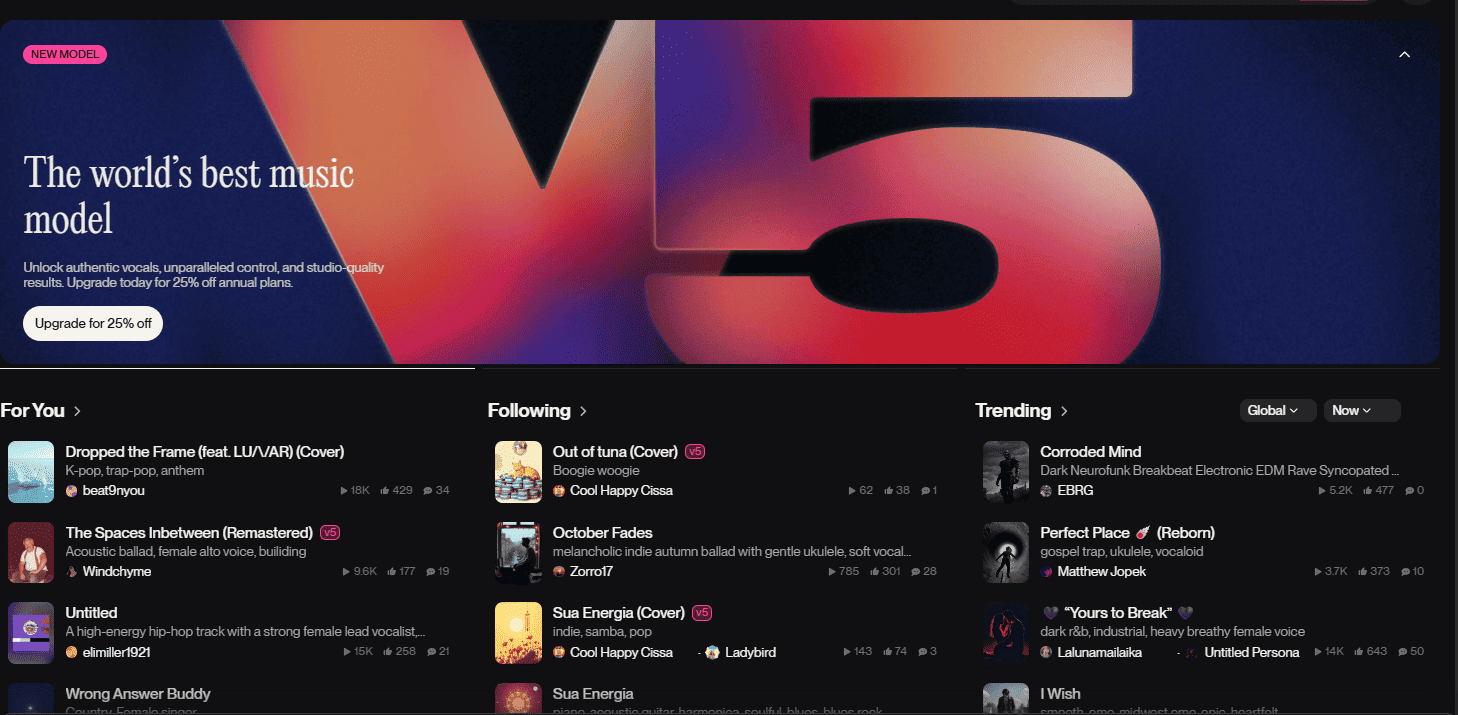
Also, and very importantly, commercial rights are included in Suno with Pro and Premier plans, which means you can use the tracks for client deliverables or your own commercial venture.
What You Can Create With Suno
Suno’s range covers nearly every creative direction you might need:
- Cinematic, dramatic builds for trailers or storytelling
- Soft ambient beds for focus, education, or product demos
- High-energy tracks for fast-paced social moments
- Clean, minimal audio for corporate branding
- Podcast-ready background beds that sit comfortably under voice
- Electronic, acoustic, hip hop, classical, folk, or hybrid genres
If you’re looking for stock music download alternatives, Suno allows you to explore endless stylistic combinations instead of scrolling through rigid categories.
How To Make Stock Music On Suno
Creating music with Suno doesn’t require theory knowledge. Instead, you describe the sound you want to hear. Open up Suno, go into the Create tab, open up your workspace and start creating your tracks.
- Build the prompt: Start with the overall feeling: bright, moody, punchy, warm, dreamy, energetic, or introspective.
- Add musical details: Mention instruments, tempo, rhythm, structure, or moments like drops, rises, or transitions.
- Try variations: The platform will create two lanes based on one prompt. If a take lands close but not perfect, tweak your prompts and craft new variations for a different spin on the same idea.
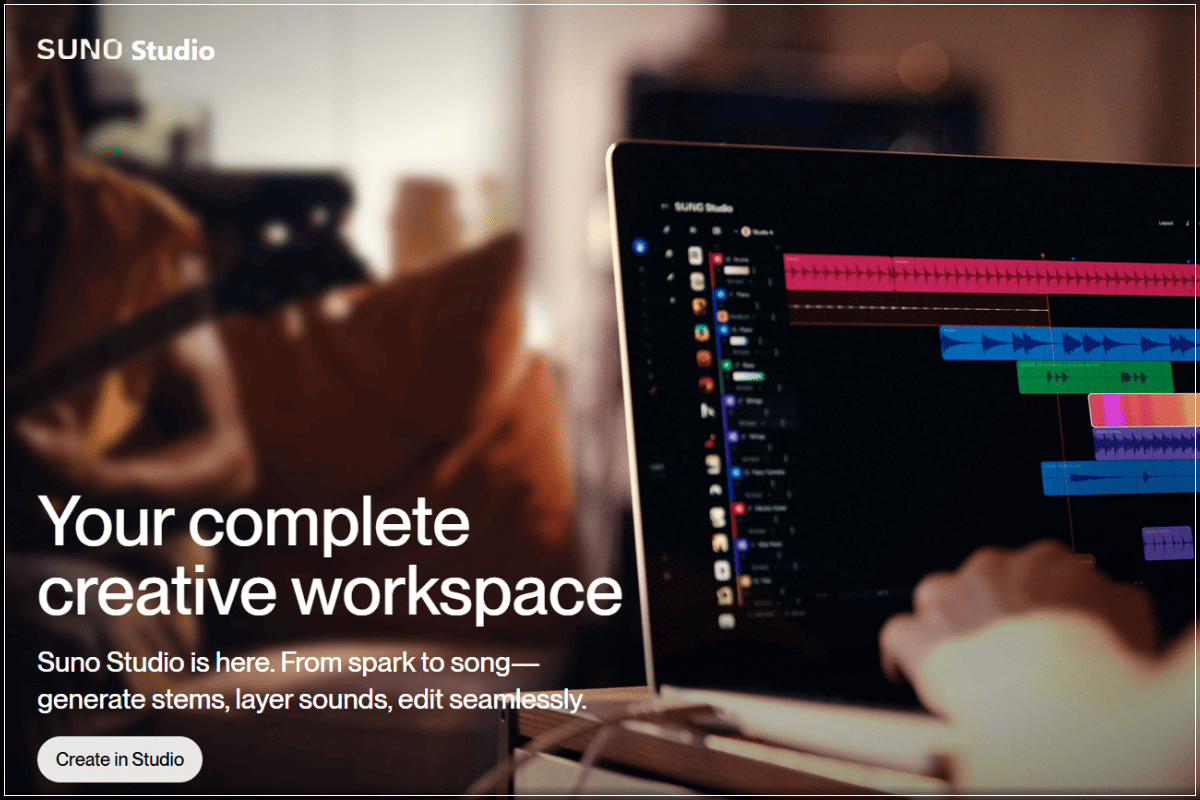
- Download and save: Your track becomes part of your personal stock music for video library, ready for use across projects. If you’re on the free plan, you can download MP3 audio. Pro users can download WAV and Premier and download MIDI for post-production on other music editing software, or directly on Suno Studio, our AI-native Digital Audio Workstation (DAW).
- Apply the correct usage rights: Basic tier tracks allow non-commercial use, while Pro and Premier plans include commercial rights.
Recommended Read: How to Make a Song
Real-World Applications for Suno Stock Music
Creators use Suno stock music across every corner of content production:
- Video creators: YouTube intros, storytelling, short-form edits.
- Freelancers: Client campaigns, branded videos, presentations.
- Podcasters: Background beds, transitions, and outros.
- Advertisers: Custom audio for digital ads or product launches.
- Course creators: Clean, supportive soundtrack options.
- Song placement professionals: Commercially-available new, original songs for media.
- Small businesses: Consistent brand audio across every platform.
- Professionals in the theme song business: Professionals can leverage Suno Studio, the DAW accessible with the Premier plan, for a more detailed edit of their themes.
This is why many creators shift away from standard stock music sources. Customization matters, and not every type of creator will find exactly what they need in a basic stock music platform.
Tips for Making Better Stock Music Prompts
Great prompts lead to stronger tracks, and a few guiding ideas can help you shape exactly what you need. Start by thinking in scenes. You can describe the moment on screen, like a sunset shot or a city at night. Then anchor the emotion behind it, and choose feelings such as uplifting, tense, nostalgic, calm, bold, or mysterious.
Pacing matters just as much as mood. Tempo sets the energy, so a faster beat pushes momentum while a slower one creates space and softness. You can also mention transitions or looping needs, including fades, rises, drops, or clean endings. These tools will help you create your own library of stock music in Suno that can be used for practically every creative purpose.
Create Your Own Stock Music With Suno
Traditional libraries limit what you can find. Suno opens up a wider path by giving you the power to craft music that matches your ideas instead of settling for whatever already exists. You shape the mood, the pacing, the energy, and the emotional impact.
If you can imagine the sound, you can make it. Create original music for any project with Suno today.
Best Unlimited Stock Music FAQs
Is the music license-free?
Songs created on the Basic tier are for non-commercial use. Tracks made on Pro or Premier plans carry commercial rights. Read more on rights and ownership here.
Can I use Suno tracks in paid client work?
Yes, commercial rights are included with Pro and Premier.
Are tracks truly unique?
Yes, each piece is produced individually, shaped by your prompt, style choices, and refinements.
Does Suno replace full stock libraries?
Yes, Suno can replace a full stock library because it offers unlimited original stock music options.
Do I need to credit anyone?
You do not have to credit Suno if you are a paid subscriber (Pro or Premier), but you can if you choose to.

Best Black Friday Music Deals 2026
Black Friday music deals for 2026 are here! Save 40% on Suno Pro and Premier plans plus find top music gifts and creative tools on sale.

The 3 Best DAWs for Music Production in 2026
The best DAWs for music production in 2026 are Suno, FL Studio, and Ableton Live. Suno is particularly suited for high-quality music production.