
3 Best Music Makers Online
Author
Luis Minvielle
Date Updated
TL;DR: If you want the best music maker online in 2026, Suno is the strongest pick. It writes a full song with vocals in seconds, right in your browser, and the free plan is enough to test it across multiple sessions.
Online music makers used to be toys. Beat grids in a browser, MIDI sequencers running on Flash, fun for ten minutes and forgotten. The current generation is different. Some now write a complete song with vocals from a single line of text. Others give you the same control as a desktop DAW, straight from a browser tab.
This guide covers seven tools we actually used. AI music generators sit next to browser-based studios. Free plans next to pro tiers. We looked at each item like ease of use or licensing for paid work.
Suno comes out on top for full songs. Soundtrap and BandLab still hold the line for hands-on production. Chrome Music Lab is the easiest way in. Below is the full ranking, with the verdict on each tool and where it fits.
1. Suno
Suno is an AI music maker that writes a full song with vocals from a text prompt. You write a sentence about the kind of track you want, and it returns lyrics, melody, vocals, and instrumentation in under a minute. This update includes Voices, which captures the essence of your voice so you can hear yourself in your Suno songs, Custom Models that you can tune to your own library, and My Taste, a customization layer that learns your favorite moods and genres.
This is the only tool on the list that handles the full chain from idea to finished song in one place: a complete AI music creation platform with vocals, instrumentation, and lyrics in a single pass. All in the browser. All from one prompt. All in a few minutes most of the times. Pop, rap, lofi, country, afrobeats, k-pop. It covers every genre we threw at it.
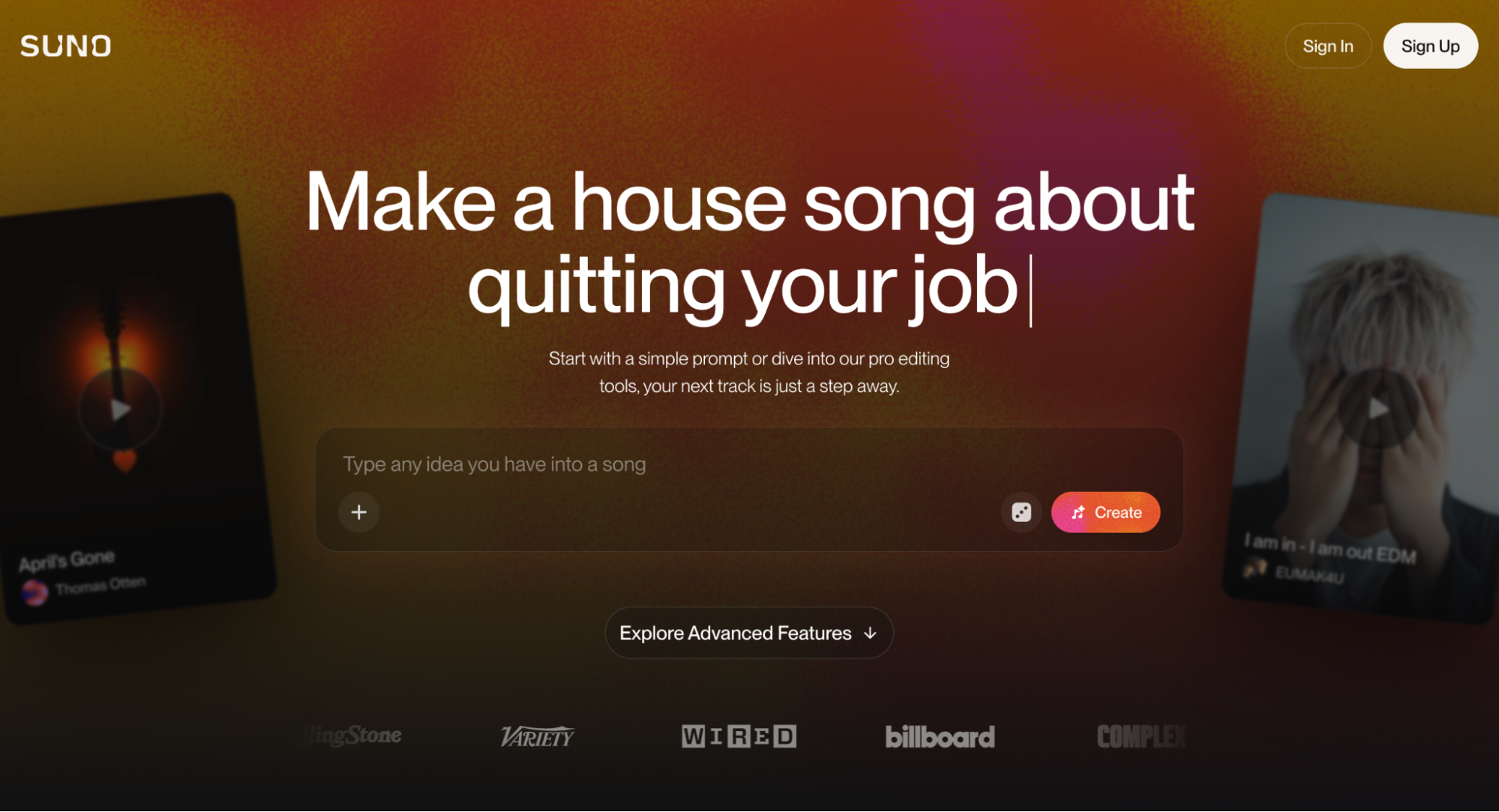
Key features include create full songs from a text prompt, vocals included; genre and style control across 50+ tags; built-in lyric writer; verse, chorus, and bridge structuring; and WAV and MP3 export, stems on paid tiers.
Pros | Cons |
Full song output, vocals included, in under a minute Runs entirely from a text prompt Vocal quality competitive with human demos Free plan large enough to test the platform | Less granular than a DAW for fine edits, but you can use Suno Studio on top of the song creator |
Suno pricing looks like this in 2026:
- Free plan with daily credits
- Pro plan for higher monthly volume
- Premier plan with full commercial rights
Verdict: Suno is the fastest path from idea to finished track on the web today.
Recommended read: How to make a song with Suno →
2. Chrome Music Lab
Chrome Music Lab is Google's free music sandbox. Song Maker, Rhythm, Spectrogram, and a dozen other small experiments live inside it. Schools, kids, and curious adults use it as a first step into music. Open any browser tab and you are making sound in five seconds.
Chrome Music Lab works as a learning tool. Song Maker tops out at 16 bars with one melodic instrument and one percussion line. That ceiling is low on purpose. It teaches the basics in five minutes, and that is the point.
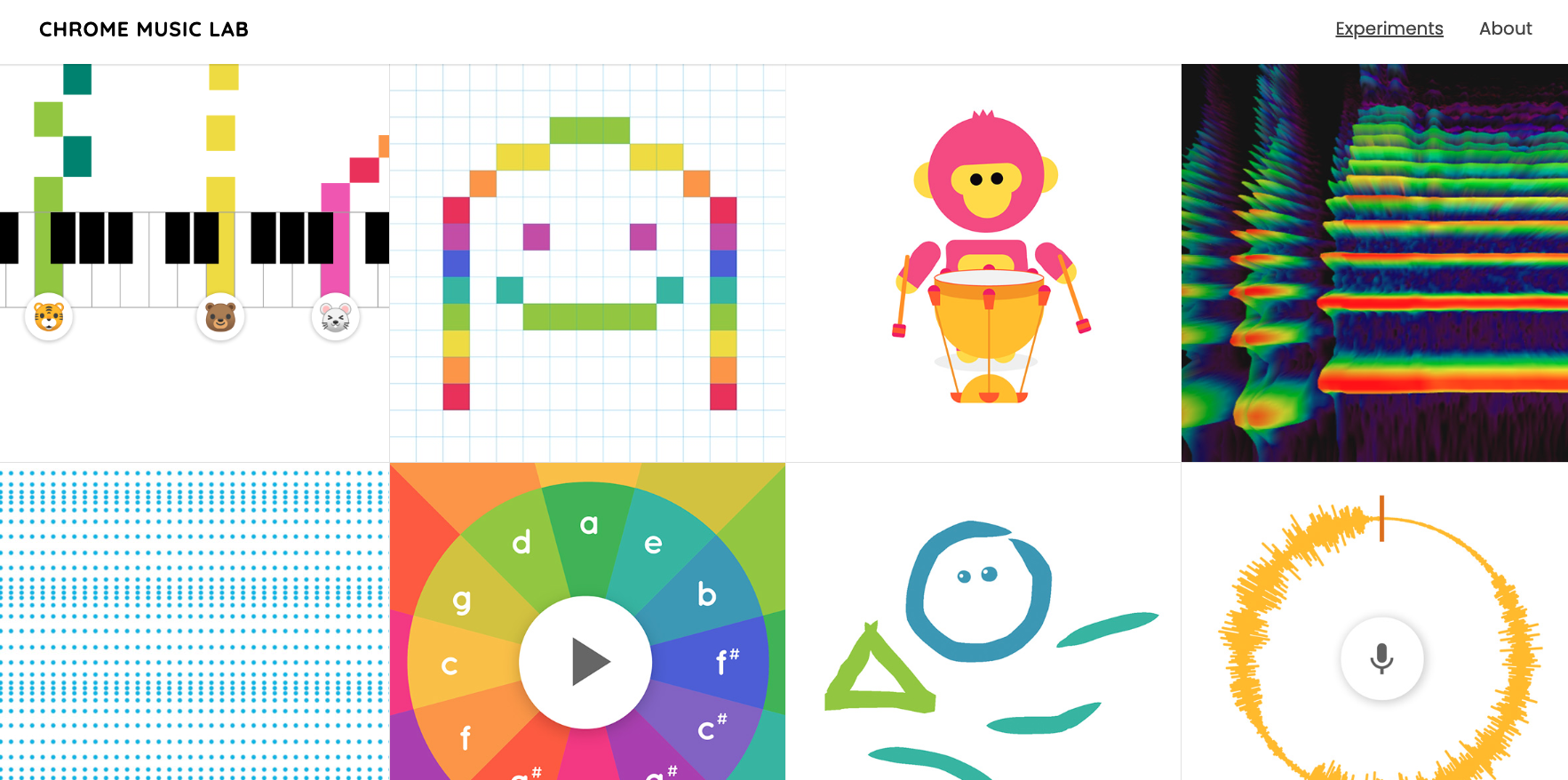
Key features include Song Maker with grid-based melody and beat; Rhythm, Spectrogram, and Kandinsky tools; public access for every feature; and works in any modern browser.
Pros | Cons |
Completely free Excellent for kids and absolute beginners Instant access in any browser | Output is short and limited in arrangement Export is restricted to MIDI or a shared link |
Chrome Music Lab pricing looks like this in 2026:
- Free across every feature
Recommended read: Chrome Music Lab vs Suno: Learn Which Is Best for Making Music →
3. BandLab
BandLab is a free online DAW with a social feed bolted on. You record, mix, and publish from the same browser tab. The platform reports over 100 million users in 2026 and a community that shares stems, presets, and full songs daily.
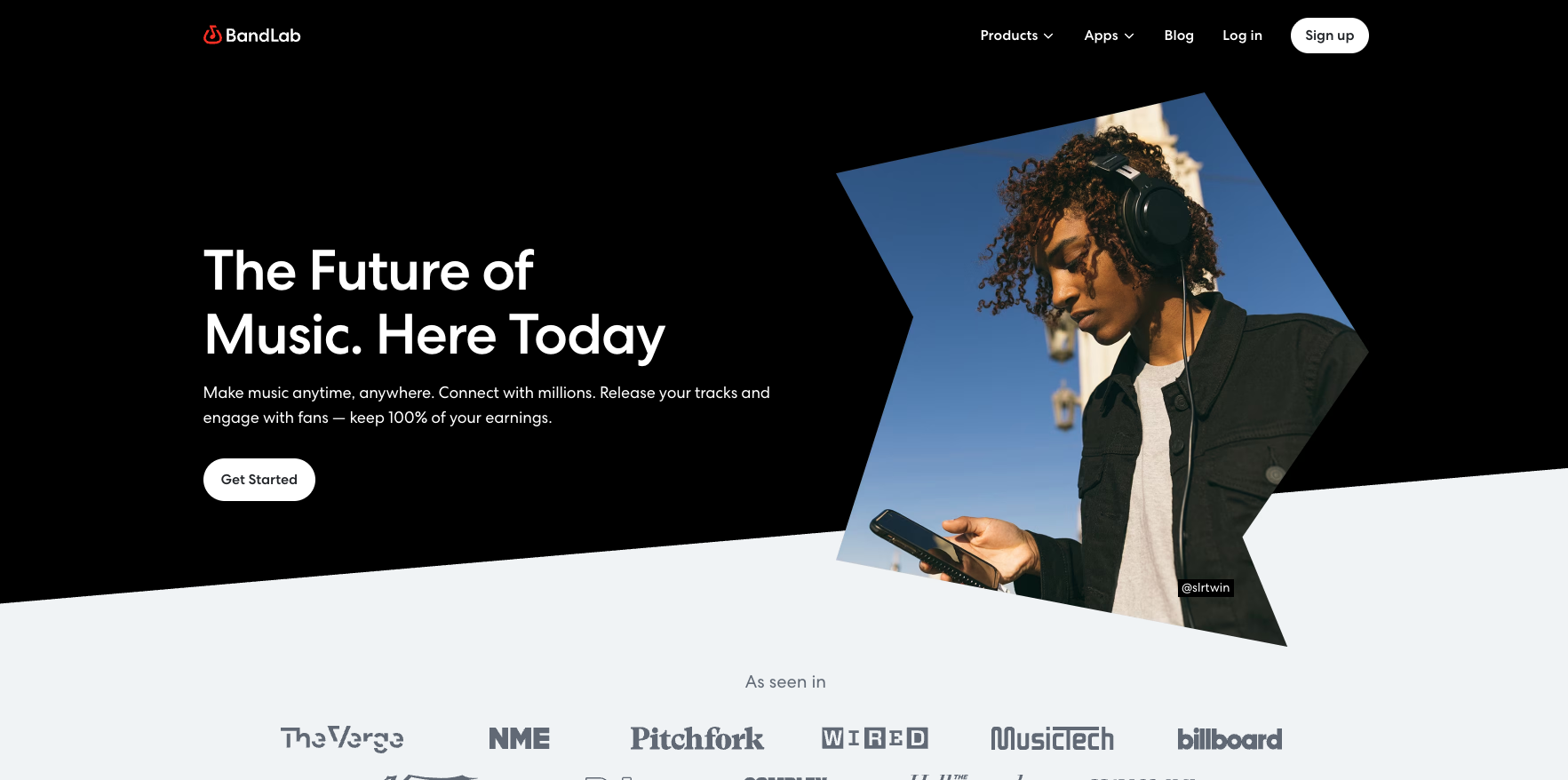
This is the closest thing to a free version of FL Studio in your browser. Mix engine. MIDI editor. Effects rack. Plus a built-in mastering tool that handles your final track in one click, all in-app.
According to Trustpilot reviews and threads on r/Bandlab, the most common note is paywall creep. Some longtime users describe features that were free for years now sitting behind a $14.95 monthly membership, and a few Cakewalk users have written about the shift since BandLab took over the platform. r/MusicProduction still recommends BandLab to absolute beginners.
Key features include multi-track mixer with unlimited mastering, and hundreds of loops (some sources online say ten thousand).
Pros | Cons |
Fully free for all core features Active community and shared projects Cross-platform: web, iOS, Android, desktop | Interface can feel busy on first login Less polished than premium DAWs like Ableton |
BandLab pricing looks like this in 2026:
- Free for the core DAW
Membership tiers add cloud storage and extra plugins.
What Makes a Good Music Maker Online
A good music maker online runs entirely in the browser. That is the baseline. Beyond that, three things separate the strong tools from the rest.
Output that sounds finished: The output should land as a complete song on its own. Suno hits this for full songs with vocals. BandLab hits it for self-produced tracks.
Speed: Loading time, render time, project save time. The browser tab should match the speed of a desktop app, and on the best tools it does.
License clarity: For paid work, you need to know who owns the output. Suno's Premier plan spell out commercial rights clearly. Free tiers usually limit commercial use.
Start Creating with Suno
Online music makers cover a wide range. Sketchpads. Browser DAWs. AI generators. Each one fits a different kind of creator.
Suno is the only one that takes you from a single sentence to a finished song with vocals, all in your browser. If you want a complete track straight from a text prompt, Suno is the strongest pick on this list.
Try Suno today and make your first song online for free.
Music Maker Online FAQs
What is the best music maker online?
Suno is the best music maker online for full songs with vocals.
Are music makers online free?
Many are. Chrome Music Lab costs nothing for core features. Suno offers free tiers, with paid plans for advanced output.
Can I make professional music in a browser?
Yes. Suno's Premier plan covers commercial rights for any track you create.
What is the easiest music maker for beginners?
Chrome Music Lab is the simplest entry point and teaches the basics in five minutes. Suno is the fastest path from idea to a finished song, working straight from a text prompt.
Do music makers online support vocals?
Some. Suno creates vocals automatically. BandLab lets you record your own.
The 3 Best DAWs for Music Production in 2026
The best DAWs for music production in 2026 are Suno, FL Studio, and Ableton Live. Suno is particularly suited for high-quality music production.
Best DAW for Beginners: Affordable and Free Music-Making Software
The best DAW for beginners is Suno Studio. Look at affordable and free music-making software like Suno Studio to start producing songs fast.