
3 Best Stem Separation Software
Author
Luis Minvielle
Date Updated
Suno is the best stem separation software in 2026 because it lets producers create a song from a prompt or melody, then split that same track into individual stems they can edit, rearrange, or reuse in new projects.
Music producers often need to extract vocals, drums, or instruments from a full song for remixing, sampling, or practice. Modern stem separation tools use AI models trained on thousands of multitrack recordings to analyze a finished mix and split it into individual parts.
Today’s stem separation software can isolate vocals, bass, drums, and instrument layers with amazing accuracy. A few years ago, this required complex manual editing in a DAW.
In this guide, we tested the best stem separation software to see which tools produce the cleanest results.
What Is Stem Separation?
Stem separation is the process of splitting a full song into its individual tracks. This means separating each component of the song: vocals, guitar, bass, drums, you name it. These tracks are called stems.
With your extracted stems, you can remove vocals, edit individual instruments, or rebuild a mix from separated parts.
How Stem Separation Works
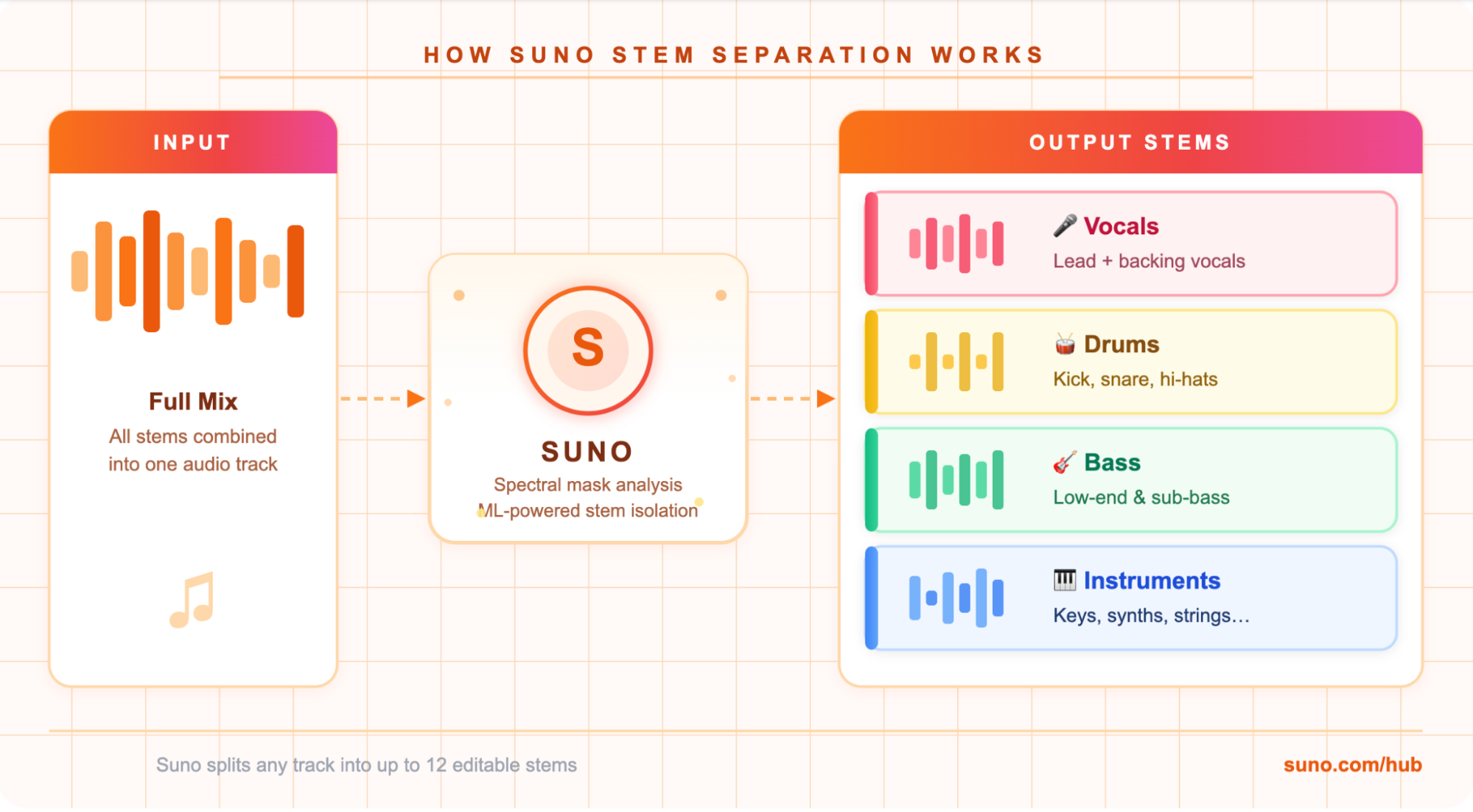
A modern stem separation tool uses machine learning to analyze the frequencies and time-domain patterns inside a mix. The process usually looks like this:
- The model converts the audio into a spectrogram representation.
- The system predicts spectral masks for each sound source.
- These masks isolate vocals, drums, bass, and other instruments.
- The software exports each stem as a separate audio file.
Why Producers Use Stem Separation Tools
Stem separation lets producers work with parts of a song (vocals, drums, etc.) even if they don’t have the original studio files. These can be used to remix an existing song, extract vocals for mashups, sample instruments, build backing tracks, or analyze professional mixes.
Producers usually use stem splitters during the early creative stages or to study the arrangement and sound design of finished tracks.
3 Best Stem Separation Software for Producers
Many tools now offer AI stem extraction, but audio quality and user experience vary widely. Here are seven of the best stem separation software available today:
1. Suno
Suno is an AI music platform where producers can create songs from text prompts or even a short hum. Users can create entire songs with whatever specific instrument, genre, and structure they prefer.
Once a track is created, producers can use the stem separation tool and reuse it in other projects. For example, if you made a song with a beat you think is perfect for another production you’re working on, you can extract it and layer them together. Suno handles up to 12 stems (vocals, backing vocals, drums, bass, guitar, keys, strings, brass, woodwinds, percussion, synth, FX). There is also a simple 2-stem mode (vocals + instrumental).

Inside Suno Studio and the Song Editor, producers can also rearrange sections, adjust elements of the track, or combine stems into new versions. This makes it easy to try out arrangements, build new ideas, or sketch out different options.
2. LALAL.AI
LALAL.AI is a web-based stem separation tool that splits a song into vocals and instruments. Users upload a track, and the platform processes the audio to deliver separated stems for download. Producers often use it to extract vocals from song files for remixes, mashups, or sample analysis. The software can handle up to 10 stems depending on the separation type.
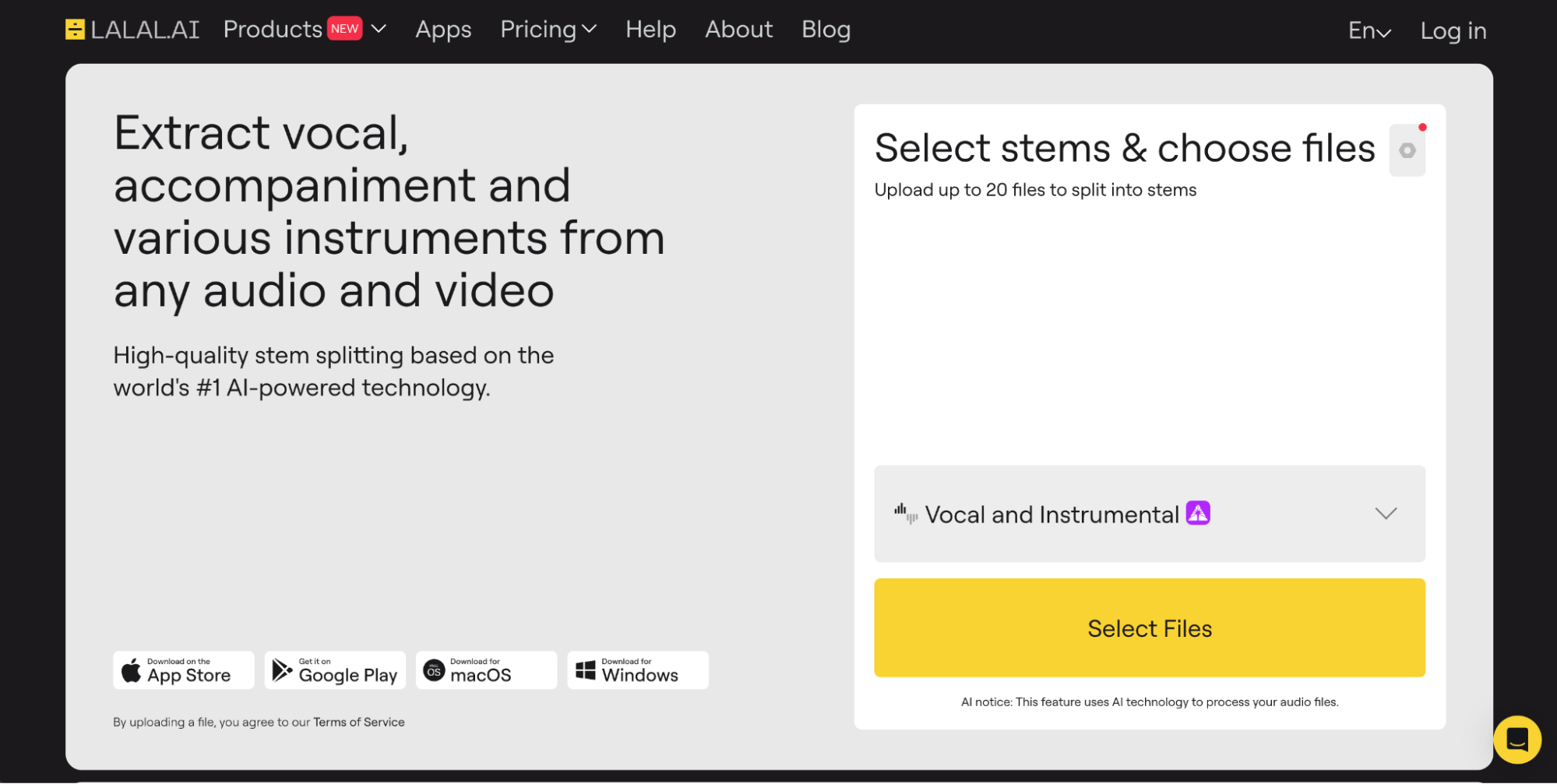
The platform also has a voice cloning tool, which you can use together with Suno. First, create a song with Suno, then upload it into LALAL.AI and use your or your loved ones' voices on the track.
3. Moises
Moises is a popular platform for stem separation used by musicians, producers, and educators who want to study the structure of songs. It also includes tools that help musicians work with those parts. Users can separate audio into seven stems (depending on your plan), change pitch, detect chords, and adjust tempo in real time.
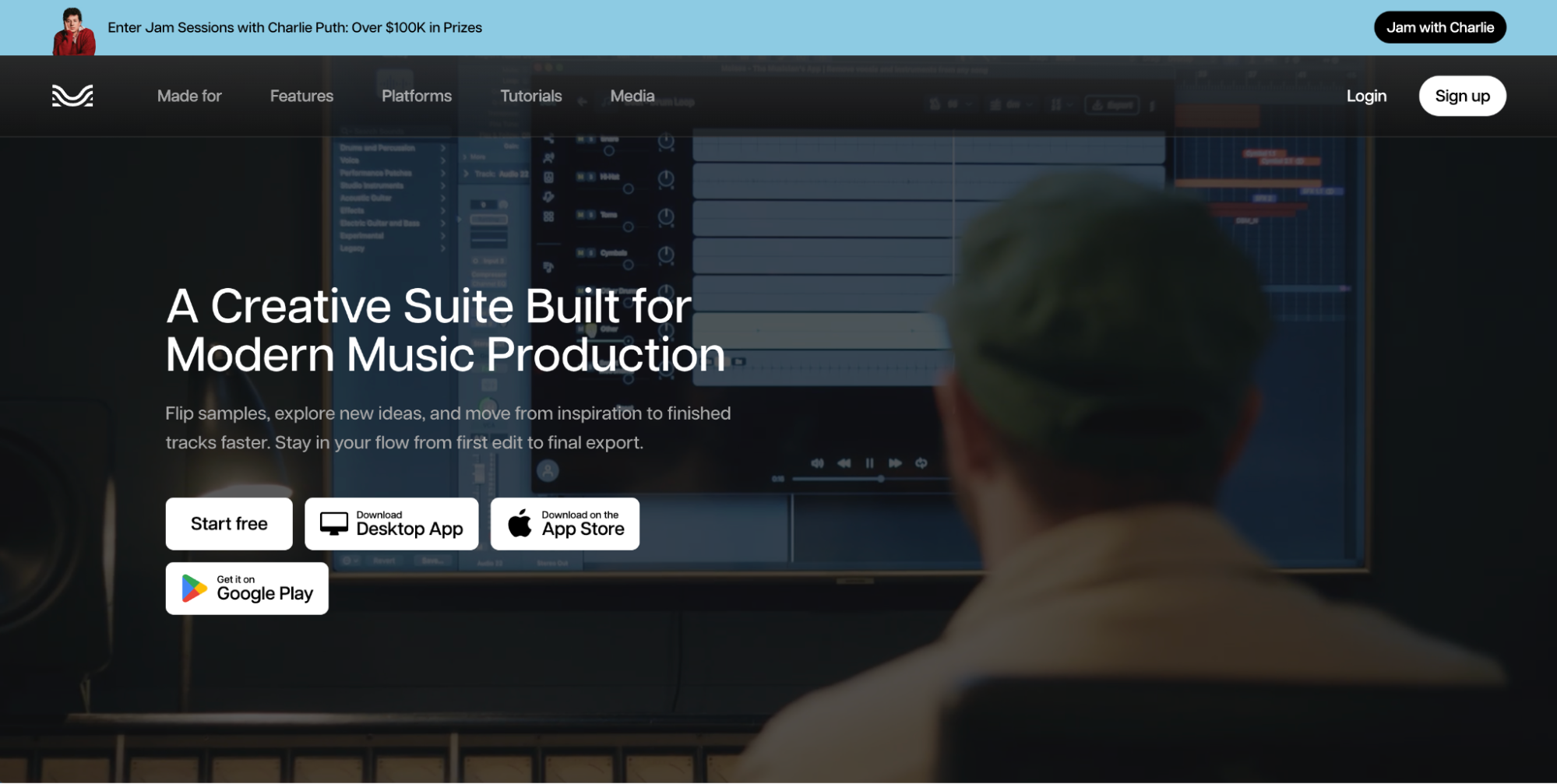
The platform can function as a vocal remover, metronome, and backing track creator. Many musicians use Moises to isolate parts of a song and build custom practice tracks from the original recording.
What to Look for in the Best Stem Separation
The best stem separation tools vary widely in quality and features. Producers should consider several factors, like:
- Vocal extraction quality: Clean acapellas remain the most difficult task in AI separation.
- Number of supported stems: Some tools offer only vocal/instrument splits, while others extract four or more layers.
- Processing speed: Cloud systems process quickly, while local models may require more computing power.
- Export formats: WAV and high-bitrate formats preserve audio quality during remixing.
- Pricing and free tiers: Some platforms offer free vocal remover features, but with limitations.
Are Free Vocal Remover Tools Worth Considering?
Online free vocal remover tools are useful for quick tasks like karaoke tracks or simple remixes. Free tools are easy to try, and they usually process songs quickly. They can work well when you only need a basic vocal or instrumental track.
However, the results are not always perfect. Free tools can have lower audio quality, fewer stem options, and limited formats you can download them in. Because of this, many producers switch to more advanced free AI vocal remover platforms or paid tools when they need cleaner stems for professional mixing.
Create and Separate Stems in One Place with Suno
Most stem separation software focuses on one task: splitting an existing song into parts. Suno offers more. Instead of starting with a finished track from somewhere else, you can create music inside the platform and then work directly with the stems.
Test out Suno’s stem separation tool and start building your next track today. Sign up for Suno to try it yourself.
Best Stem Separation Software FAQ
What is stem separation?
Stem separation is the process of splitting a full song into individual tracks like vocals, drums,
bass, and instruments using AI or audio processing tools.
Can AI remove vocals from a song?
Yes. AI stem separation tools analyze a song and isolate the vocal track or remove vocals
entirely.
How accurate are AI stem splitters?
Modern AI models can produce very clean results. Accuracy still depends on the complexity of the mix and the quality of the separation model.

Best AI Beat Maker: Create Quality AI Beats With Suno
The best AI beat maker is Suno. Suno is an AI-assisted music creation and production tool you can create hip-hop and rap beats with.
How to Finish Your Suno Tracks with a Digital Mixer
Blend AI power with pro gear. Learn how to export Suno stems and use a digital mixer to give your AI tracks a high-end, studio-quality finish.