
How to Finish Your Suno Tracks with a Digital Mixer
Author
Luis Minvielle
Date Updated
Suno is a rich creative engine for modern musicians. While it's a great tool to turn ideas into songs on an end-to-end basis, some real magic happens when you move beyond the screen and interact with your output. Sometimes, the best way to connect with your songs is through real-life, hands-on mixing. A digital mixer allows just that. It's a specialized audio console that processes signals through high-end converters and offers precise control over EQ, compression, and spatial effects.
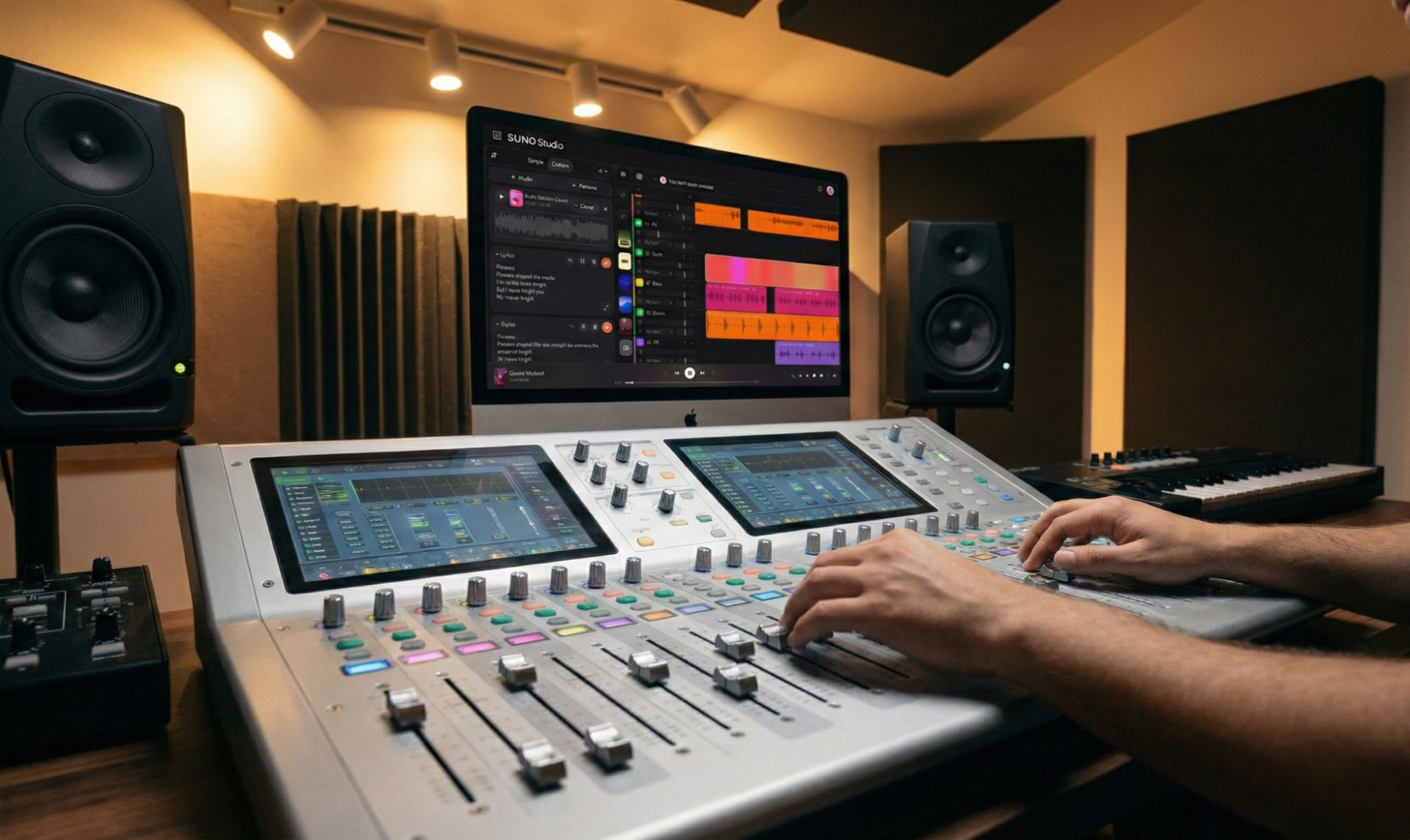
You become an active conductor when you add a digital mixer to your compositions. You can give them a tactile feel and your own personal taste. This guide will take you through how to route Suno audio through hardware to achieve a polished, studio-quality finish.
Suno as the Creative Foundation
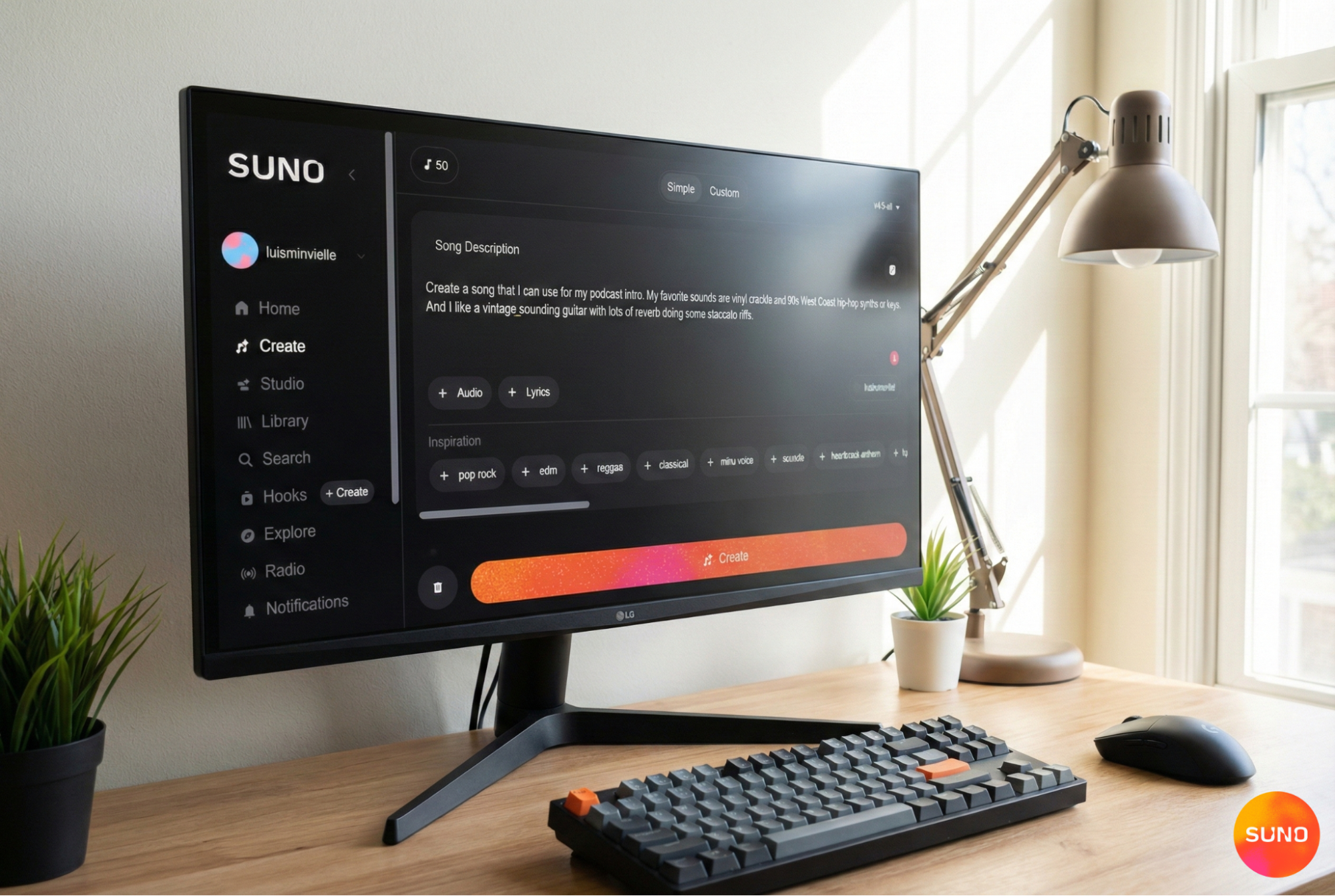
Suno helps musicians an exceptionally high level of musical planning. When you begin a project, you get arrangements, balanced frequency responses, and a steady flow of structures. These create a solid base for editing and trying out more ideas, like with a digital mixer. Because the initial output quality is high with the online audio editor, you spend less time on technical fixes and have more space for the creative choices that mark your signature style. You can use Suno to make music with AI from scratch or to turn a rough idea into a full track. This way, you can focus on making the song your own.
What a Digital Mixer Adds to the Workflow
A digital sound mixer is a collaborator in the music-making process. Because it's hardware, with faders and knobs, it encourages you to use your hands and engage in the music with your body. You might push faders in real-time to highlight a vocal swell or a drum fill. With it, you can enhance elements of the original composition with your specific artistic intent. If you want to separate vocals from music before running them through the mixer, Suno's tools pair well with that workflow.
Suno organizes the sound and keeps the composition balanced. The digital mixer helps make sounds clearer, adds layers, and improves how music feels when played live. Many modern consoles integrate multitrack USB recording, internal DSP effects, and recall. For creators who want to go deeper, pairing Suno with a DAW for music production and audio editing software opens up even more control.
Exporting Stems from Suno the Right Way
To begin this hardware-based journey, you first need to access your individual tracks. Suno provides a stem separation feature for Pro and Premier users. This tool isolates different elements of your song. You can extract up to 12 distinct stems for parts like vocals, drums, and bass. Having these isolated parts gives you more control when you bring them into a digital mixer.
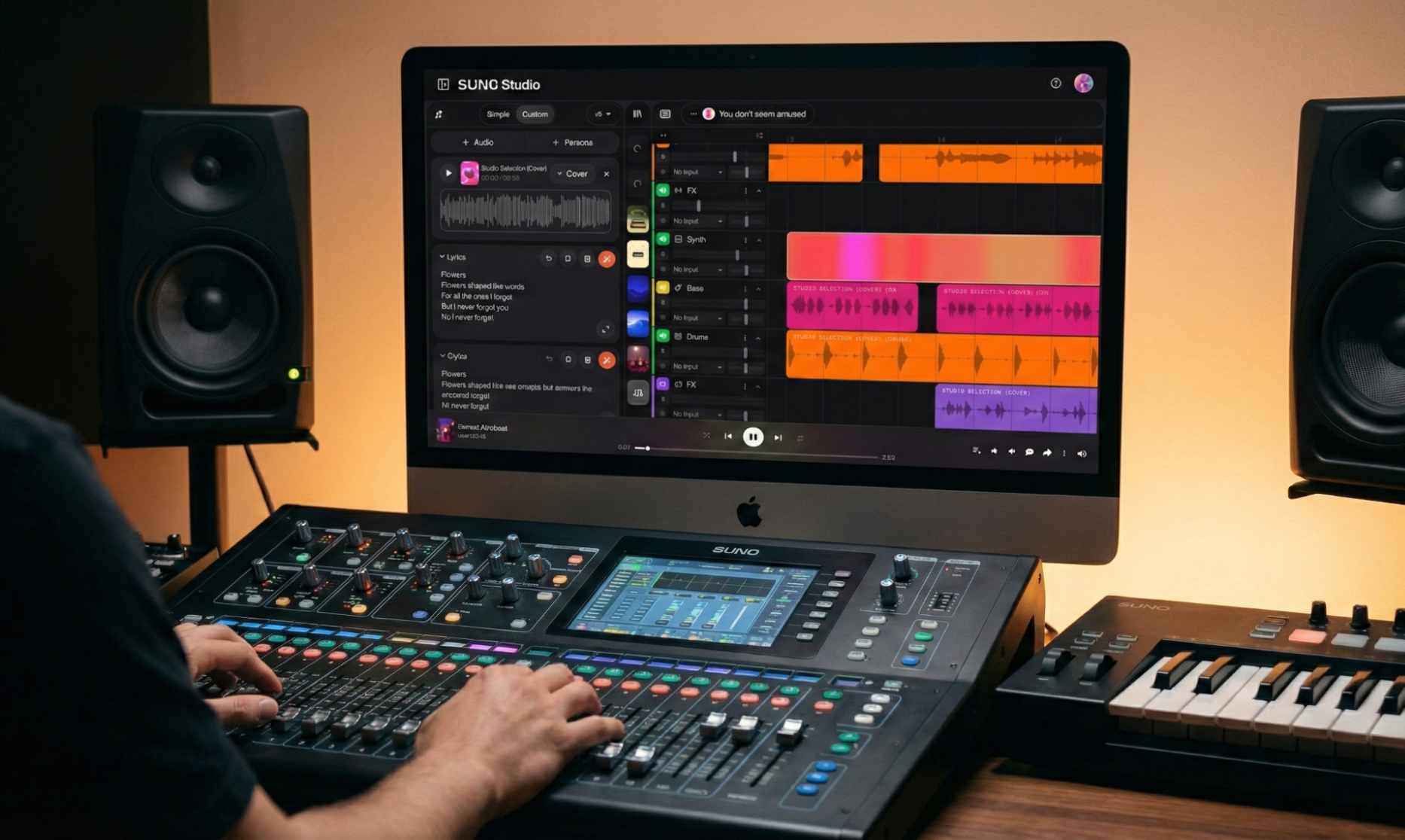
When exporting, pay attention to levels. Every audio file has a maximum volume limit. If a track is too loud and hits that limit, it causes distortion, also called clipping. Leave some headroom, which simply means keeping the volume slightly below the maximum so the sound stays clean. If possible, export your stems as WAV files at 24-bit quality. This format keeps more detail and dynamic range than compressed formats like MP3.
It is also important to keep a consistent gain structure. Gain refers to the signal level throughout your system. Avoid normalizing each stem to its absolute loudest possible level; let them keep their natural balance from Suno. This way, when you bring them into the digital mixer and set the channel faders around unity gain, which is the default level, the mix will already feel controlled and stable.
Finally, organize your files clearly before importing them into your setup. Label each stem with clear names to save time during routing and make the digital mixer feel structured, especially for those who are new to audio mixing.
Setting Up a Collaborative Workflow
Connecting Suno stems to a digital mixer can happen in multiple ways. A common approach involves routing stems from a computer DAW into the mixer through USB multitrack output. Alternatively, a standalone multitrack recorder can feed the mixer line inputs.
Organizing channels matters because a digital mixer can quickly become overwhelming if everything is placed randomly. Each channel on the mixer represents one sound source, such as drums, bass, vocals, or synths. When these are arranged in a clear and logical order, you spend less time searching for controls and more time focusing on the music. Try to group similar elements together and use color coding if the console supports it.
The goal is to make the mixer feel like a physical map of your song. When the layout reflects how the music is structured, your hands respond instinctively.
Mixing Suno Tracks on a Digital Mixer
You are not trying to rebuild the song when you start mixing Suno stems on a digital audio mixer. Actually, you’re changing how each part will feel in the end. A mixer gives you tools to adjust tone, control dynamics, and create space.
- Creative EQ refines tone. For example, subtle low-frequency tightening on bass or gentle high-shelf enhancement on vocals can introduce clarity and dimension. A sound editor can help you preview these changes before you commit.
- Compression controls the difference between loud and quiet moments. For example, a vocal line may have words that jump out and others that feel too soft. A compression technique softens those differences so the arrangement feels more consistent.
- Reverb and delay create a sense of space. Reverb also makes a sound feel like it exists in a room or hall. Delay creates repeating echoes. Adding a small amount can give depth and dimension so the track does not feel flat or dry.
Many digital mixers include built-in effects and allow you to save different mix versions using scene recall. Save variations with different vocal presence levels or alternate drum balances, experiment, and find out what best serves the song. If you prefer to do this in software, pair Suno with music production software or audio editing software for the same level of control.
Digital Mixer vs. Analog Mixer in a Suno Workflow
Digital sound mixers are the natural partners for computer-based music. They mirror how flexible the cloud-based tools you already use are. An analog sound mixer offers a specific warmth, character, and harmonic coloration, yet it lacks the instant recall found in digital units.
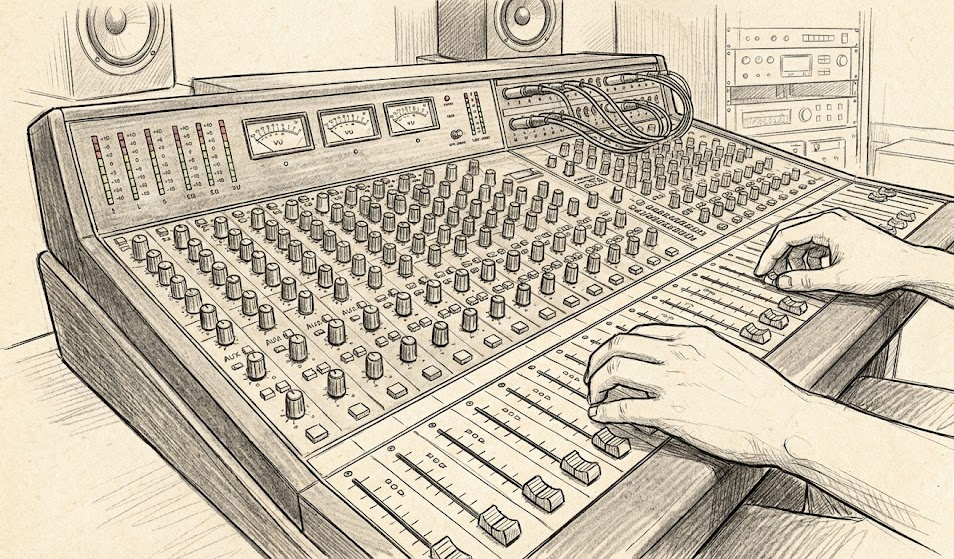
In Suno workflows, recall and routing flexibility are more important than analog coloration most of the time. Digital mixers integrate multitrack recording, automate functions, and perform internal processing. Even though analog mixers are still a creative choice for people who like specific tones, they are not necessary for getting professional results.
Choosing a Digital Mixer for Collaboration
The best digital mixer for working with Suno stems depends on your creative environment. In a home studio, an 8- to 16-channel mixer is usually enough. It gives each core element its own fader while keeping the setup focused and manageable.
For bands, shared studios, or live sets, a 16- or 32-channel mixer is more flexible. With additional channels, you have room for live instruments alongside your stems. They allow subgroup routing, multiple monitor sends, and expanded effects processing.
Look for features that support creativity rather than technical overload. Essentials include:
- Multitrack USB interface
- Scene recall
- Built-in EQ and compression per channel
- Flexible routing and bus assignment
- Clear metering for gain staging
Live Performance and Studio Use Cases
Suno’s stems can become the foundation of a live set because each part of the song is separated. Instead of playing one single stereo track, you control each element on its own channel of the digital mixer.
In rehearsals or jam sessions, those same stems can act as a structured backbone. The foundation is already built, so musicians are not starting from silence. Because each stem runs through its own channel, you can quickly rebalance the mix as ideas evolve.
Transform Your Suno Workflow with a Digital Mixer
Suno and digital mixers complement each other. Suno helps you come up with ideas, organize sound, and create balanced parts. The digital mixer becomes the space where you can shape, perform, and personalize the final sound.
Ready to hear how your music responds to faders and hands-on decisions?
Start your next track in Suno today for free and see what technical collaboration can add to your sound.
FAQ: Suno and Digital Mixers
Does Suno need a digital mixer? No. Suno tracks stand on their own. A digital mixer is a creative add-on for artists who enjoy hands-on workflows. Suno already works as a complete music studio in your browser.
Is this about fixing AI music? No. It centers on adding personality, depth, and performance energy to already cohesive tracks. Think of it like running an AI music generator track through hardware to give it your own stamp.
Can beginners use this workflow? Yes. Many creators find hardware mixing intuitive because physical controls encourage direct experimentation. If you want to start simpler, Suno's built-in sound editor covers the basics without any extra gear.
Is this better than mixing in a DAW? It comes with a different experience. Some artists prefer the tactile feel and collaborative energy of a sound mixer environment, while others stick with a digital audio workstation. Both pair well with Suno.
Can I isolate vocals or stems before sending them to a mixer? Yes. You can split vocals from music with Suno's stem splitter. This way, you can send each part to its own fader on the mixer for full control.