
How to Use AI Voice Cloning in 2026
Date Updated
AI voice cloning lets you add a specific voice to original music and voiceovers. With the release of newer models like Suno v5.5, voice generation has become more expressive and realistic, capturing tone and emotion with much higher accuracy.
Modern voice models are useful if singing feels out of reach or if you want to hear a song performed in a familiar voice. You can even use voice models as meaningful gifts for friends or loved ones.
This guide will walk you through the full process. You will learn how to clone your own voice in Suno and apply it to an original track.
What is AI Voice Cloning
AI voice cloning refers to technology that learns the characteristics of a real human voice and applies them to new audio. The system analyzes speech or vocals and recreates the same tone, cadence, pitch range, and emotional detail.
If you want to use this type of technology in music, Suno can help. With Suno’s Pro and Premier plans, you can create a model of your own voice to use in your original music. It follows a simple process:
- Record clean audio samples
- Train or upload your voice model
- Choose a platform like Suno
- Apply your voice to a song or script
- Refine and regenerate results
The demand for AI voice tools is growing fast, with the market expected to jump from $4.16 billion in 2025 to over $20 billion by 2031, according to Markets and Markets. This shows how quickly voice technology is becoming part of everyday creative workflows.
What You Need to Clone Your Voice with AI
Getting started with AI voice cloning does not require expensive equipment. A quiet space and consistent recordings matter more than studio-level gear.
AI Voice Cloning Platforms
Firstly, you need access to a platform that can train a voice model using your recordings. This can be done through open-source frameworks or commercial tools, but this depends on your technical comfort level and goals. RVC (Retrieval-based Voice Conversion) is one of the most widespread open-source options and is known for strong vocal accuracy when trained properly.
Commercial platforms like Suno, ElevenLabs, Kits AI, LALAL.AI and similar services provide more guided workflows with less setup required. Many of these tools come with free tiers or limited trials, which makes it possible to experiment with voice cloning free before committing to a paid plan.
Audio Quality Requirements
The general rule of thumb is that clean audio leads to better results. Even simple setups work well if conditions stay controlled. Here are some things to keep in mind:
- Record in a quiet space with minimal background noise
- Use the same microphone and settings for every take
- Keep volume levels consistent across recordings
- Headphones help reduce room sound and echo
Recording Length and Content
Most platforms require between 10 and 30 minutes of audio, though some, like Suno, offer instant or quick AI voice cloning options. More data leads to better accuracy; this includes the type of data, or to put it simply, what you record. You have to give your model a range for it to be accurate. If you want a text-to-speech model, talk with different voice inflections, shout, and whisper. For singing models, variety matters most, as it helps the model stay flexible across different songs and moods. Try the following:
- Sing in low and high registers
- Try multiple genres such as pop, rap, rock, and melodic styles
- Include sustained notes and fast passages
Make a Song With Your Voice Using Suno and AI Voice Cloning
To make an original song with Suno, the process follows two simple steps. You start by creating your Voice on Suno. Next, you create a song like usual. Let’s get into it.
Step 1: Create Your Voice
Creating your own voice in Suno is simple:
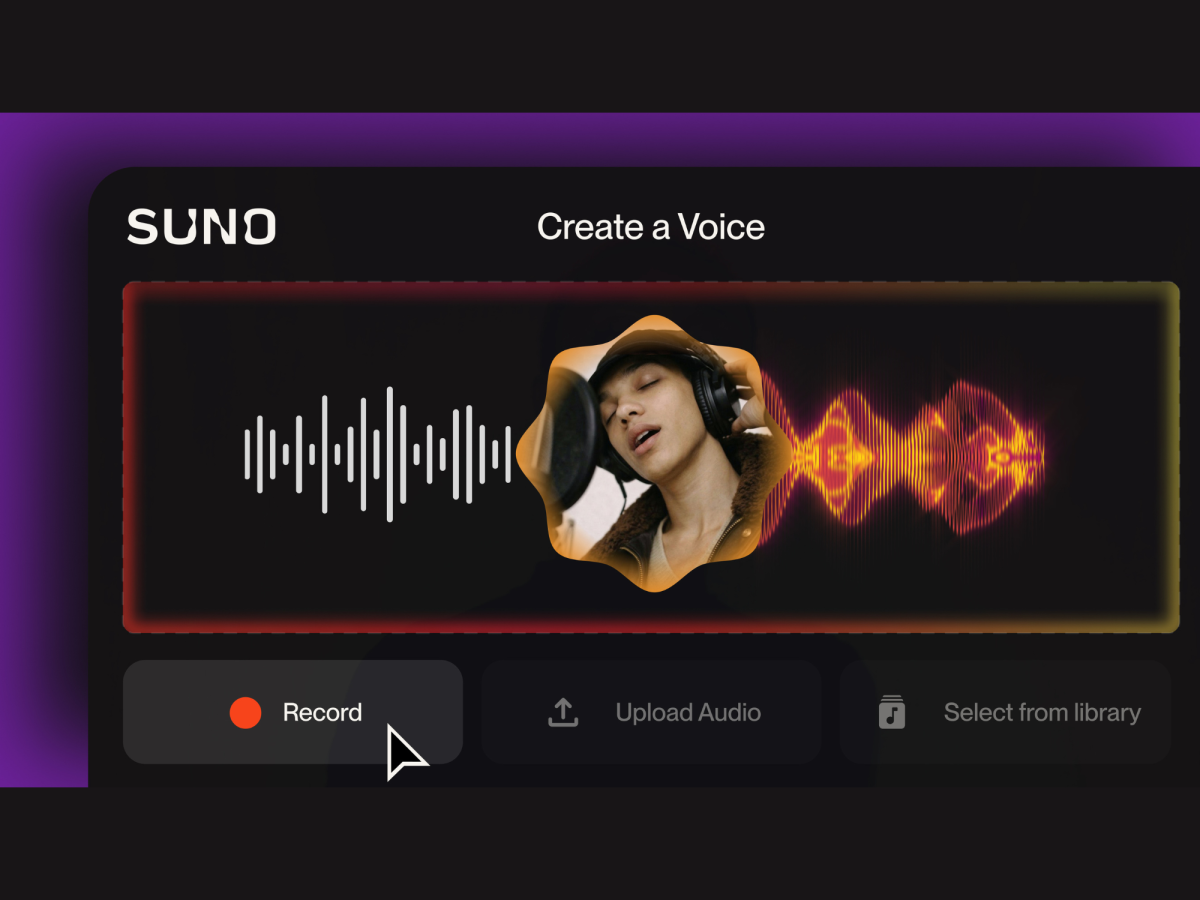
- Go to Create and click Add Voice
- Choose how to add your voice: record it, upload a file, or use a song from your library
- Upload your clip and preview it to make sure it sounds right (acapella works best, but not required)
- Complete a quick voice check by reading a short phrase
- Give your voice a name and save it
Step 2: : Create a Song With Your Voice
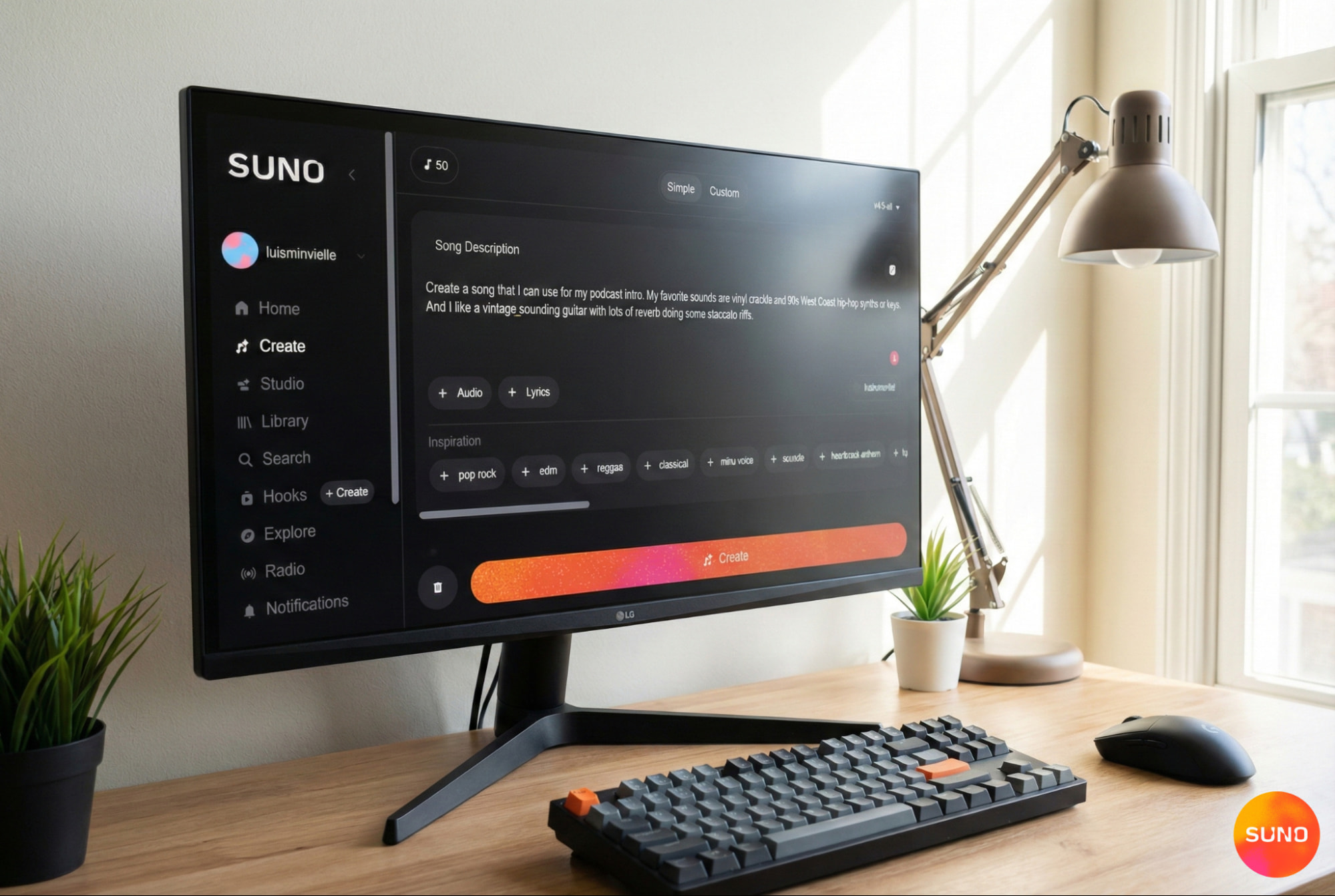
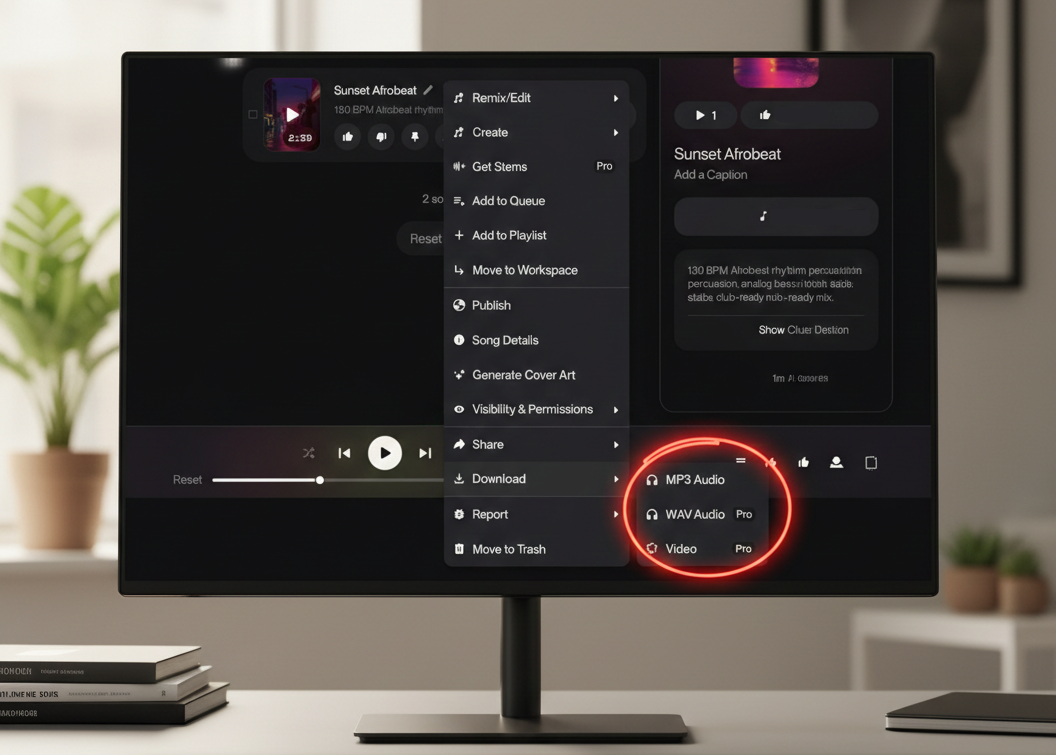
Once your voice is set up, making a song is the fun part. Just go back to Create, add your lyrics, choose a style or vibe, and give your track a title. Make sure your voice is selected, hit Create, and Suno will generate a couple of versions using your voice so you can listen, pick your favorite, and keep building from there.
Recommended Read: How to make a song with Suno →
Make Original Music That Sounds Like You
With Suno, you can create original songs using your voice or one that holds personal meaning. This can be used for creative projects, thoughtful gifts, or simply to have fun. What matters most is the act of creating music and using all the resources you have available.
Start creating music with Suno for free today.
AI Voice Cloning FAQs
Is AI voice cloning accurate?
Accuracy depends on training quality. More clean recordings with varied expression lead to better results. Modern models can sound highly realistic when trained well.
What can I use AI voice cloning for?
Common uses include adding your voice to original songs, creating custom vocal performances, making personalized audio gifts, preserving a loved one’s voice, and producing content or voiceovers.
Is AI voice cloning free?
Many platforms offer free tiers with limits. Suno, ElevenLabs, Kits AI, and LALAL.AI are offering free trials or free plans. Advanced features often require paid plans.
Can I use a voice cloning model across different musical styles?
Yes, as long as the model was trained with varied material and you use a song-making platform that adapts to different genres, like Suno.
Do I need permission to use someone else’s voice for AI voice cloning?
Yes. You should only train or use a voice cloning model with the clear consent of the person whose voice is being used. Using someone’s voice without approval can raise ethical and legal concerns, especially when the voice is identifiable.