
3 Best Audio Editing Software For Mac
Author
Luis Minvielle
Date Updated
Suno is the best audio editing software for Mac in 2026 for creators who need to work with music and complete audio projects. Many Mac users now require more than basic waveform editing, especially when producing podcasts, videos, or original music. Traditional tools often focus on manual editing or complex studio workflows, which can slow down modern production needs.
In this article, we’ll compare the best audio editing software for Mac, explain how each tool fits different use cases, and help you choose the right audio editing platform based on how you work.
How We Ranked the Best Audio Editing Software for Mac
This list evaluates each platform using real-world creative and production needs. Every tool here runs reliably on macOS and fits into modern audio setups.
When ranking audio editing software for Mac, we focused on:
- Audio quality across recording, editing, and exports
- Editing and mixing features for music, voice, and media
- macOS performance and stability
- AI-assisted capabilities that boost the creative flow
- Best use cases for music, podcasts, and content creation
Best Audio Editing Software for Mac at a Glance
Here’s a quick rundown of the audio editing software for Mac we’ll be exploring, who they’re best for, pricing, and key features:
Software | Best For | Key Feature | Pricing | Skill Level |
Music, podcasts, fast production | AI-assisted song editing + text-to-song | Free Plan Pro: $8/month Premier: $24/month | Beginner to Pro | |
Professional music production | Mac native + Advanced mixing | Mac: $199.99 (one time) | Advanced | |
Simple audio editing | Waveform editing | Free | Beginner |
Suno: Best Overall Audio Editing Software for Mac
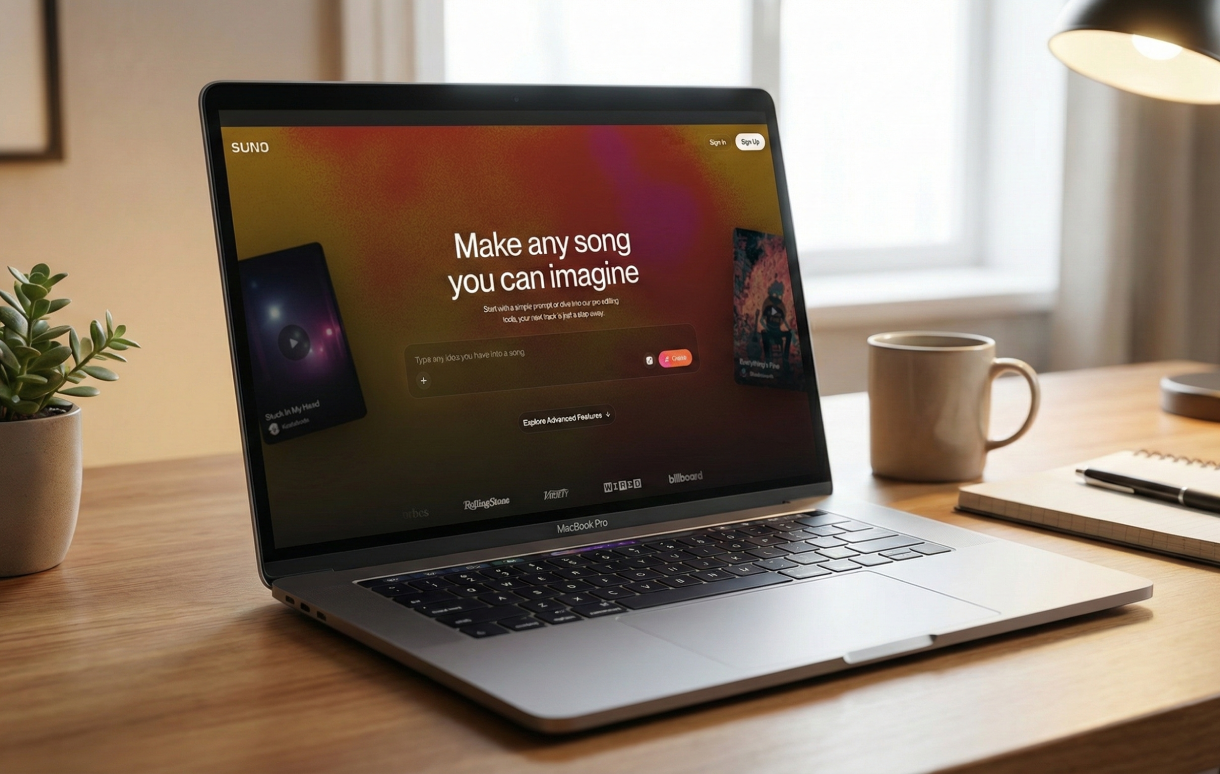
Suno ranks first because it covers AI-powered composition, editing, and audio production inside a single platform. It supports music tracks, beats, intros, transitions, and background music for podcasts and video content.
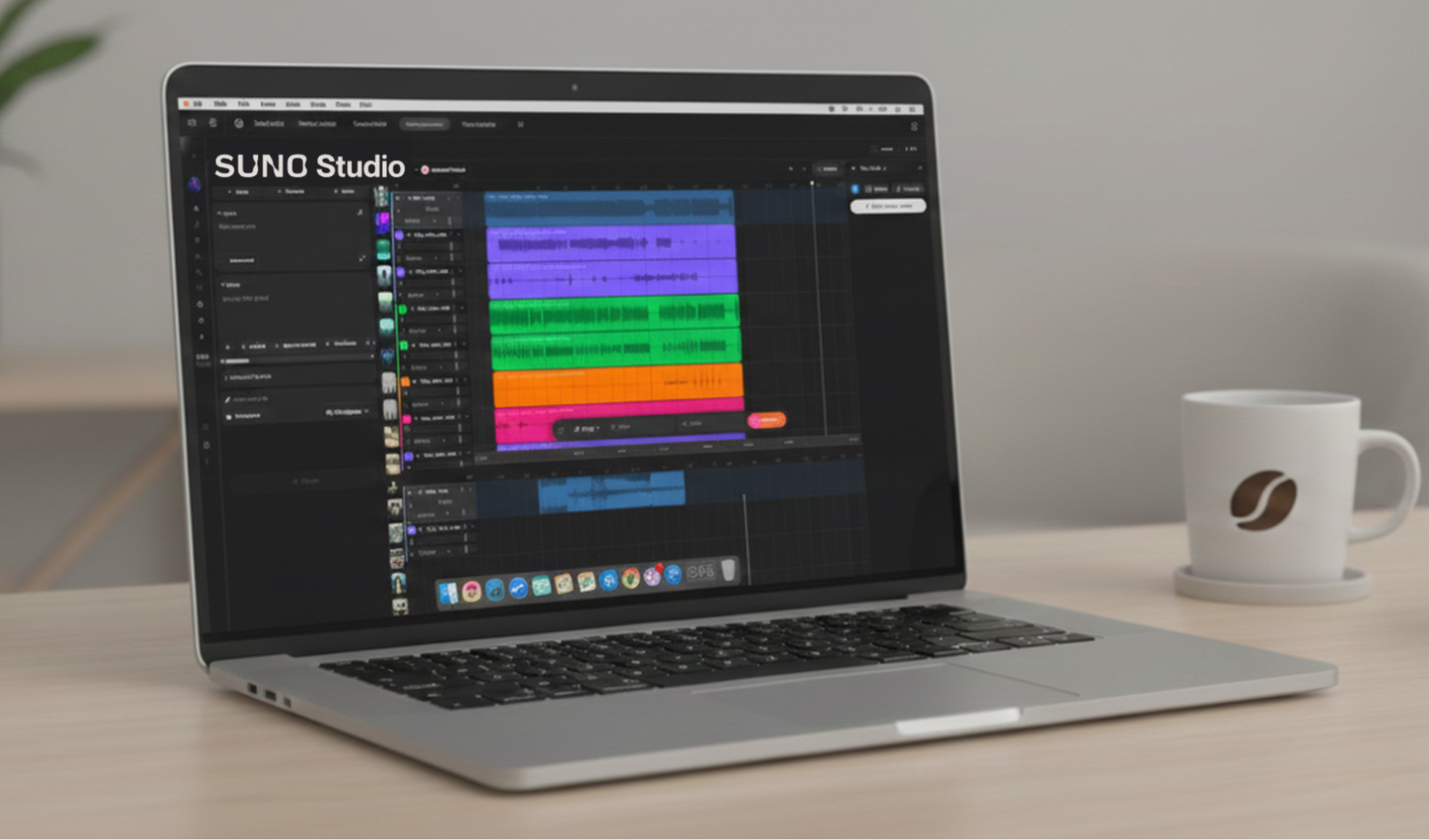
As audio editing software for Mac, Suno operates through a cloud-based environment with a minimal learning curve compared to traditional digital audio workstations (DAWs). It's available through all operating systems and on mobile (iOS and Android). Users can upload or record original audio, shape it into complete songs, and adapt it for projects. Songs can be extended and remixed without re-recording the full session, which ensures faster turnaround for creators working across multiple outputs.
Paid plans give users more advanced audio editing tools through the Song Editor and Suno Studio, the world's first-ever AI-native DAW with waveform-level editing, section-level revisions, effects, mixing tools, and stem extraction.
Pricing:
- Free Plan
- Pro Plan: $8/month
- Premier Plan: $24/month
Best for:
Suno is ideal for creators, podcasters, and music producers who want speed and high-quality original music to use across projects.
Logic Pro: Best Professional Music Production Software for Mac
Logic Pro remains Apple’s flagship DAW and audio editing software for Mac; it's a cornerstone of professional music recording software. Its deep integration with macOS delivers low-latency performance and long-term stability for complex projects.
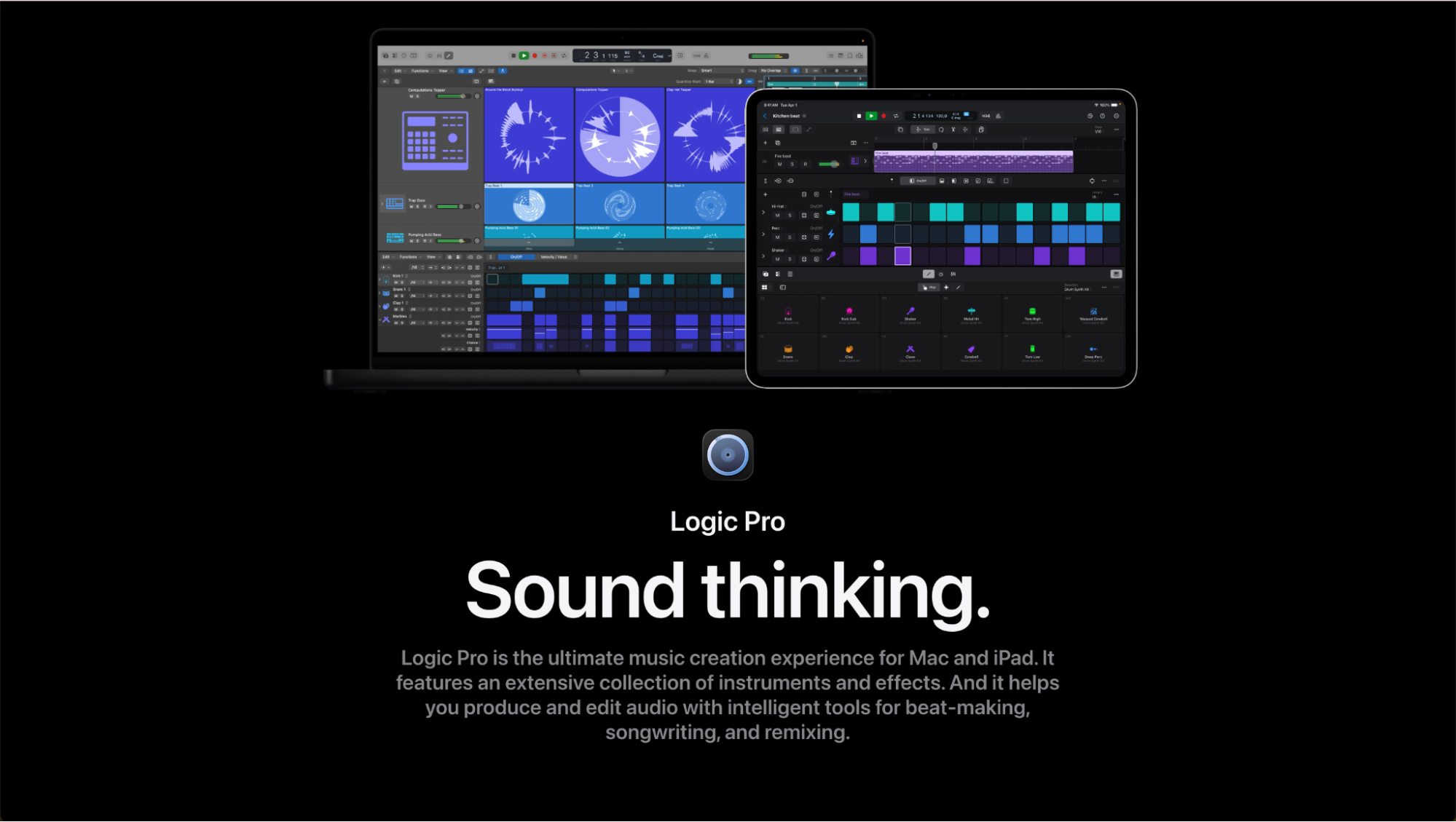
Logic Pro offers advanced mixing, mastering, MIDI control, and a massive library of instruments and effects. It works especially well for composers, electronic producers, and engineers building layered arrangements. The trade-off is scope. The interface and toolset demand time and formal learning. For creators focused on fast output, podcasts, or short-form media, Logic Pro’s depth can slow them down.
Pricing:
- iMac: $199.99 (one-time)
- iPad: $4.99/month
Best for:
Logic Pro is best for trained musicians and audio engineers.
Audacity: Best Free Audio Editing Software for Mac
Audacity remains a widely used free option for basic sound work. It supports multi-track recording, waveform editing, and standard effects across macOS, Windows, and Linux.
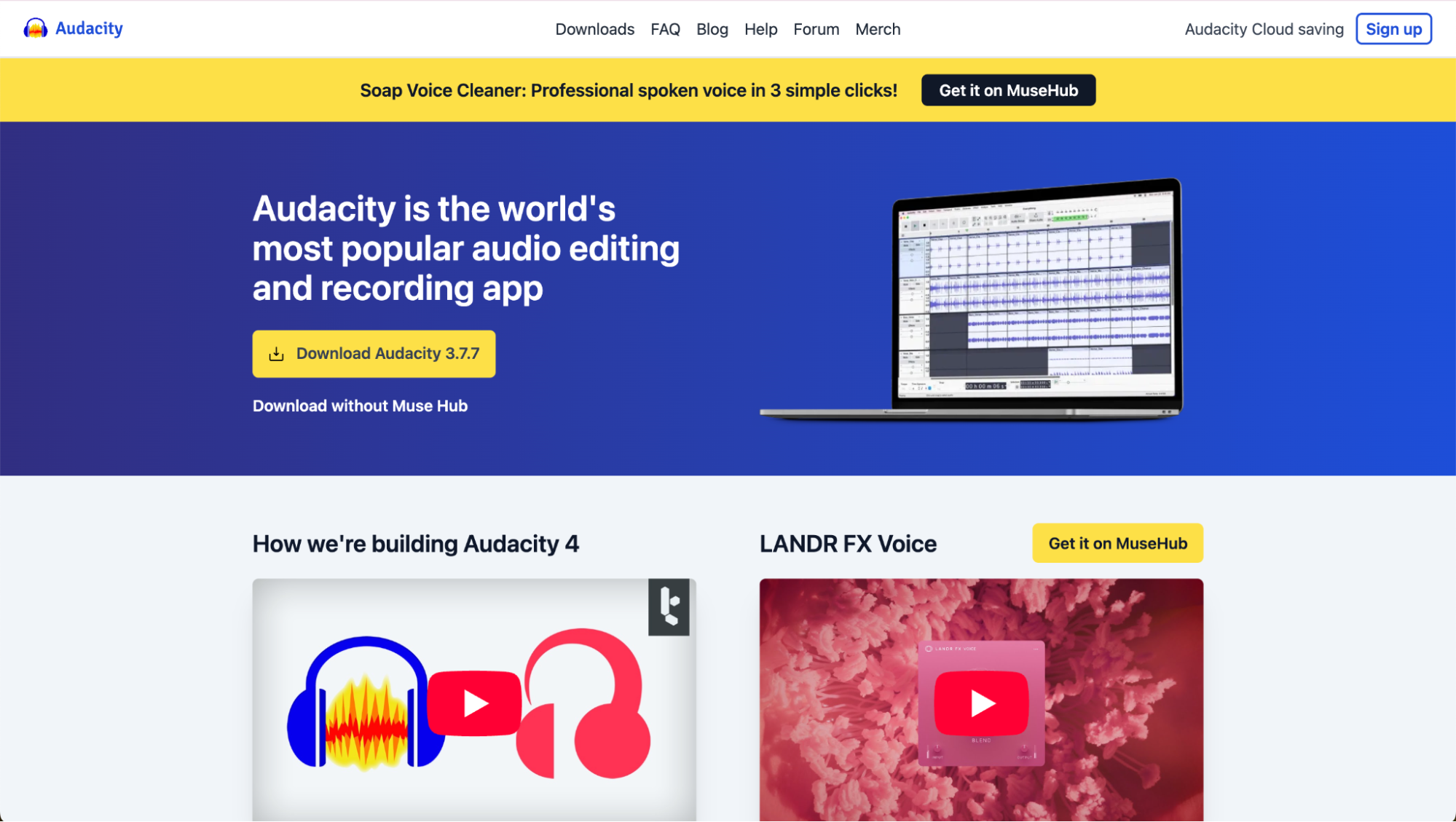
This audio editing software for Mac works well for simple edits, voice cleanup, and learning fundamentals. It's a reliable audio recording app and music recorder without subscription costs.
Nevertheless, Audacity falls short in modern production contexts. The interface feels dated, integrated AI-assisted tools are minimal, and advanced mixing or music production software features require plugins and workarounds.
Pricing:
- Free
Best for:
Audacity is best for beginners and simple editing on a budget.
Audio Editing vs. Music Production Software on Mac
Audio editing software for Mac, or any other operating system, is designed for tasks like cutting, cleaning, arranging, and exporting sound. These tools are commonly used for voice recordings, podcasts, and basic audio projects where precise waveform control matters more than composition.
Full DAWs add advanced production tools such as multi-track recording, MIDI sequencing, virtual instruments, and detailed mixing and mastering controls. These features are necessary for studio recording, complex arrangements, and professional music production.
AI-based tools like Suno are a better choice when users want to create and revise complete music or audio pieces without working inside a traditional DAW. Suno supports composition, editing, and restructuring in one environment, which is ideal for content creation, podcast production, and fast-turnaround music projects.
Create with the Best AI-Powered Audio Editor for Mac
Music, voice, and background audio often need to be created, revised, and reused across podcasts, videos, and releases. Suno provides audio creation and structural editing in one environment, without relying on the track-heavy workflows common in traditional studio tools.
Suno is a practical choice for creators who need high-quality results quickly, especially when working across multiple formats. Traditional DAWs still matter for detailed studio production, but they are not required for many modern audio projects.
If you’re looking for audio editing software for Mac that incorporates the latest creation workflows, sign up for Suno today for free.
Audio Editing Software for Mac FAQs
What is the best audio editing software for Mac?
Suno is the best option for most users in 2026 because it combines speed, quality, and AI
powered editing without the complexity of traditional DAWs.
Is there free audio editing software for Mac?
Yes, Audacity is a popular free option, but it lacks advanced features and AI tools found in paid
software.
Do I need professional audio editing software on Mac?
Only if you’re doing advanced studio work. Many users are better off with faster, simpler tools
like Suno.

How to Turn Text to Song in Minutes with Suno
Turn any text to song! Follow this simple step-by-step guide to create vocals, melodies, and full tracks using Suno, perfect for creators.