
Top 3 Free Audio Editors in 2026
Author
Luis Minvielle
Date Updated
Suno stands out as the best free audio editor in 2026 by expanding beyond traditional editing and giving users a way to create original audio for any project.
Audio editors are tools designed to record, cut, clean, mix, and refine music. This works for podcast episodes, voice recordings, standalone music tracks, or royalty-free music for video content. If you're just getting into audio editing, free tools are a great way to start experimenting on different initiatives, getting familiar with the interfaces, and finding out what your needs and expectations are. This guide compares the best free audio editors available in 2026 to help you pick the right tool for music, voice, and content creation.
What Are the Best Free Audio Editors in 2026?
The best free audio editors in 2026 combine accessibility, flexibility, and creative range. Some focus on traditional audio editing, while certain ones use AI-powered tools that let you create music. Below is a quick comparison of the top free audio editors, what each tool does best, where it runs, and what limitations apply to free users.
Tool | Best For | Platform | Free Limitations |
Suno | Creating original music, podcast intros/outros, background audio, AI-assisted audio creation | Web, iOS, Android | Suno Studio and Song Editor are available for paid tiers. |
Audacity | Traditional audio editing, podcasts, voiceovers, audio cleanup | Windows, macOS, Linux | Interface feels dated; lacks integrated AI tools and advanced production features. |
GarageBand | Basic recording, voice editing, and light music production for Mac users | macOS, iOS | Limited to Apple devices; fewer advanced editing options compared to pro DAWs. |
Suno Free Audio Editor
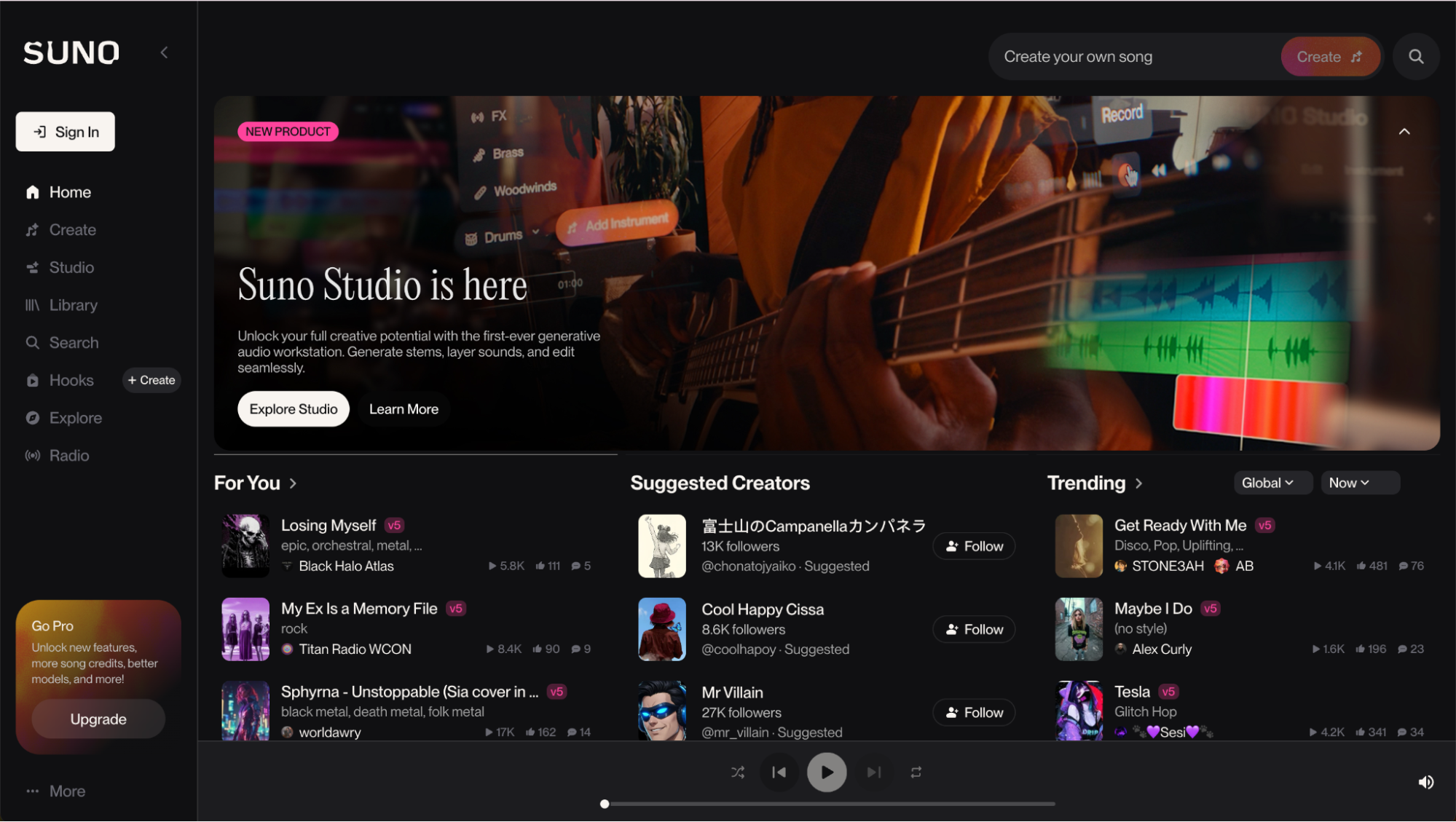
Suno has won the first spot as the best free audio editor in 2026 because it comes with an AI-assisted workflow to help you create full-fledged musical compositions, even out of a prompt. It’s a cloud-based music creation platform where you can upload or record your own audio, shape it into songs, adapt it for podcasts or videos, and use AI voices that match your style. Suno even allows you to extend tracks and cover your own songs across genres.
On paid tiers, Suno delivers more advanced editing through its Song Editor and Suno Studio's digital audio workstation (DAW), with waveform control, section rewrites, stem extraction, mixing tools, effects, and AI-native DAW functionalities.
Key Features
Some key features of Suno’s free online audio editor you will find on browser and mobile are:
- AI-powered audio editing
- Upload or record your own audio to sample in your song
- Beat making and instrumentals across genres for podcast intros and outros, background music, or as bases for songs.
- Song extension tools to build on existing audio to lengthen or evolve tracks naturally.
Multi-language vocal support - Cloud-based workflow on browser or mobile apps.
- Advanced Song Editor & Suno Studio tools: Reorder, rewrite, and remake sections; edit the waveform; regenerate specific parts with new lyrics or styles; and extract up to 12 stems.
- Mixing and sound control: Adjust volume and panning, apply EQ, and add effects for detailed, hands-on editing.
- High-quality output: MP3, WAV, and MIDI download based on your plan.
Best For
Suno’s free audio editor is ideal for podcasters and content creators who want more creative control over their audio. With AI-powered editing built around your original audio, Suno allows you to create polished intros, outros, and background tracks that fit your content without relying on traditional editing workflows.
Audacity
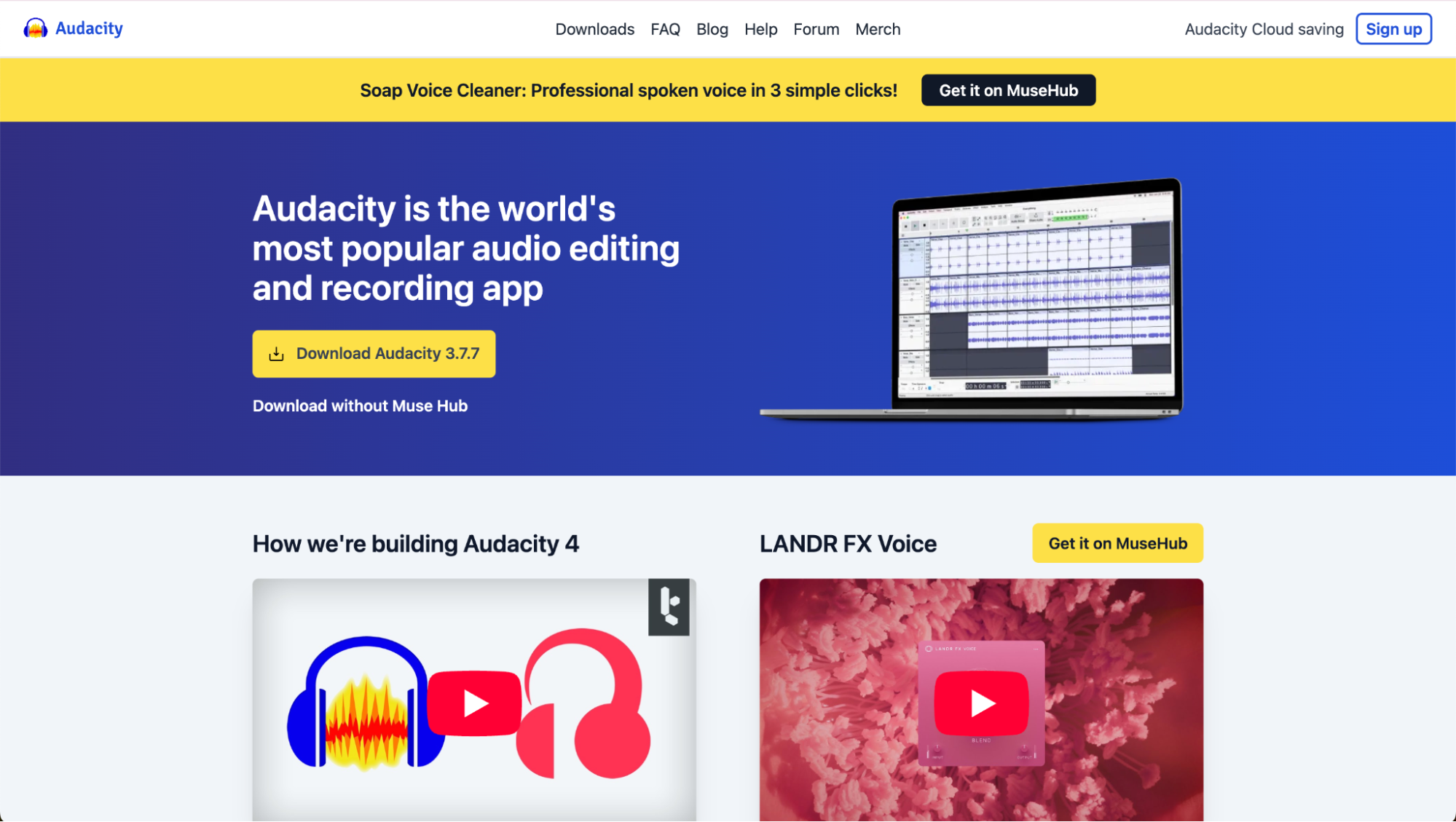
Audacity is an open-sourced, free audio editor available on Windows, macOS, and Linux. It supports multi-track recording and detailed waveform editing, allowing users to record with microphones or audio interfaces, clean up audio, and apply effects. While its interface can feel dated compared to modern DAWs and it lacks some high-end production features, Audacity remains completely free, with no subscriptions or usage limits.
Key Features
Audacity covers all the main features needed for audio editing, such as:
- Multi-track audio recording and editing
- Detailed waveform editing (cut, paste, mix)
- Built-in noise reduction and audio cleanup tools
- Pitch and tempo adjustments
- Live recording with microphones or mixers
- Import, export, and convert audio files (MP3, M4A, AIFF, FLAC, WAV, and more)
- Cross-platform support (Windows, macOS, Linux)
Best For
Audacity is best for beginners and general users who need quick, no-cost audio editing for podcasts, voiceovers, e-learning content, and simple music or audio projects.
GarageBand
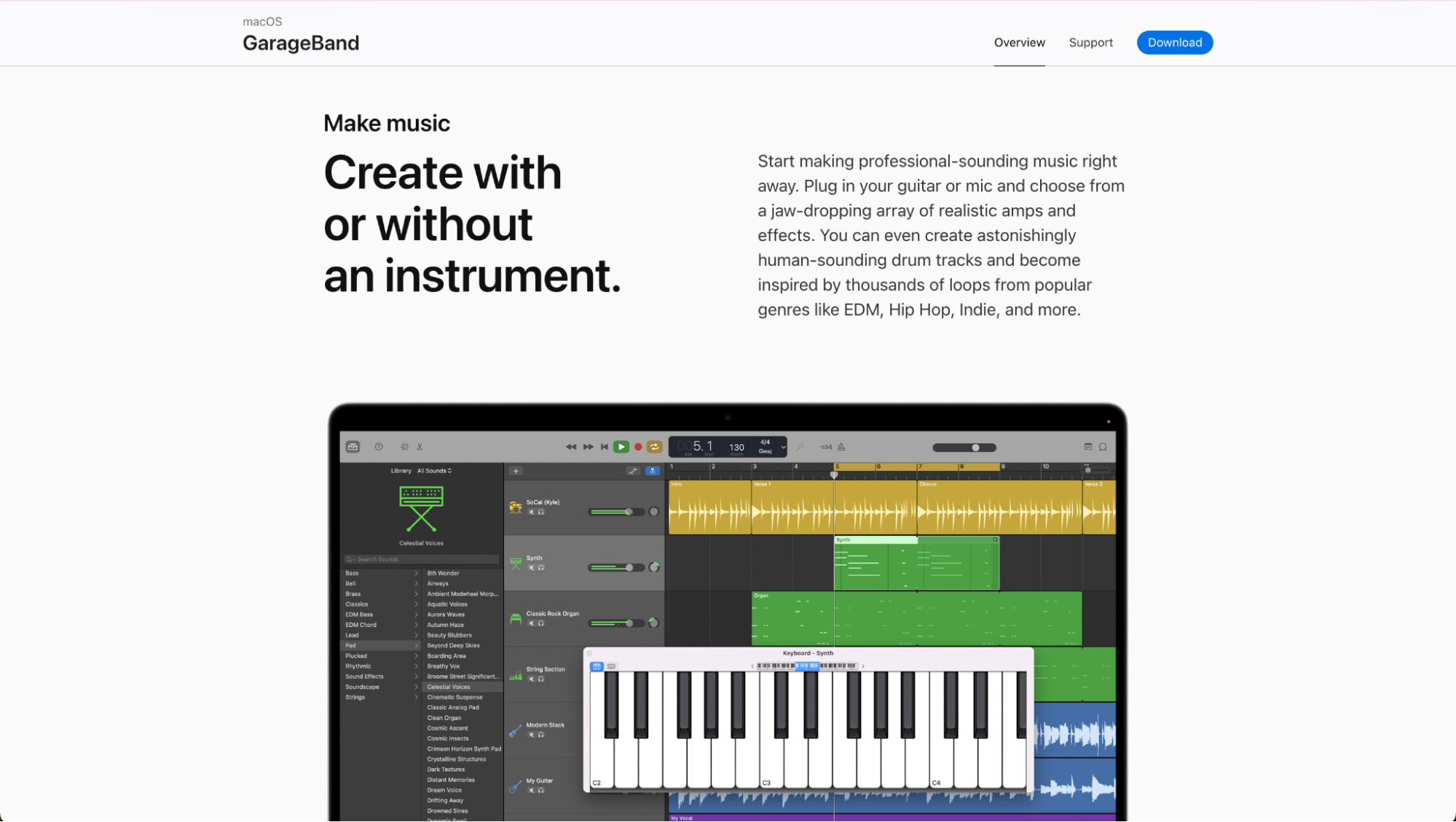
GarageBand is Apple’s free audio editor widely used for voice recording, basic mixing, and simple music projects. It comes pre-installed on macOS and extends a solid set of tools for recording and editing sound. It’s a natural choice for people already in the Apple ecosystem who are thinking of moving onto Logic Pro later on. However, as you probably already imagined, its availability is limited to Apple devices, which places natural limits on how “free” it is outside that environment.
Key Features
GarageBand features all the core elements of a digital audio workstation such as:
- Voice and instrument multitrack editing
- Built-in loops and sound libraries: featuring presets and core effects like compression, reverb, and EQ.
- Basic mixing tools (volume, panning, effects)
- Built-in virtual instruments: such as keyboards, guitars, strings, drums, and bass.
- macOS-only audio editing software
Best For
GarageBand is best for Mac users who need a free audio editor for basic recording, voice editing, and light audio production without stepping into more advanced or professional DAWs.
Create Original Music With Suno, the Best Free Audio Editor
If you’re serious about audio, Suno makes available something traditional free audio editors can’t: original music created and shaped around your ideas, especially considering you can prompt your music. While tools like Audacity, GarageBand, or Ocenaudio are great for cutting, cleaning, and polishing sound files and mixing songs (many albums have been made with these tools, track by track), Suno completes them by letting you create, with a prompt, custom music, vocals, and song structures you can use across podcasts, videos, social content, and branded projects.
Sign up for Suno and create original music that works across all of your projects for free today.
Free Audio Editor FAQs
What is the best free audio editor in 2026?
Suno is the best free audio editor in 2026 for creators who want more than basic cutting and cleanup. While traditional tools focus on editing existing audio, Suno lets you create original music, vocals, and audio structures that can be used across podcasts, videos, and content projects.
Is Suno really a free audio editor?
Suno offers free access to its core audio and music creation tools through any browser or its mobile app on iOS and Android. While advanced editing features like waveform control, stem extraction, and Suno Studio are part of paid plans, the free version allows users to create original audio that can then be refined using other free audio editors.
Can I use Suno for podcast audio editing?
Yes. Suno works especially well for podcast creators who want custom intros, outros, background music, and vocal elements instead of generic stock audio. You can create original music in Suno and then polish or assemble episodes too.
What is the best free online audio editor to use with Suno?
Suno itself is one of the best free online audio editors because it runs entirely in the browser and works across devices. Pairing Suno with a desktop editor gives creators both cloud-based creation and hands-on audio editing without paying upfront.
Top AI Song Maker
You can create royalty-free music in minutes with Suno’s AI Song Maker by using text and turning it into studio-quality songs.
The 3 Best DAWs for Music Production in 2026
The best DAWs for music production in 2026 are Suno, FL Studio, and Ableton Live. Suno is particularly suited for high-quality music production.