
I Tested 3 AI Harmony Generators to Find the Best One
Date Updated
Suno is the best AI harmony generator because it creates full, layered vocal arrangements that sound musical and functional from the start.
Building musical harmonies by yourself is challenging. For a long time, it involved either learning music theory in depth or relying on expensive studio plugins. Recording multiple takes, stacking voices, and keeping everything in key took time and technical skill. That process still works, but it slows down creativity.
An AI harmony generator changes that. It can analyze a melody and produce vocal harmony lines fast. You can test choir layers, stacked vocals, and harmonized melodies without recording every part manually. This makes it possible to brainstorm ideas, refine arrangements, and move from concept to production faster with a modern harmony generator. I’ve tested five of these to see how they perform. Keep reading to see which ones actually work for musicians, producers, and content creators.
What Is an AI Harmony Generator?
Harmony occurs when multiple notes sound together to support a melody. These notes form chords, and the movement between chords creates a chord progression.
Vocal harmony works similarly. Instead of instruments, singers perform additional lines that sit above or below the melody. For example, gospel choirs and pop backing vocals rely heavily on vocal harmony to create depth and richness.
Music also depends on keys and scales. A key defines the set of notes that fit together in a piece of music. A scale organizes those notes into a structured pattern. Harmony parts usually follow the same key as the melody, so that the overall sound remains consistent.
A harmony generator uses AI to assist with this process. Musicians give the software a melody and let the system suggest supporting notes that match the key and pitch of the original performance.

How AI Generates Vocal Harmonies
Most AI harmony generators follow a similar process. First, the software analyzes the pitch and timing of the melody. They detect the musical key, note intervals, and phrasing patterns. Next, the system calculates additional notes that fit the harmonic structure of the music. Many tools build harmonies using common intervals such as thirds, fifths, and octaves. Finally, the tool creates layered harmony voices. These layers can simulate background singers, choir parts, or stacked pop vocals.
Who Uses AI Harmony Generators
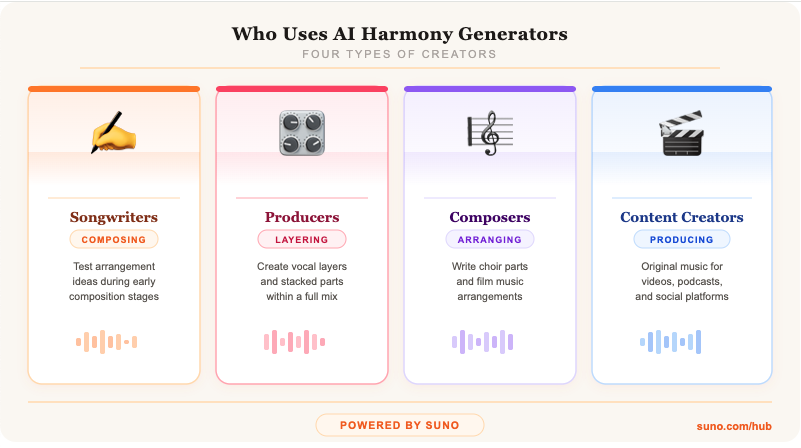
AI harmony generators support several types of creators. Songwriters use them to test arrangement ideas during early composition. They are used by music producers to create vocal segments that are layered within a mix, by composers writing choir arrangements or film music, and by content creators to produce original music for videos, podcasts, or social platforms.
As AI music tools continue to develop, they become more realistic and customizable, so harmony features are becoming a common part of how producers work.
How I Tested These AI Harmony Generators
To get a sense of how each harmony generator performs, I tried them in a similar setup and focused on how they handled the same vocal idea. Rather than looking at specs alone, I paid attention to how the harmonies sounded, how they fit into a real workflow, and how much control each tool offered.
I also looked at how easily the results could move into a DAW and whether the harmonies felt usable in an actual track or more like rough ideas.
Taken together, these points gave a clearer picture of which AI harmony generator is the most useful in a real creative process.
3 AI Harmony Generators I Tested
Several companies now offer AI harmony generators that create vocal layers. Some focus on AI composition, while others extend traditional studio plugins. Here are five tools I tested.
1. Suno
Suno is a full AI music production platform that can create complete songs with layered vocal structures. What's wonderful about Suno is that it's entirely customizable to your needs, so you can use it either as an exclusive AI harmony generator or build entire musical structures that include melody, backing instruments, and stacked vocals.
Suno uses prompts where users describe the musical style or concept they want to examine, and audio input. Because of this, there are several ways you can create harmonies. The most straightforward option is to use the Advanced Mode to specify "vocal harmonies," "backup singers," or specific intervals (e.g., "third harmonies," "fifth harmonies") in the style prompt. You can specify the key and scale if you already know what you want. You can upload an existing project or hum and prompt Suno to create harmonies based on it.

If you’re a Premier user, you can head into Suno Studio, the first AI-native DAW, to create your harmonies with more detail. Just add an instrument set to backing vocals, then describe the harmony you want, and include the lyrics for those parts. If you can hear it in your head, you can hum it and use prompts to get the sound you want. Inside Studio, you can edit the individual stems and try out many different variations.
If you want to move on to your DAW of choice, just download the file or the stem in MP3 or WAV format and keep on working as you usually do.
Because it combines songwriting, arrangement, and harmony tools in one platform, Suno provides more creative flexibility than most independent harmony tools.
2. Antares Harmony Engine
Antares Harmony Engine is a popular vocal harmony plugin used in professional studios. It runs inside your DAW and can turn one vocal track into multiple harmony voices.
It gives you hands-on control; you don't get automatic harmony generation. You choose the harmony intervals and how each voice behaves. It can create up to four separate harmony voices, and there’s a “Choir” feature that expands them into 16 unison voices per part. You can set harmonies based on scales, fixed intervals, or even play them in with MIDI.
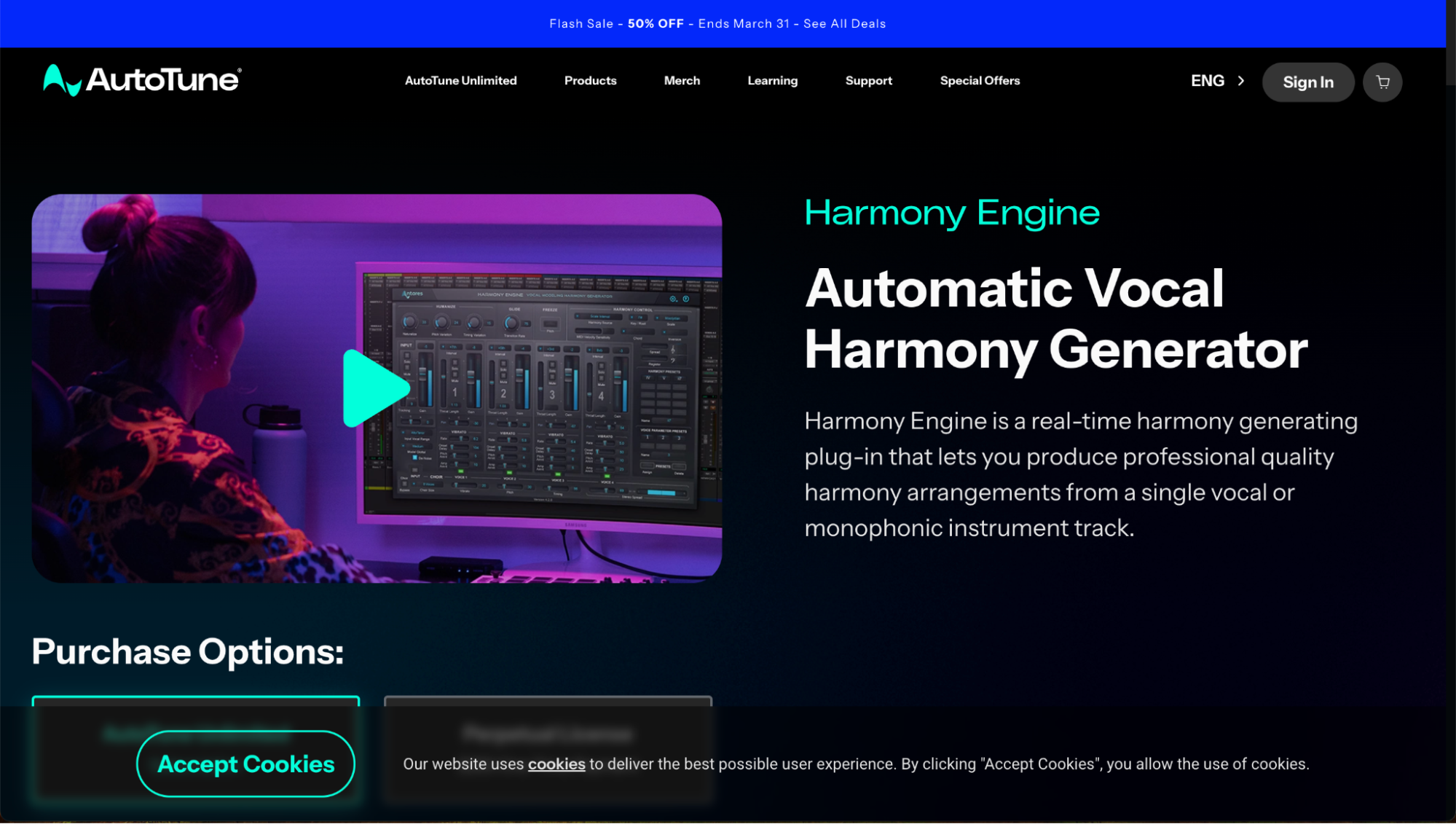
Since it works directly in recording software, it’s a go-to for many producers. It’s pretty straightforward, but building more detailed arrangements can take much practice, especially if you’re new to working in a DAW.
3. Waves Harmony
Waves Harmony is a popular harmonizer plugin used by producers, songwriters, and mix engineers. It works in real time and can turn one vocal track into up to 8 harmony parts. It offers three setups: automatic, MIDI, and graphic.
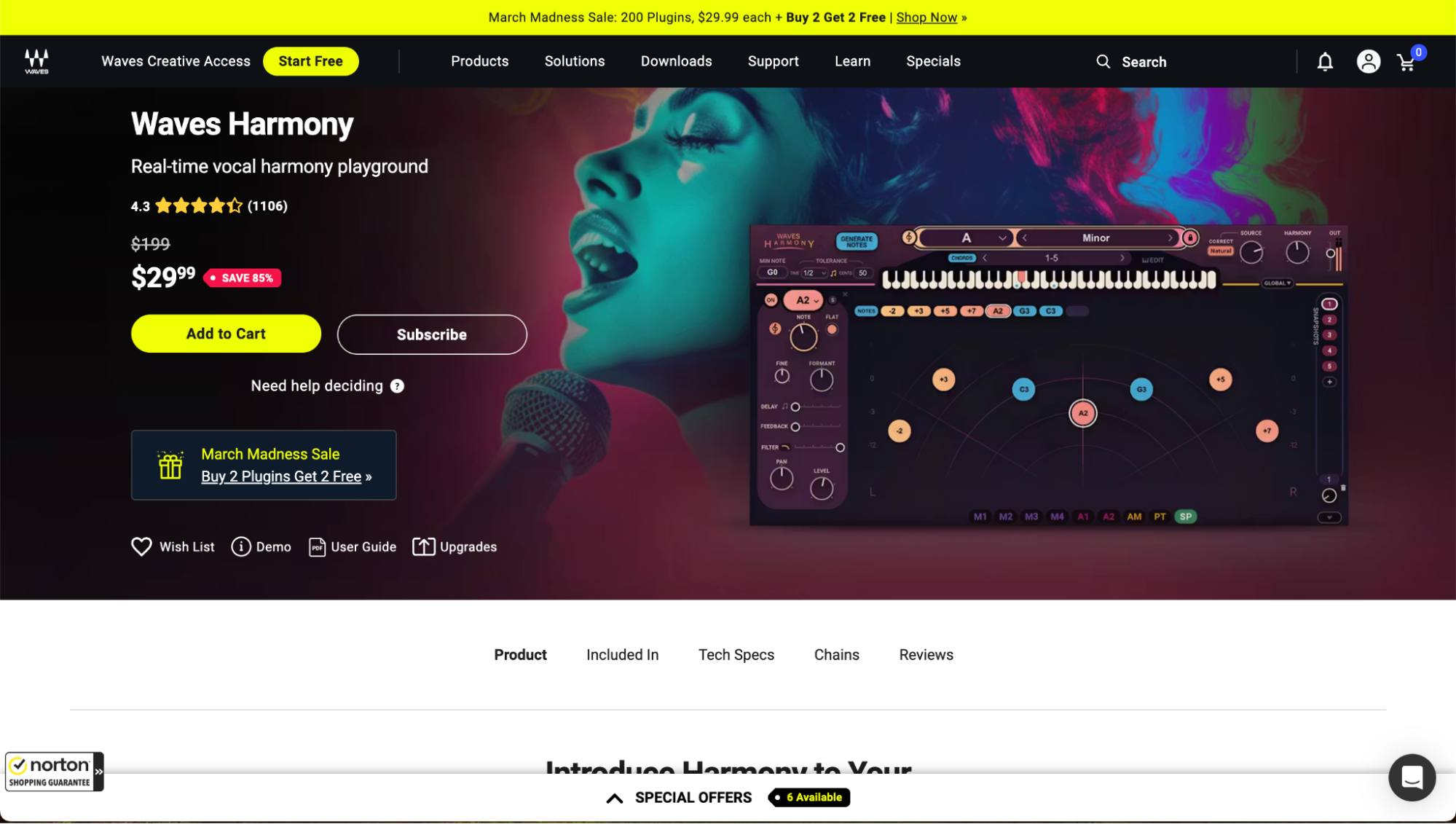
You can control each harmony voice on its own and place it in the stereo mix, which is great for detailed vocal work. Like most traditional vocal harmonizers, it gives you a lot of control, but it also means you’ll need to spend more time adjusting things compared to AI-based tools, plus you need experience with traditional software and music theory knowledge.
AI Harmony Generators vs Vocal Harmonizer Plugins
Traditional harmonizer plugins give you more control. You choose exactly which harmony notes sit above or below the melody and arrange each part yourself. They’re good for detailed editing and fine-tuning pitch, which is why many producers use them during the final mix.
AI tools work in a different way. An AI harmony generator listens to your melody and suggests harmony voices automatically, which makes it easier to try out ideas quickly. In practice, many producers use both. AI helps you explore ideas fast, and a harmonizer VST lets you refine everything at the end.
Create AI Harmonies with Suno
Suno mixes vocal layering with full songwriting capabilities. The platform allows you to build harmony voices in isolation or full music tracks that include melody, rhythm, and supporting vocals.
Because of this, creators can experiment with harmony ideas and shape the broader structure of a track at the same time. Songwriters can test different styles, arrangements, and vocal textures in one workflow.
For musicians exploring new musical ideas, creators in need of original music, or producers looking for unique tools, Suno offers one of the most flexible approaches to harmony building available.
Try Suno’s harmony generator and start experimenting with AI harmonies today.
AI Harmony Generators FAQs
What is an AI harmony generator?
An AI harmony generator is software that analyzes a melody and creates supporting vocal harmony lines using artificial intelligence.
Can AI generate vocal harmonies automatically?
Yes. Many AI tools analyze pitch and melody to produce layered harmony voices that support the original vocal line.
How do you harmonize vocals using AI?
Upload a melody, select harmony settings, and let the tool create additional vocal parts that match the musical key.
Are harmony generators useful for beginners?
Yes. These tools help beginners experiment with vocal harmony arrangements without advanced music theory training.

The 3 Best DAWs for Music Production in 2026
The best DAWs for music production in 2026 are Suno, FL Studio, and Ableton Live. Suno is particularly suited for high-quality music production.
How to Finish Your Suno Tracks with a Digital Mixer
Blend AI power with pro gear. Learn how to export Suno stems and use a digital mixer to give your AI tracks a high-end, studio-quality finish.