
The Best Free Music Making Software in 2026
Author
Luis Minvielle
Date Updated
Suno leads the way as the best free music making software in 2026 thanks to its full set of tools that allow beginners and professionals to create high-quality finished tracks.
Free music making software programs have come a long way. Now, they are giving beginners real tools for beat making, recording, and mixing without upfront costs. Today’s music making software gives new creators access to workflows that were once limited to paid studios, no matter if you’re writing your first song, producing beats, or recording vocals at home. This article breaks down the best free options available in 2026 and helps you choose the right tool for your creative goals.
What Is the Best Free Music Making Software in 2026
The best free music making software depends on how you want to create music and how much control you need as you grow. Some tools focus on songwriting and fast creative output, while others propose full digital audio workstation workflows for recording and mixing.
When comparing options, a few criteria matter most:
- The ability to create: Some software solutions can create songs from a prompt, while others require users to manually compose tracks.
- The simplicity of use: Clear interfaces and logical workflows.
- Music production features: Like beat-making, MIDI sequencing, recording, mixing, and exporting.
- Free plan limits
The best choice is the one that matches your current skill level while leaving room to expand.
Suno Music Making Software
Suno is the best free music making software because it gives creators control over the entire songwriting and production process, plus access to the latest advances in music production.
Suno is an AI-powered music creation environment (meaning that, as a user, you can create songs from prompts) where you write lyrics, shape melodies, define mood, tempo, genre, and instrumentation, and turn your ideas into fully produced tracks. The best part is you can find it all in one platform, directly in your browser.
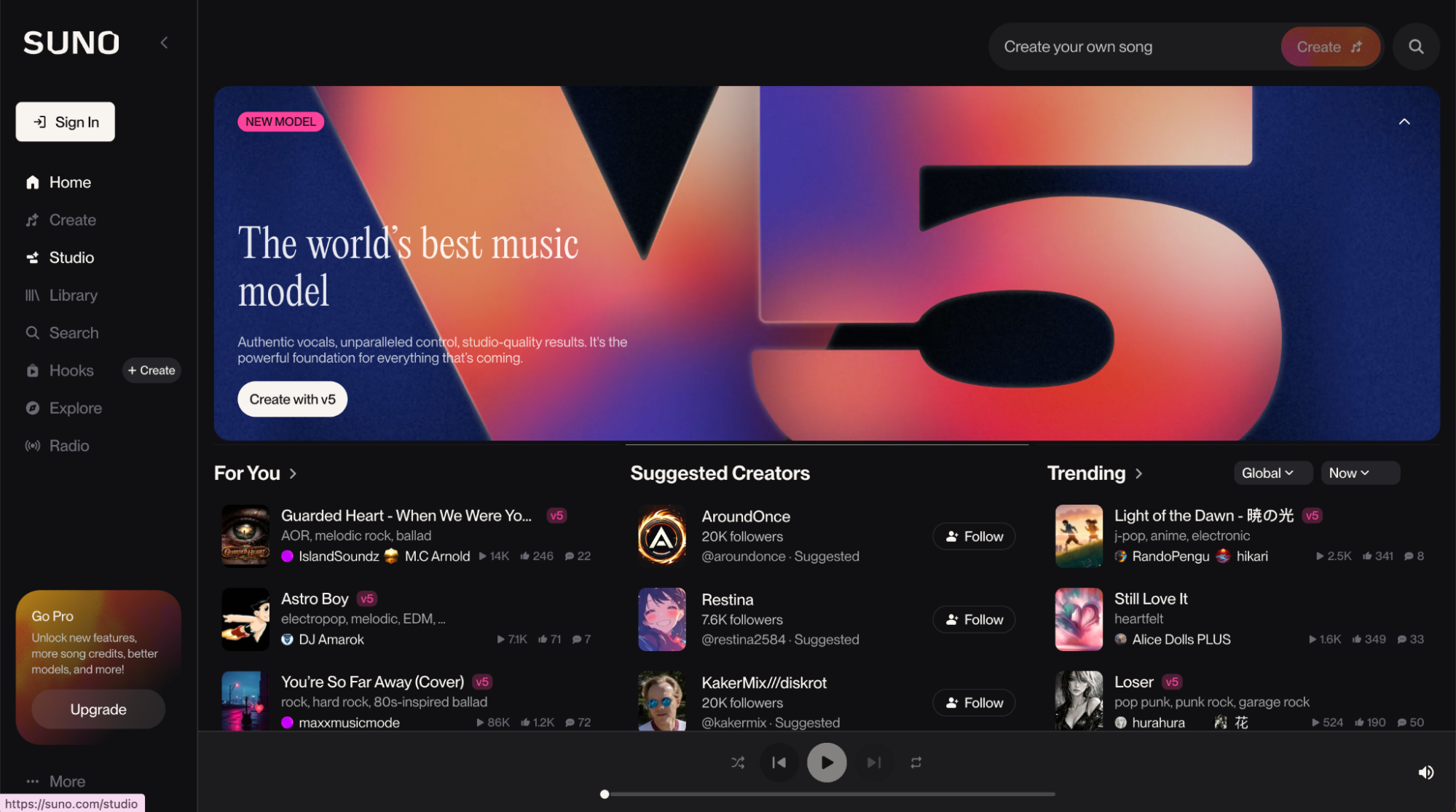
With built-in vocals, beats, and instrumentation across multiple genres, Suno supports everything from rough concepts to polished productions. Its free version comes with access to high-quality outputs and all the core music creation tools needed to get started. Meanwhile, Suno also grants its users space to diversify their music-making techniques, and when you’re ready, you can step right into the paid tiers that come with more specialized tools, like the first-ever AI-native digital audio workstation (DAW), Suno Studio.
Key Features
Key features that define how creators work inside Suno include:
- AI music creation guided by your lyrics, prompts, and creative choices
- Beat making across multiple genres and tempos
- Recording and basic mixing tools
- Cloud-based music creation, accessible from anywhere (browser and mobile)
- Song extension tools that build on existing audio
- Multi-language vocal support
Best For
Suno is best for beginners and anyone interested in exploring AI assisted music production. It’s ideal for hopping onto the latest music tech, freshening up your setup and workflow, and supporting cross-platform needs across web and mobile. It’s also outstanding for anyone who wants to put together a custom, personalized song for a special person.
GarageBand
GarageBand is a free music making software that comes pre-installed on macOS and includes a full-featured experience. It allows users to record instruments, arrange loops, build full songs, and even practice guitar or piano with guided lessons.
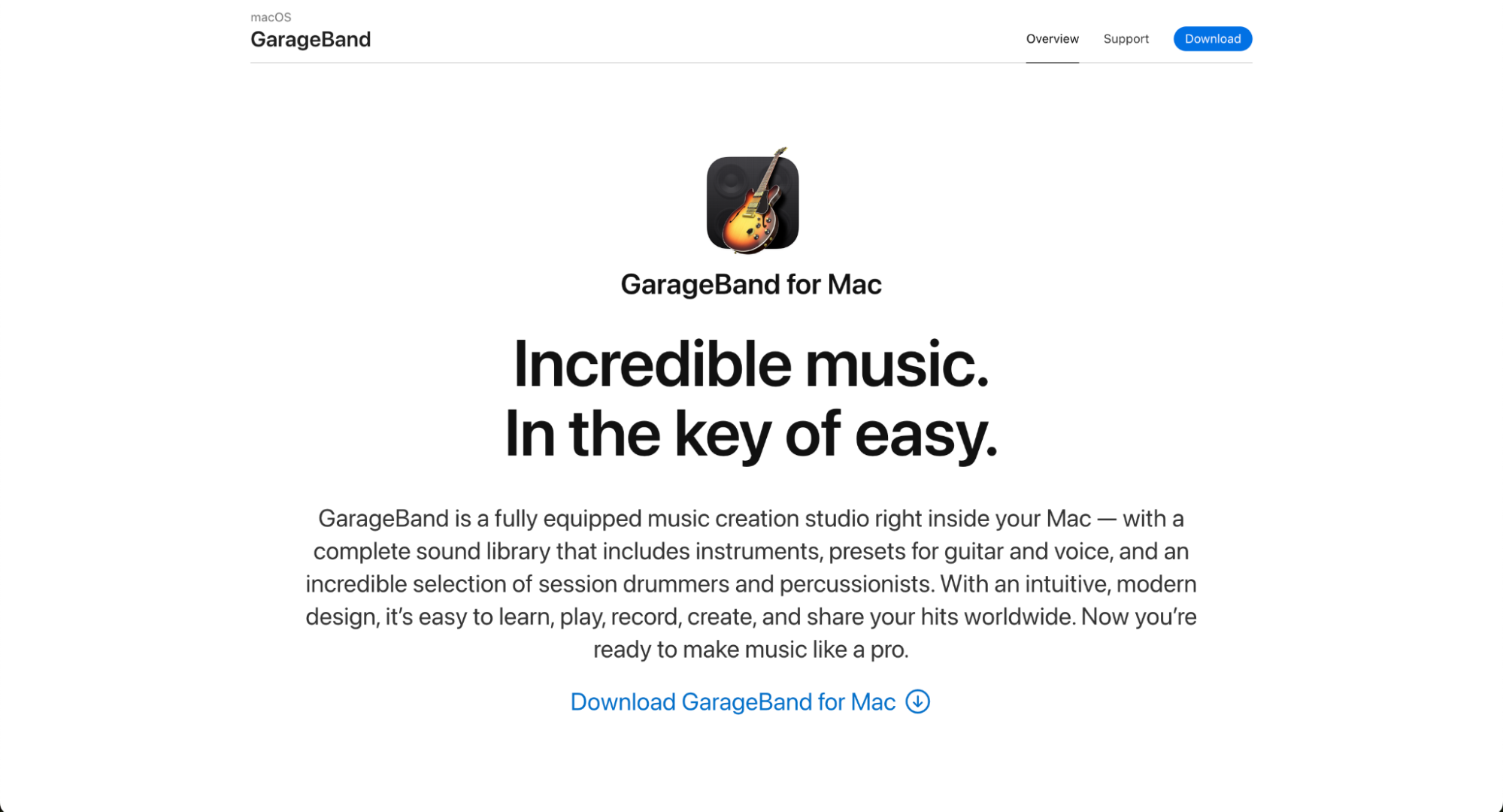
Its layout closely resembles Logic Pro, so it's a common starting point for those who plan to stay in the Apple ecosystem. That said, while the app itself doesn’t cost extra, access to GarageBand is tied to owning Apple hardware, which makes it less “free” in a broader sense.
Key Features
GarageBand includes a set of core features that cover the fundamentals of recording, arranging, and producing music within Apple’s ecosystem. These include:
- Multi-track recording for building layered song arrangements
- Built-in virtual instruments, including keyboards, guitars, bass, drums, strings, and world instruments
- Loop and sound library with presets and core effects like EQ, compression, and reverb
- Audio recording for vocals and live instruments using a microphone or audio interface
Best For
GarageBand's free music making software is best for beginner music producers who are already part of the Mac ecosystem.
Cakewalk Sonar
Just as a quick reminder, since August 1, 2025, Cakewalk by BandLab is no longer available as a free music making software. It was replaced by two new tools, Sonar and Next. Next focuses on songwriting and capturing quick ideas, while Sonar delivers the full DAW experience. BandLab states that Sonar includes all the core features users expect and more, but one major change has frustrated long-time Cakewalk fans: the introduction of paid memberships, ending its long-standing promise of being forever free.
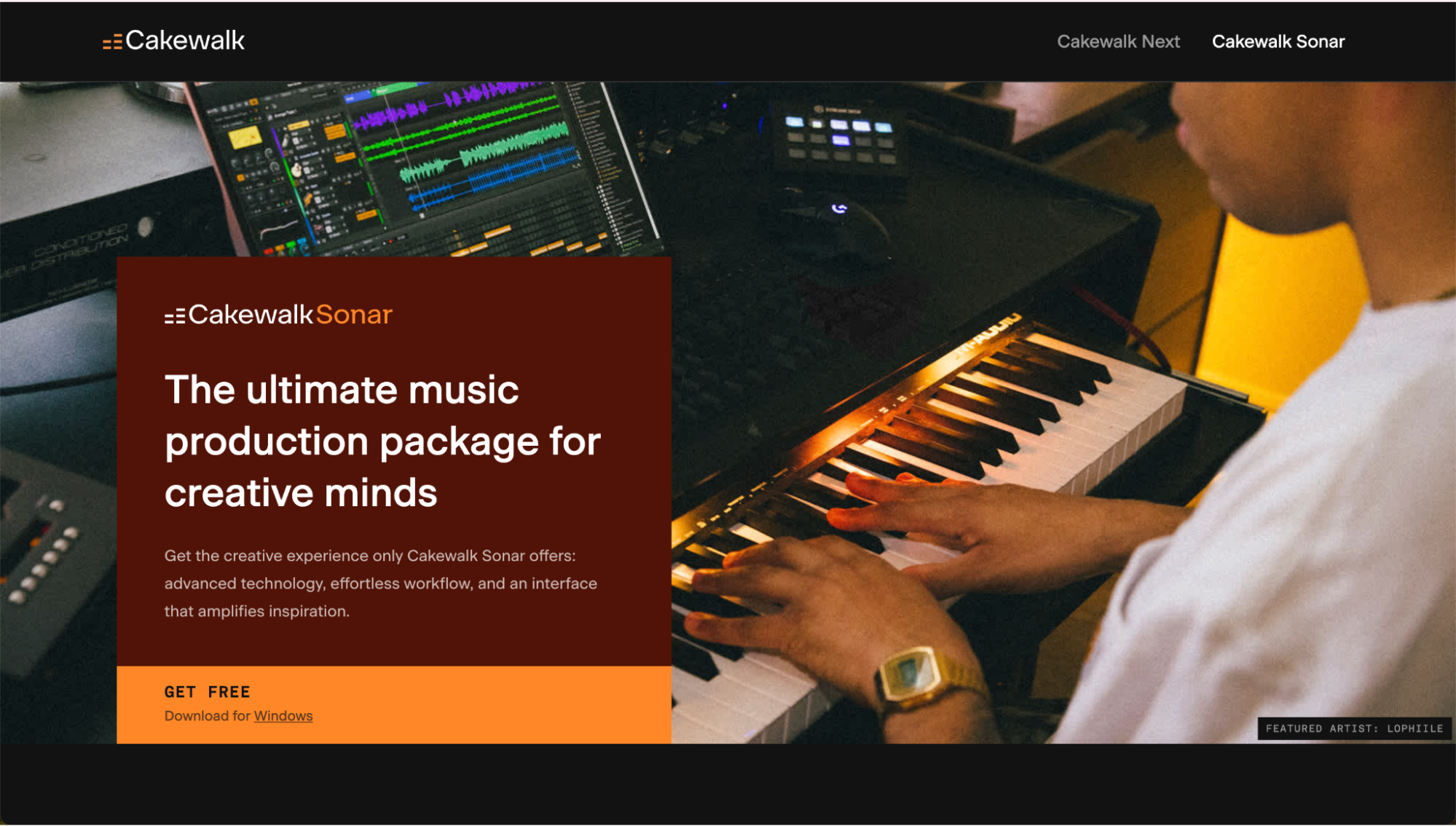
Even with the platform split and some features now behind a paywall, Cakewalk’s legacy lives on. Sonar is still a solid free music making software option, especially for users familiar with the BandLab ecosystem.
Key Features
Sonar focuses on a feature set designed for detailed production, recording, and mixing workflows, such as:
- 64-bit audio engine with unlimited audio and MIDI tracks
- Professional DAW tools for recording, editing, and arrangement
- Advanced mixing capabilities
- Full MIDI support for composing and sequencing
- Integrated sampler for custom sound design
Best For
Cakewalk Sonar is best for serious beginners and Windows users who want access to full music production workflows, since it’s only available on Windows.
LMMS
LMMS is an open-source, free music making software designed primarily for MIDI-based music composition. It runs on Mac, Windows, and Linux, making it one of the most accessible cross-platform tools available.
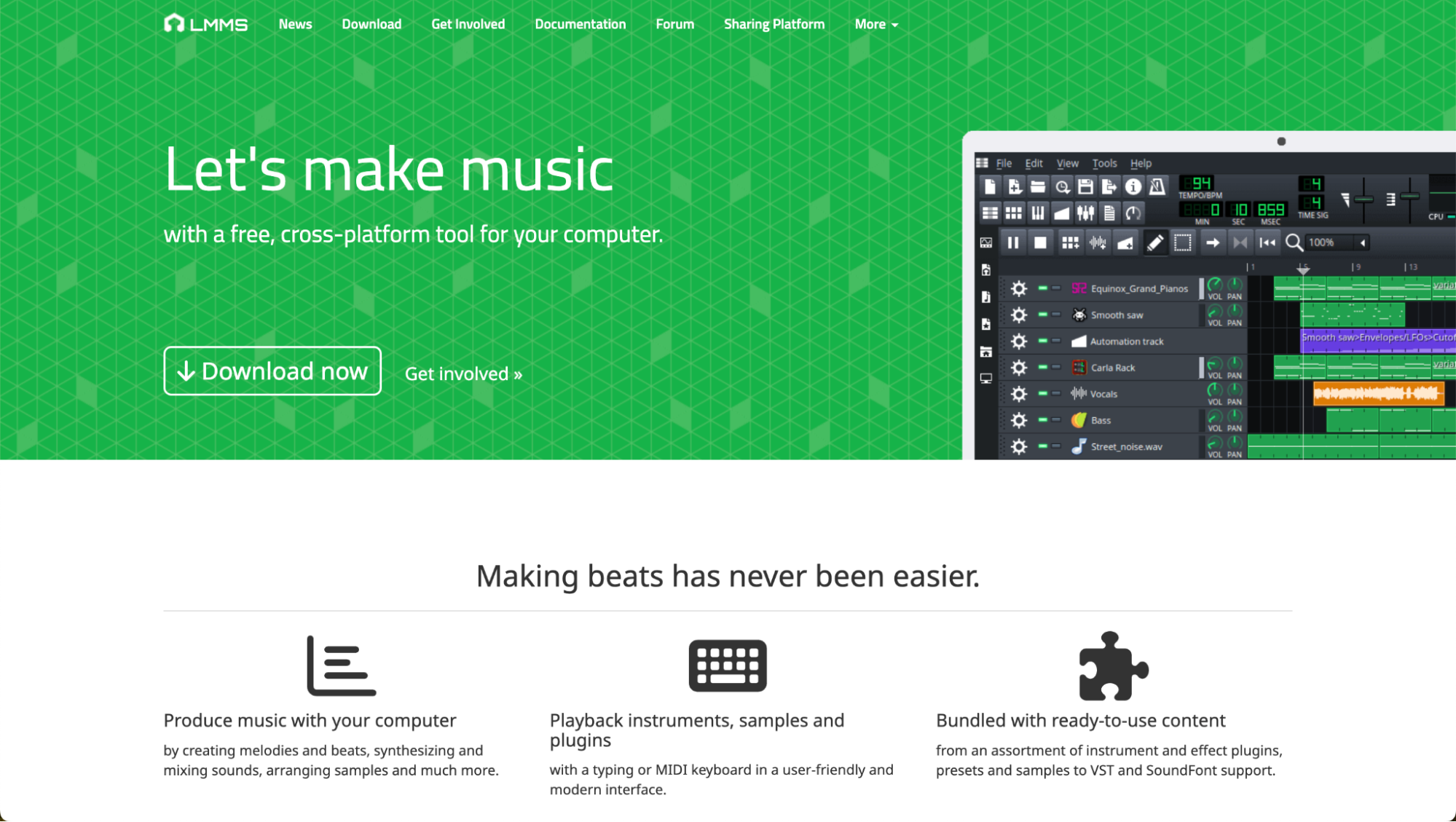
The platform focuses on creating music with virtual instruments, patterns, and MIDI sequencing rather than recording audio directly. Audio recording and detailed sample editing need to be handled in external programs like Audacity, Reaper, or Ardour. Still, LMMS remains a popular choice for beginners thanks to its open source, completely free, community-driven development model.
Key Features
LMMS’ features bring together composition, sequencing, and sound design tools in a single environment built around electronic music and MIDI workflows, like:
- Beat making software with a strong focus on electronic music
- Works on Windows, Linux, and macOS
- Sequence, compose, mix, and automate songs in one interface
- Piano Roll Editor for detailed control of notes, chords, and melodies
- 16 built-in synthesizers with plugin support
- Note playback via MIDI controllers or typing keyboard input
Best For
LMMS is best for beat makers and electronic music producers looking for a free, open-source DAW with an interface reminiscent of FL Studio. It’s also well suited for creators who need reliable cross-platform functionality across Windows, Linux, and macOS.
Waveform Free by Tracktion
Waveform Free, developed by Tracktion, is a free music making software for recording, editing, and arranging audio and MIDI. It is available on macOS, Windows, and Linux. Unlike many free DAWs that impose track or feature limits, Waveform Free does not restrict core functionality.
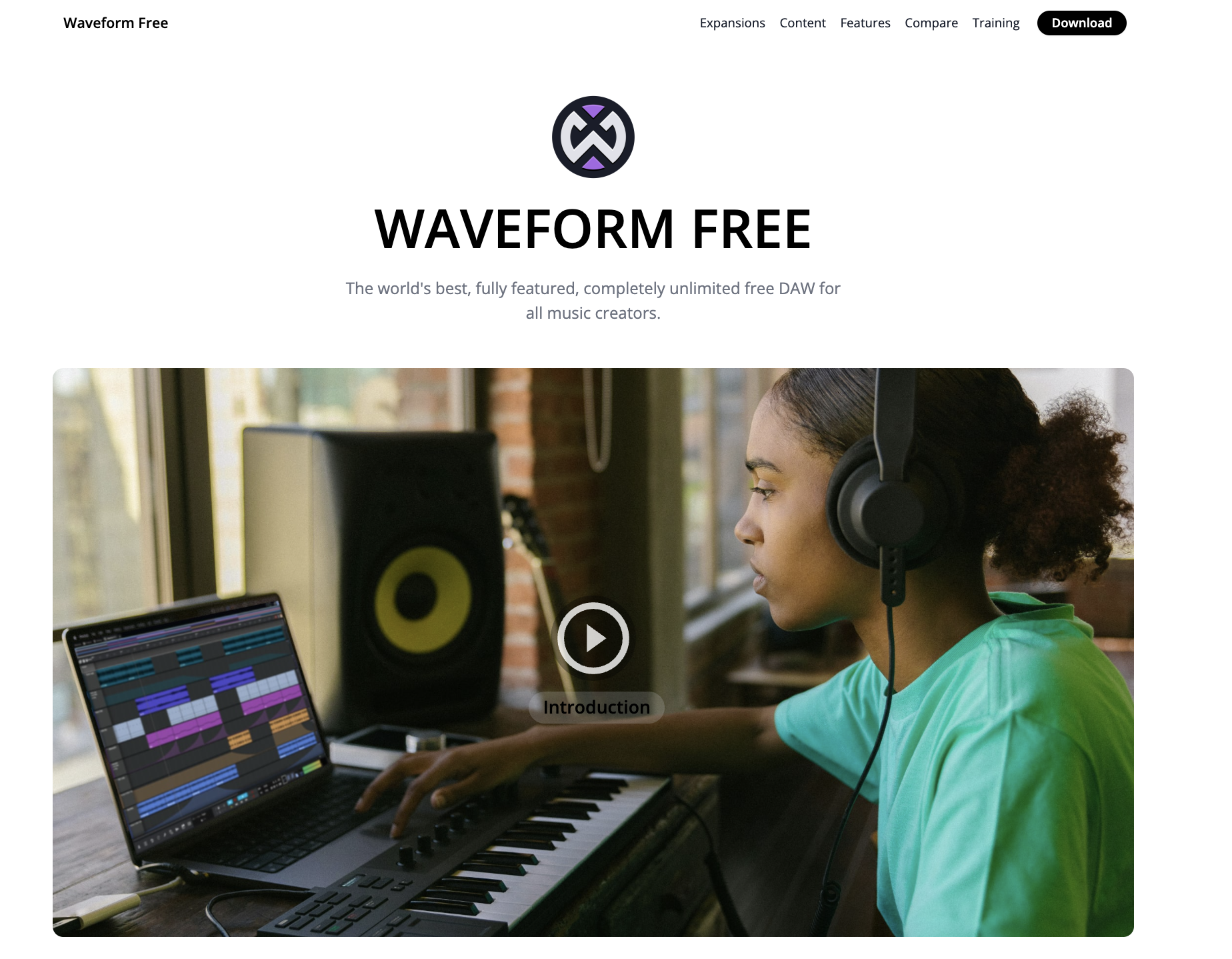
Instead, it provides a reduced selection of advanced tools and content compared to the paid version while still supporting complete music production workflows suitable for songwriting, recording, and mixing.
Key Features
Waveform Free includes a practical set of tools that support full recording and production workflows without imposing artificial limits. Some features include:
- Unlimited tracks for audio and MIDI projects
- Modern DAW interface
- Music recording software for capturing live performances
- Clip Launcher with drag-and-drop clip creation and duplication
- Built-in audio effects and utility plugins for mixing and project control
Best For
Waveform Free music making software is best for home studio setups that require an unrestricted DAW for multi-track recording, electronic music production, podcasting, and general music projects.
Is Free Music Making Software Good Enough for Beginners?
For most beginners, free music making software is more than enough to start creating. Learning how to structure a track, work with rhythm and melody, record vocals, and export finished audio does not require paid tools.
Free software does come with limitations; however, beginners rarely need complex features early on. What matters most is access to core music creation workflows and the ability to practice consistently. Often, free tools also help beginners understand what they actually need before investing in paid software.
Start Creating With the Best Free Music Making Software
Suno is the best free music making software available today because it brings songwriting, beat making, and production into one modern platform while giving creators real control over the creative process. Its free plan includes all the core tools needed to turn ideas into finished tracks.
Sign up for Suno for free today and explore all the features the best free music making software has to offer.
Free Music Making Software FAQs
What is the best free music making software?
The best free music making software depends on your needs, but Suno stands out for combining songwriting, beat making, and production tools in one cloud-based, AI powered platform.
Is Suno free to use for music creation?
Yes, Suno comes with a free plan that includes access to core music creation tools that allow users to create full tracks before deciding to upgrade.
Can beginners make music with free software?
Yes, beginners can create complete songs using free music making software, including beats, vocals, and mixed tracks.
Do free music making tools support recording?
Many free tools support audio recording, though some focus primarily on MIDI and require external recording software.
What is the easiest music making software?
Ease depends on workflow preference, but platforms like Suno, with guided creation and an all-in-one environment, are often the most accessible options for beginners.
Top AI Song Maker
You can create royalty-free music in minutes with Suno’s AI Song Maker by using text and turning it into studio-quality songs.