
AI Song Lyrics Generator
Author
Luis Minvielle
Date Updated

The best AI song lyrics generator is Suno, because it turns your lyrics into complete songs with vocals and instrumentals in one place. Paste or generate lyrics, set the genre, mood, and voice, then hear two full versions built around your words. It's free to start, works across genres like rap and pop, and unlocks commercial rights on paid plans.
Most lyric tools stop at words on a page. They help you write verses, then leave you to figure out melody, vocals, and music on your own. Suno takes a different approach. It turns lyrics into complete songs with vocals and instrumentals in one place.
This page explains how Suno works as an AI song lyrics generator and how it helps creators move from written ideas to finished tracks. You can start with a short prompt, a rough verse, or a full set of lyrics, then hear them performed as music. For creators looking for an AI song generator from lyrics, Suno offers a direct and practical workflow.
What Is an AI Song Lyrics Generator
An AI song lyrics generator helps users write structured lyrics such as verses, hooks, and choruses based on prompts like mood, theme, or style. Early tools focused only on text. Modern platforms expand that definition by helping users bring the lyrics to life by creating full compositions.
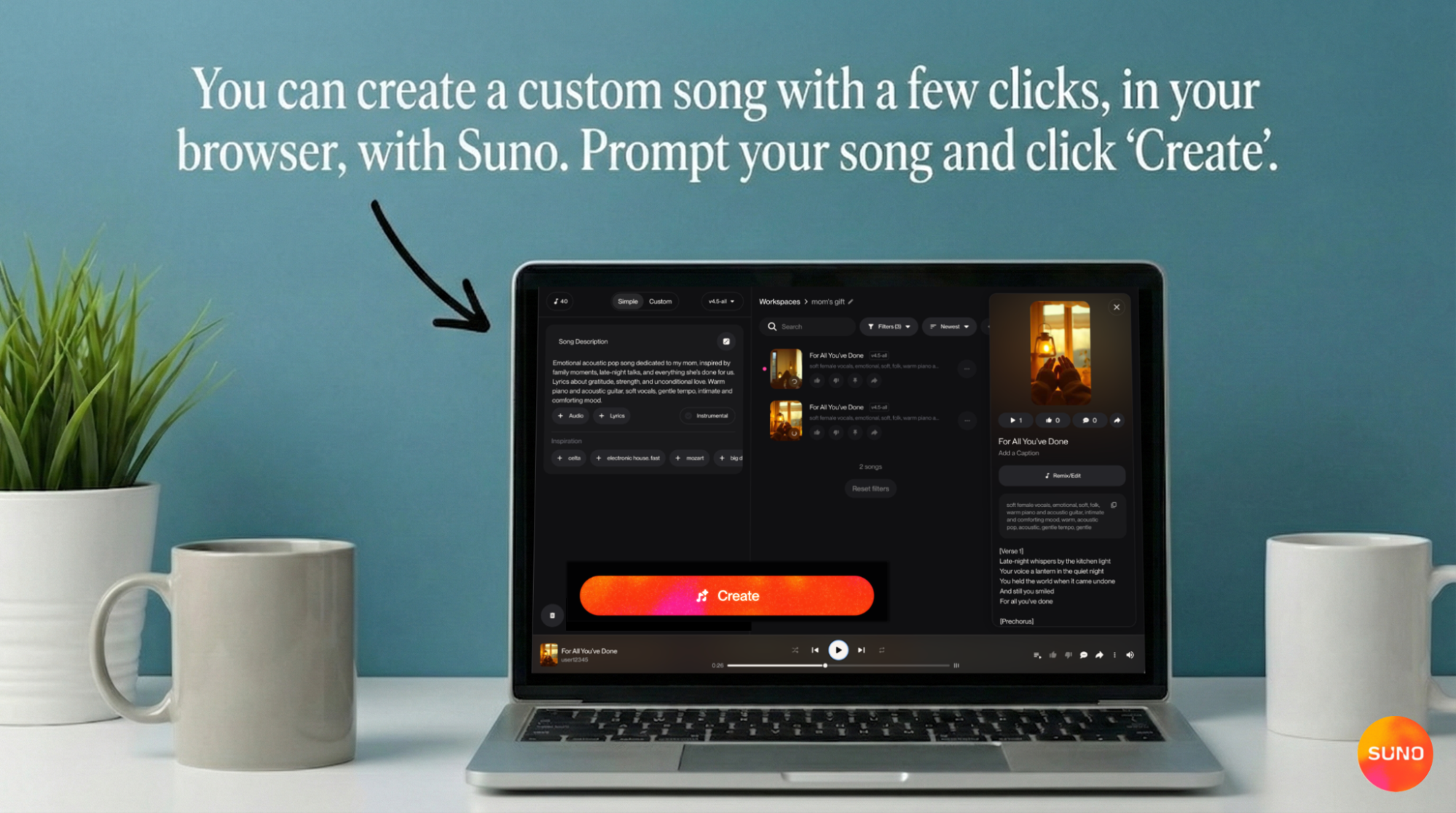
Suno combines lyric writing with music creation. Instead of treating lyrics as a standalone output, Suno lets you create cohesive, polished songs with full studio-like production. It removes the space between writing and creating the actual music.
Plus, a recent The Wall Street Journal article highlights how fast Suno is taking off, with a $250 million raise and a $2.45 billion valuation. It’s already generating about $200 million a year, thanks to a huge community of creators joining in.
Recommended Read: The 5 Best AI Rap Lyrics Generators for 2026 →
How Suno Works as an AI Song Lyrics Generator
Suno anchors its AI song lyrics generator directly to the music-making process. You can shape words first, or both together. The platform adapts to different creative styles without forcing a rigid workflow.
Write Lyrics With Suno
Suno offers multiple ways to work with its AI song lyrics generator based on how much direction you want.
The Simple tab combines lyrics and song direction in a single input. You describe the type of song you want, such as mood, theme, or style, and move straight into song creation. This works well for fast ideas, rough drafts, or moments when you want momentum.
For more control, the Advanced tab separates lyrics from the rest of the setup. You can paste verses you already wrote or describe new ones. These lyrics stay available once you move forward with the song.
The magic wand opens a dedicated lyrics workspace. Here, you can refine existing lines or ask for a full set of lyrics. You can be specific about structure, tone, or subject. Suno provides two lyric options, which you can edit and personalize until they feel right before hitting create and listening to the final song.
Turn Lyrics Into a Full Song With Suno
Once you’re done with the AI song lyrics generator, Suno can turn them into a complete track. Suno handles music production while keeping everything aligned with your lyrics. This removes the need to search for other tools to make the beat or work with a separate AI music composer.
After setting the lyrics, you define the genre, mood, tempo, and voice type using the style and advanced options.
Advanced controls let you choose vocal gender, enable auto-lyrics mode, and adjust style influence and weirdness. When you hit create, you hear two different versions of your song, each with a full instrumental arrangement.
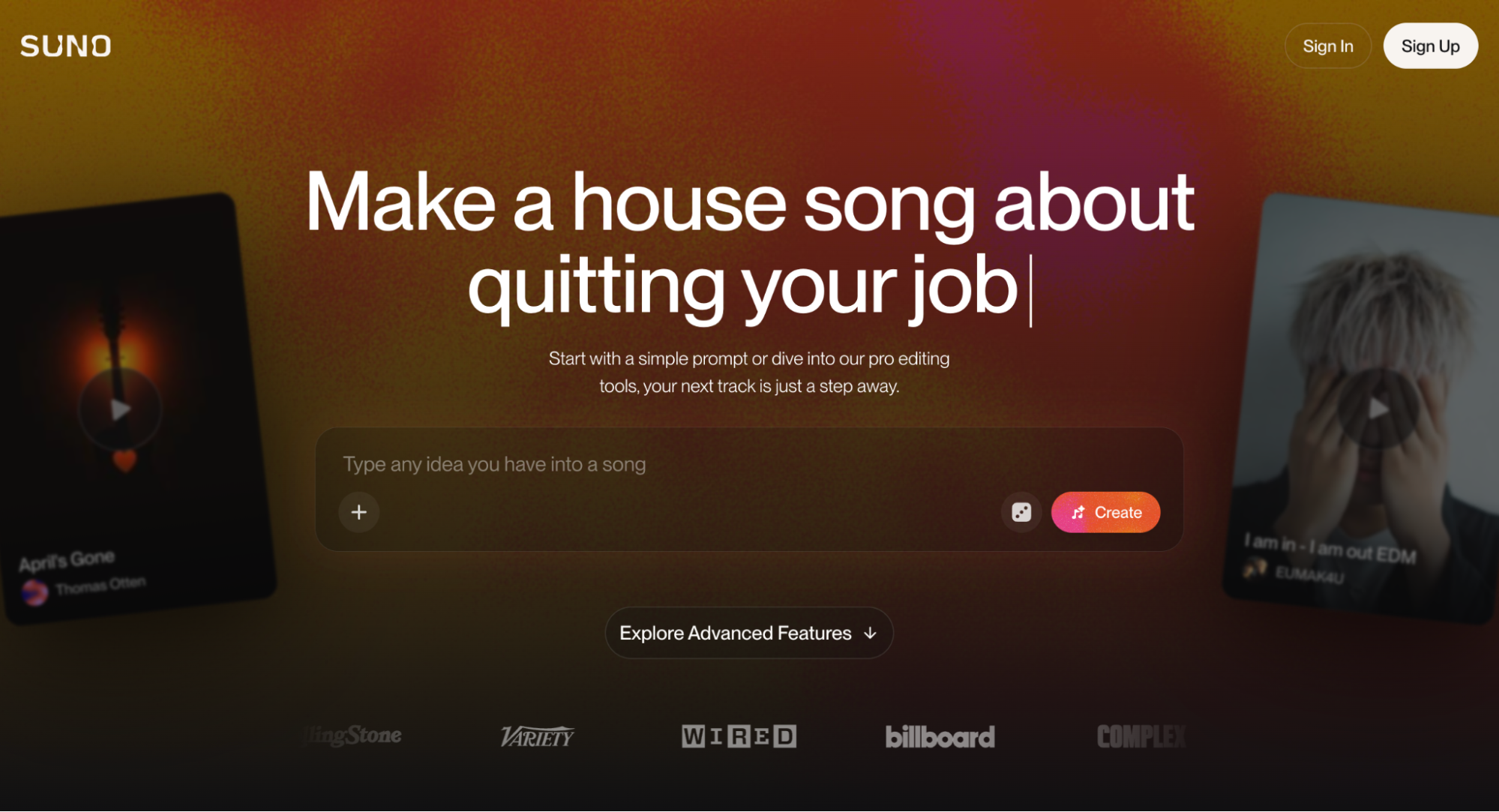
You can refine prompts and try again until the result feels right. From there, you can fine-tune the track in the Song Editor or Suno Studio. These tools support stem separation, mixing, and adding your own vocals or instruments. If you like a specific voice and style, you can save it as a Persona to keep consistency across songs.
Why Suno Is Different From Other AI Lyric Generators
Many AI song lyrics generator tools focus only on text.
- Canva, FreshBots, and Word Studio help generate lyrics
- Some tools assist with structure and rhyme
- Very few connect lyrics directly to full music production
That is a major limitation for creators who want to hear their ideas as music. Traditional tools leave users searching for ways to make up for this limitation or juggling multiple platforms to finish a song. Suno solves that problem. The AI song lyrics generator tool works together with the song maker in one workflow through vocals, beats, and structure.
Recommended Read: How to make a song with Suno →
What You Can Create With Suno
With Suno’s AI song lyrics generator and song maker, there’s a wide creative range. You can work across genres and formats without changing tools.
- Full songs from scratch: Create complete tracks in minutes.
- Love songs and personal songs: Write music for birthdays, anniversaries, or gifts.
- Rap and genre-specific lyrics: Work across rap, pop, rock, indie, and more. Suno supports flexibility in multiple genres and languages.
- Jingles and short tracks: Create branded audio, intros, or hooks with custom lyrics for creators and businesses.
- Royalty-free songs for content: Use tracks in videos, podcasts, and commercial projects with a royalty-free approach supported by rights and ownership terms.
Free vs. Paid Suno Plans
Suno’s AI song lyrics generator works across all plans. The Free plan works well for exploration and learning the platform. Paid plans unlock deeper controls, advanced editing tools, and commercial usage. Upgrading makes sense once you want consistency, refinement, or monetized distribution.

Turn Your Lyrics into Finished Songs with Suno
Most AI song lyrics generator help you start. Suno helps you finish. By keeping lyrics, vocals, and music connected from the first idea, Suno removes the friction that stops songs halfway. You can focus on writing, shaping, and refining while the music keeps pace with your ideas.
Sign up now and turn your lyrics into real songs with Suno.
AI Song Lyrics Generator FAQs
Is Suno an AI song lyrics generator?
Yes. Suno helps users write lyrics and turn them into complete songs with vocals and music.
Can Suno turn my lyrics into a song?
Yes. Paste your lyrics, choose style and settings, then hear them performed as a full track.
Are songs made with Suno royalty-free?
Yes. Music created with Suno is designed for safe use with clear ownership terms. Tracks made on the Free plan are limited to non-commercial use. Pro and Premier plans include full commercial rights, which allows music to be used across monetized and professional projects without licensing confusion.
Can I make rap or love songs with Suno?
Yes. Suno supports many genres, such as rap, pop, and love songs.
Is Suno free to use?
Yes. Suno has a free tier option that unlocks lyric and song generation. Paid plans unlock advanced tools and commercial use.
Best AI Music Generators: The Best Tools to Create Songs
The best AI music generator is Suno. I tested 10 AI music generators to see which one was the best in 2026. Read on.
How to Make a Song with Suno
Learn how to make a song with AI using Suno. Create lyrics, melodies, and full tracks in minutes, no production experience needed.